getimg.ai's AI Marketing Prompt Book
Copy-paste prompts and Action settings for marketing: ad creatives, campaign variants, UGC, video ads, voiceovers, music and sound effects.
AI Prompts for Marketing Images, Video and Audio
Campaign visuals, video ads, voiceovers, music and sound effects, all from one getimg.ai account and without booking a shoot or a studio. Every entry below gives you a prompt to copy, or the options to pick, and an example of the result.
Log into getimg.ai, pick an entry, and try it on a real campaign, product or offer.
Three ways to work
- Write a prompt in a generator: Create image, Create video, Create music, Create speech or Create sound effect, all under Tools in the sidebar.
- Guide the prompt with references: images, video clips, audio tracks, or saved Elements you call with @Name.
- Pick an Action: add a source file, choose from a short list of options, and generate. No prompt needed.
Batch size is a stepper: any number from 1 to 16 images, or 1 to 4 videos, songs or sound effects. Every result in a batch comes from the same prompt, so use it for more takes of one idea. For different directions, write one prompt per direction.
Set Up Your Brand Once
Brand kit as Elements
Use it for
Keeping the product, colors and look the same across every ad, without repeating the setup in each prompt.
Where
Open Elements under Personalization in the sidebar. Create one Element per thing you reuse, upload 1 to 20 photos of it, and name it. Then type @ and the name in any prompt.
Common marketing Elements
- Your product (Product)
- Your brand colors (Color Palette)
- Your signature look (Style)
- Your lighting setup (Lighting)
- Your brand face or ambassador (Person)
Copy-paste prompt template
@[Product] on [SURFACE] in [SETTING], lit with @[Lighting], colors from @[Palette].
Example
@HydraSerum on a pale travertine ledge against a deep burgundy linen drape, lit with @SoftWindow, colors from @HydraPalette.
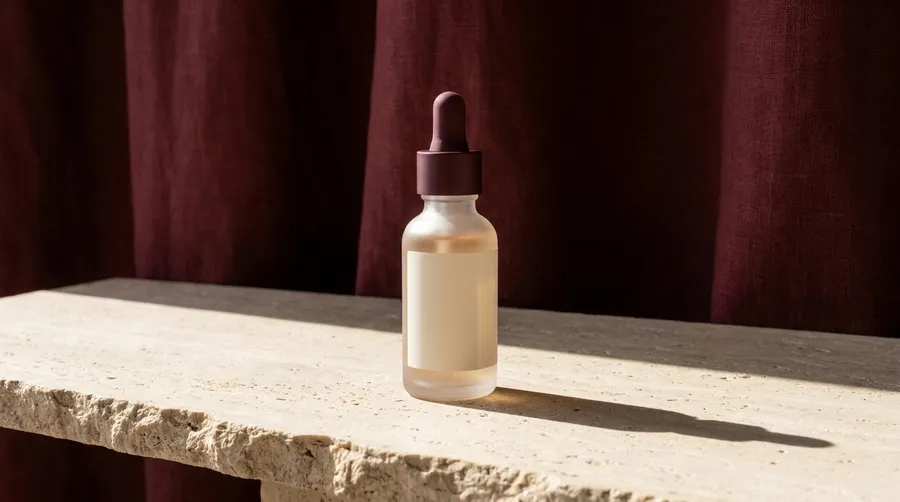
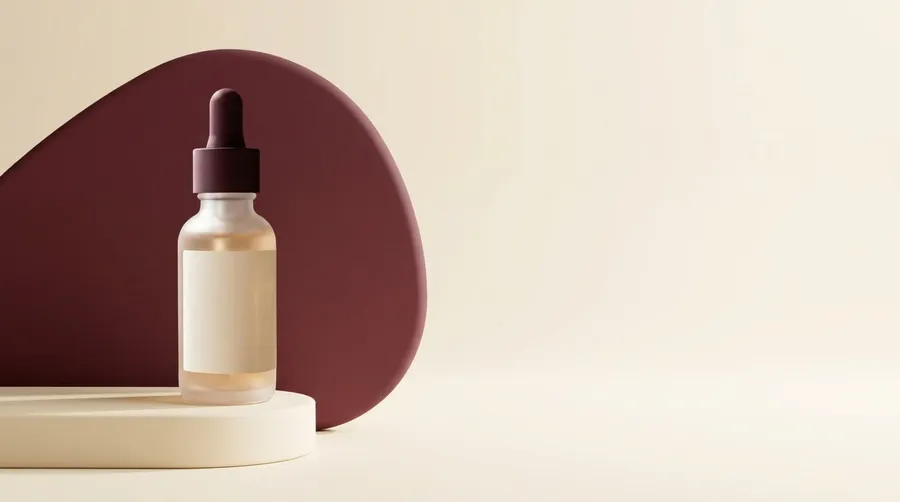
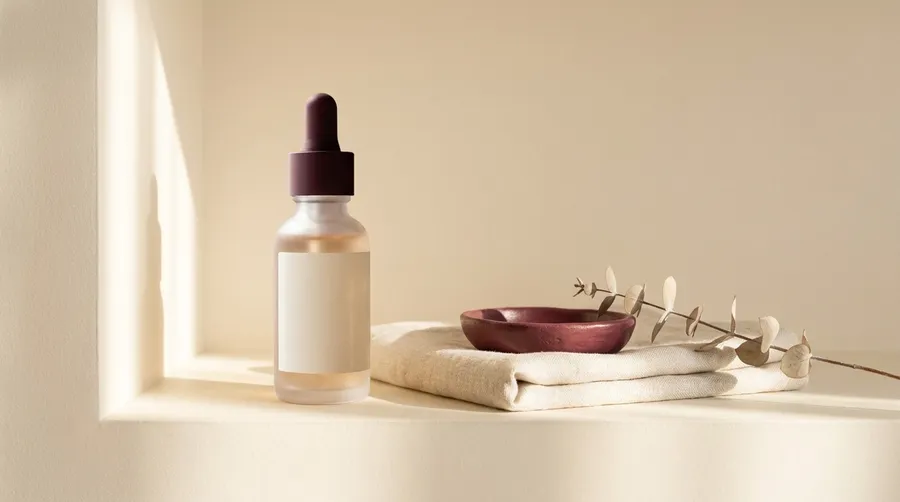
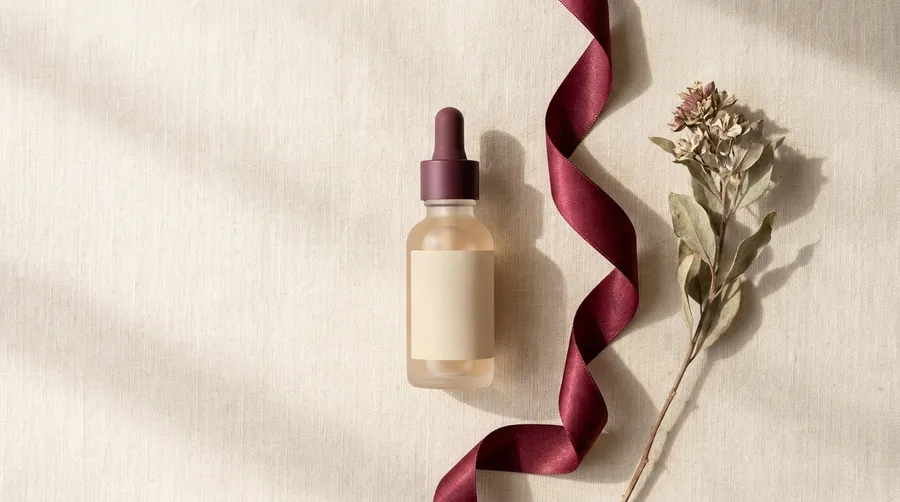
Quick tips
- Elements work in Create video too, on models that accept reference images.
- Use an Element for what repeats, and a one-off reference image for this shot's pose or setting.
Brand persona or mascot
Use it for
A recurring face for ads, social posts and UGC-style video that belongs to your brand and no real person.
Where
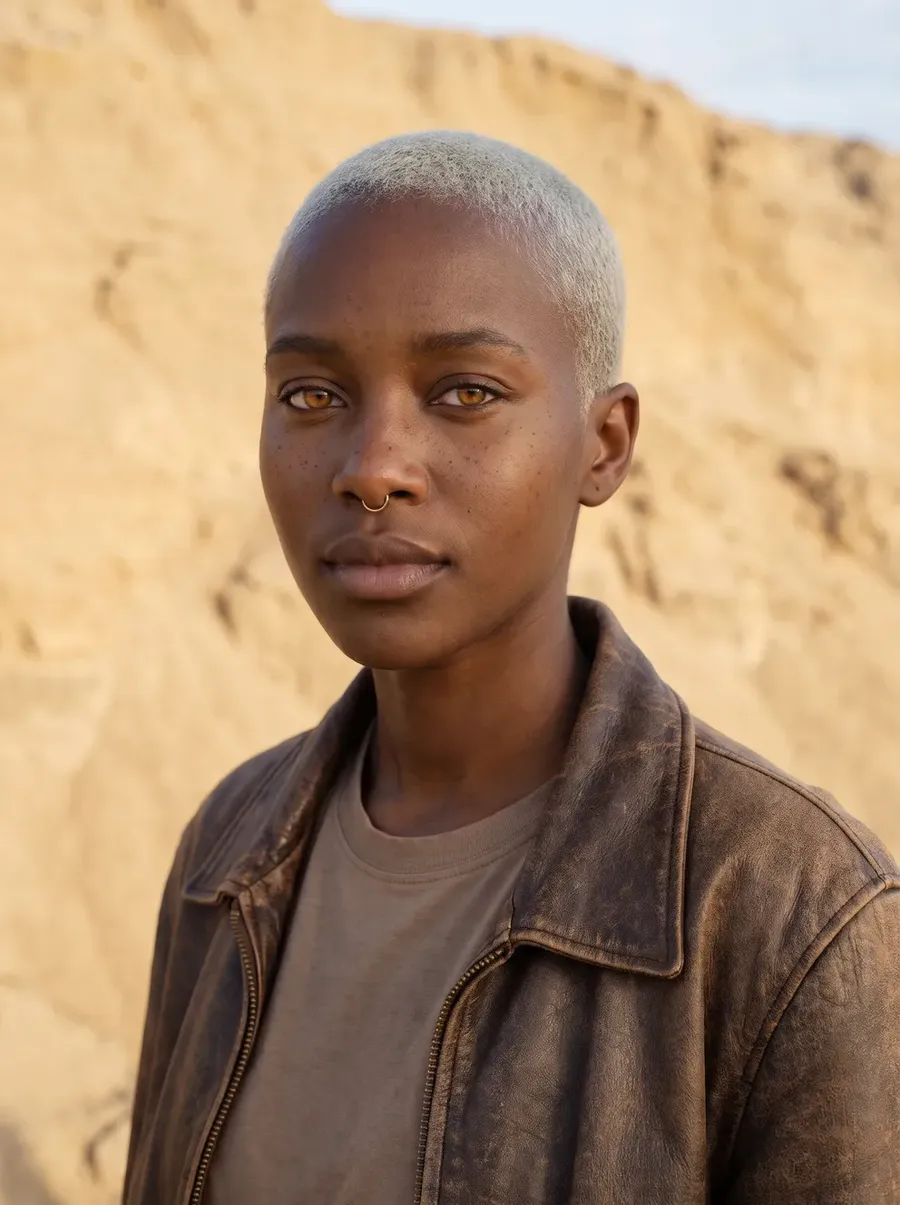
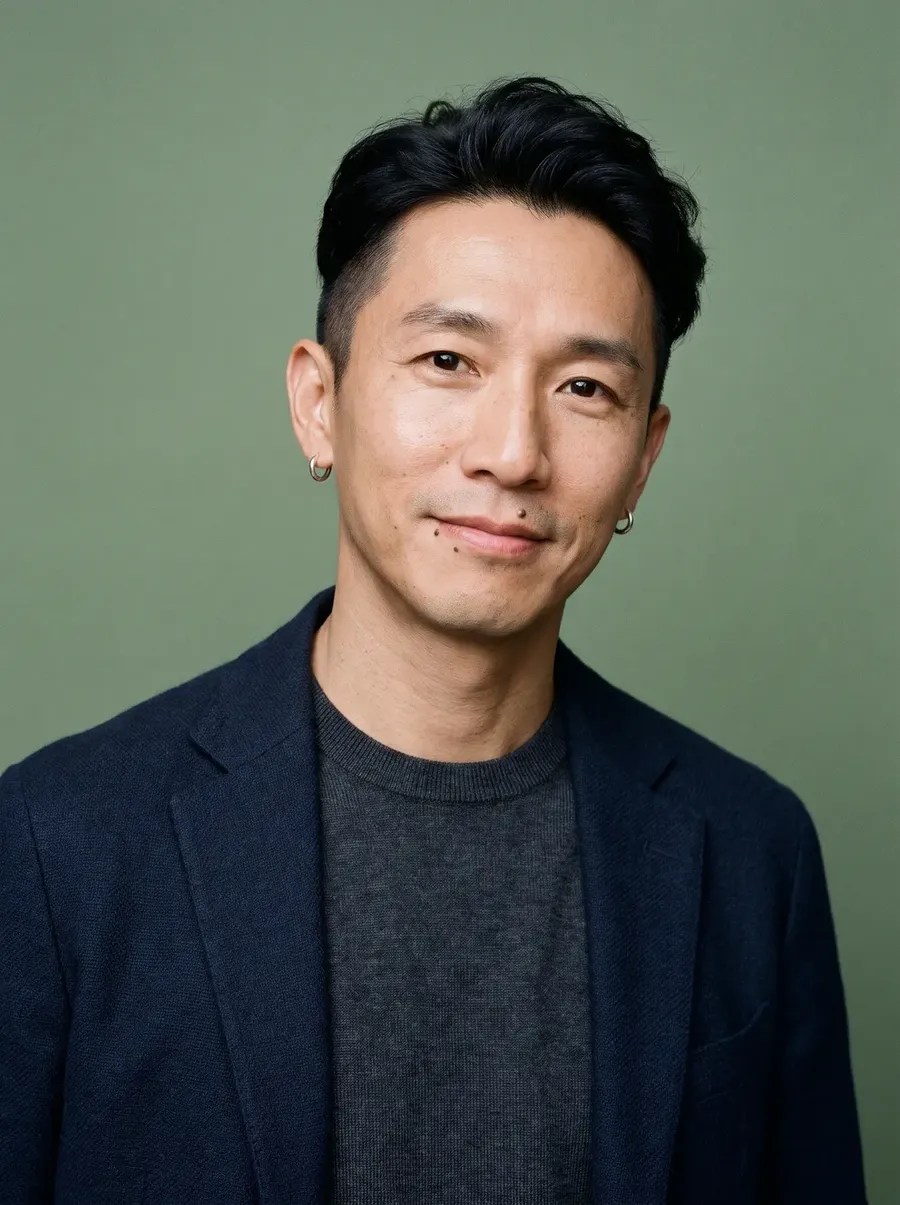
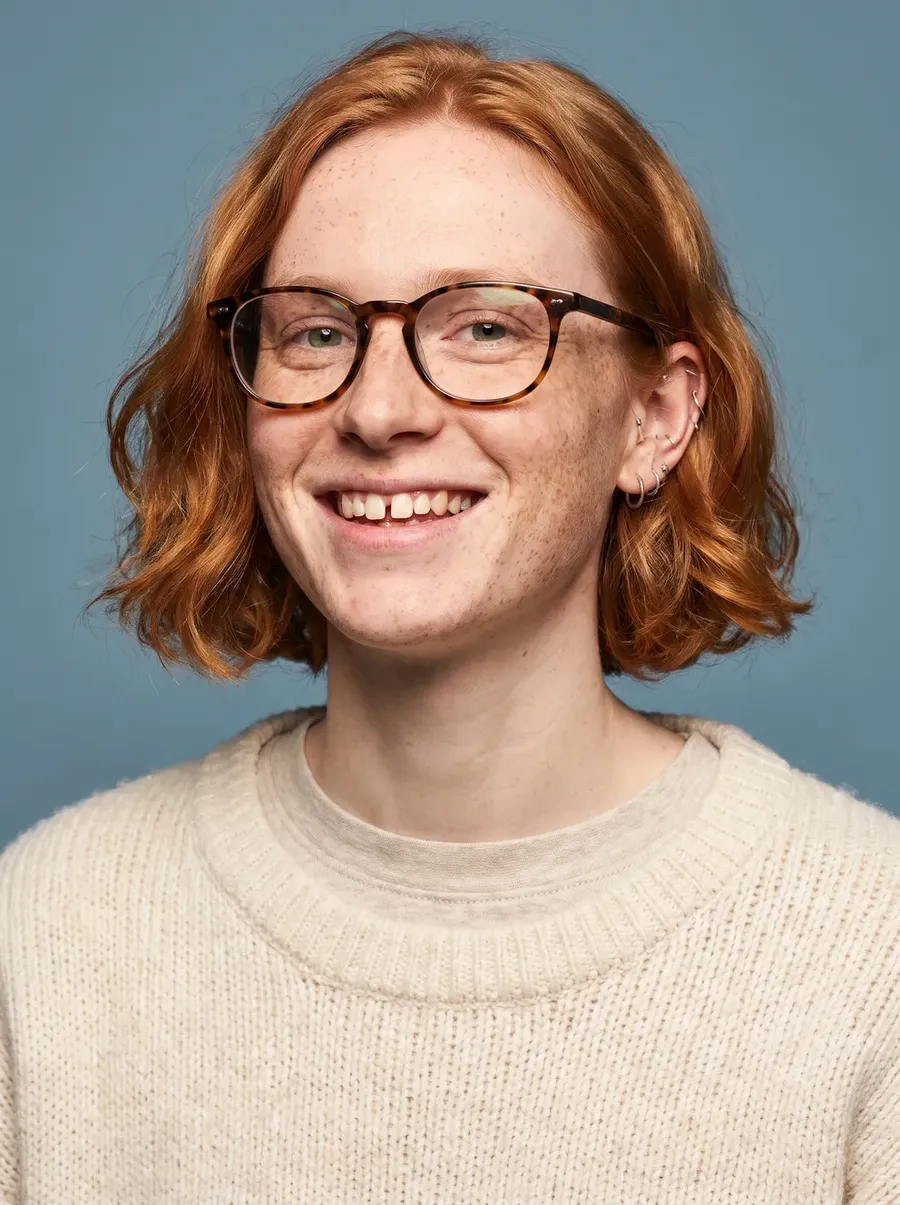
Character creator. No photo needed.
Options to pick
- Gender, heritage, build, skin tone and skin details
- Hair, hair colour, eyes and age
- Outfit and art style: photoreal, anime, 3D render, comic or painterly
- Anything else: an optional free-text field
Quick tips
- Save your favorite result as a Person Element to keep the same face in later images and videos.
Key Visuals and Ad Concepts
These prompts run in Create image. Put the headline after "Text on image" and keep it short: a few words render more reliably than a full sentence.
Product ad with text
Use it for
A finished ad with the headline already on it, built from your own product photo.
What you upload
A product photo, added with the Reference button in the prompt box.
Copy-paste prompt template
Create a [TYPE] advertisement for this [PRODUCT]. [SCENE OR STYLE]. Strong marketing composition, high visual clarity. Include readable typography. Text on image: [TEXT].
Example
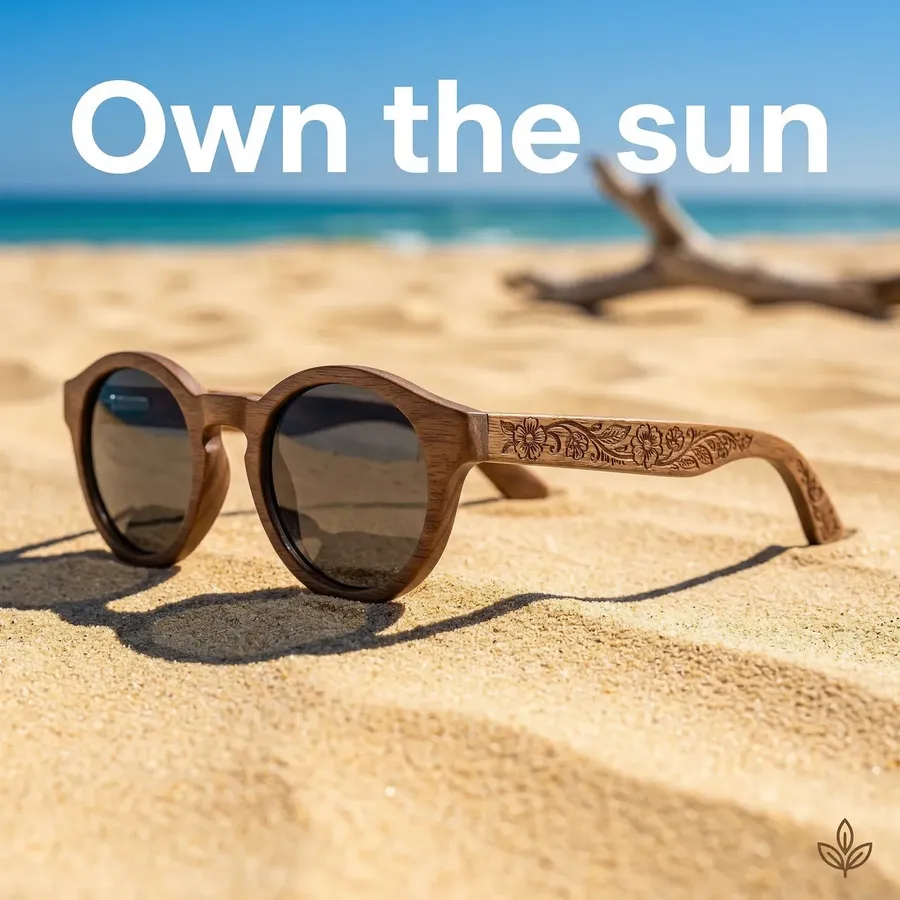
Create a bold summer advertisement for these sunglasses. Beach environment, strong sunlight, sharp shadows, fashion editorial style. Include readable bold sans-serif typography. Text on image: Own the sun.
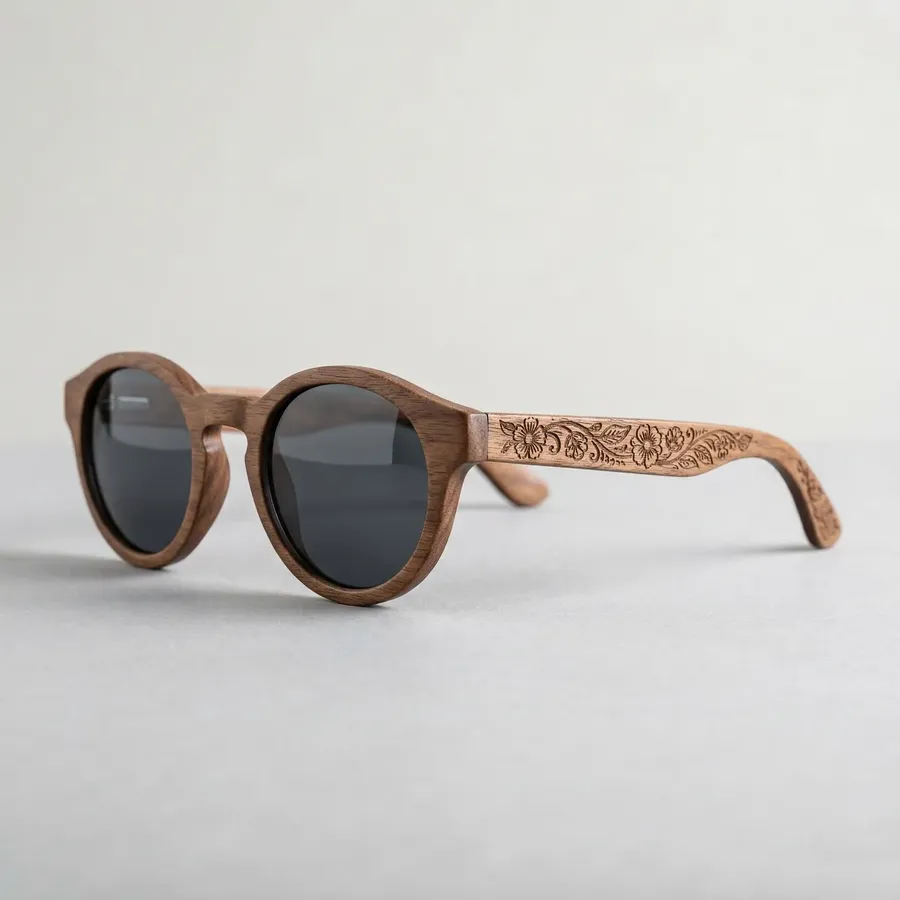
Reference image
Result
Quick tips
- Selling a service or an idea? Skip the reference and describe a concept scene instead.
Promo or offer visual
Use it for
Sales, discounts and limited-time offers.
Copy-paste prompt template
Create a promotional marketing image for [PRODUCT OR OFFER]. Bold composition, strong contrast, attention-grabbing layout. Include clear typography. Text on image: [TEXT].
Example
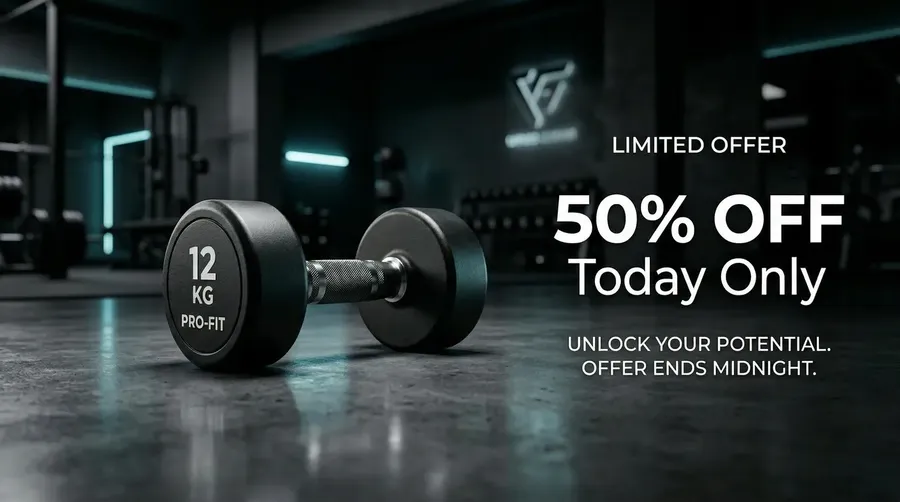
Create a promotional marketing image for a fitness program. Bold composition, strong contrast, high-energy look. Include clear typography. Text on image: 50% OFF Today Only.
Before and after in one scene
Use it for
Services, apps and anything sold on a result.
Copy-paste prompt template
Create a marketing visual showing transformation from [BEFORE] to [AFTER] in a single cohesive scene. Blend both states naturally instead of a hard split. Strong contrast, cinematic composition. Include readable typography. Text on image: [TEXT].
Example
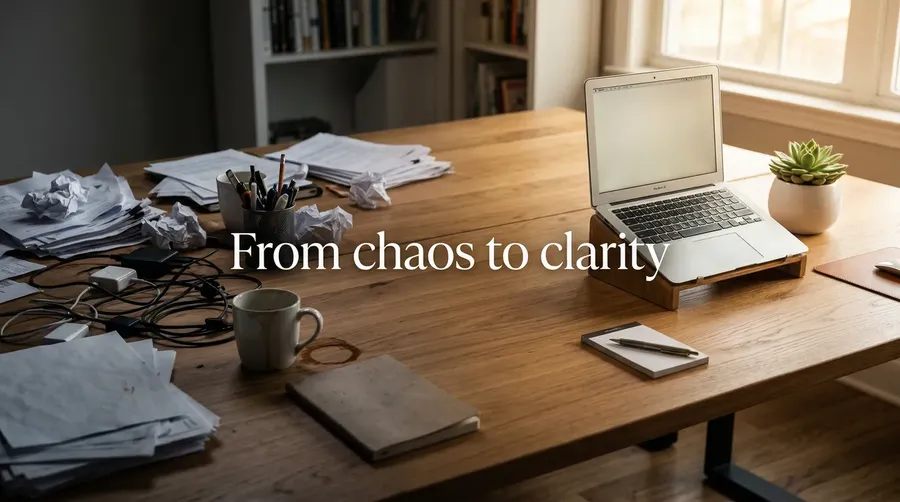
Create a marketing visual showing transformation from chaotic task overload to organized workflow. Blend both states naturally instead of a hard split. Strong contrast, cinematic composition. Avoid generic split-screen layout. Include readable typography. Text on image: From chaos to clarity.
Feature in action
Use it for
Showing what a product or service does, not just what it is.
Copy-paste prompt template
Create a marketing visual showing [FEATURE] happening in a real-world moment. Focus on the interaction and outcome, not UI overlays. Natural but well-composed scene, strong lighting, commercial style. Include readable typography. Text on image: [TEXT].
Example
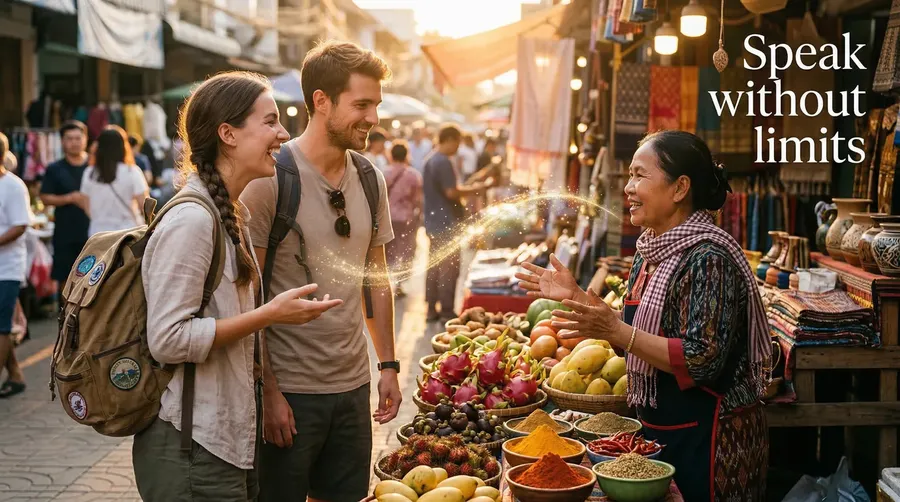
Create a marketing visual showing instant translation during a conversation. Two people talking in a busy street market, subtle visual cue of understanding between them instead of heavy UI overlays, natural but cinematic lighting. Include readable typography. Text on image: Speak without limits.
Humor ad
Use it for
Memorable ads that don't feel like ads.
Copy-paste prompt template
Create a humorous marketing visual for [PRODUCT OR SERVICE]. Unexpected situation, slightly exaggerated, internet-style humor. Strong composition, not stock-like. Include readable typography. Text on image: [TEXT].
Example
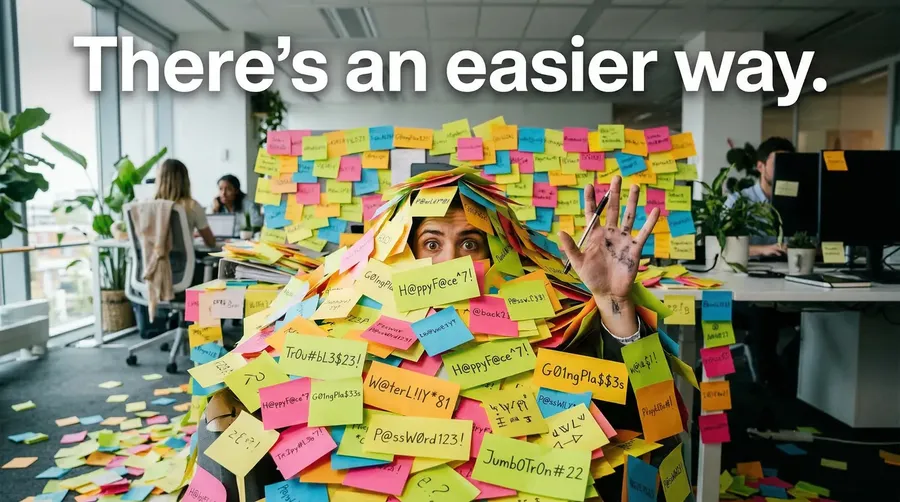
Create a humorous marketing visual for a password manager. Unexpected situation, slightly exaggerated, internet-style humor. Strong composition, not stock-like. Include readable typography. Text on image: There's an easier way.
3-panel story
Use it for
Telling a sequence instead of making a single statement.
Copy-paste prompt template
Create a 3-panel marketing visual telling a short story about [PRODUCT OR IDEA]. Panel 1: [MOMENT 1]. Panel 2: [MOMENT 2]. Panel 3: [MOMENT 3]. Consistent style across panels.
Example
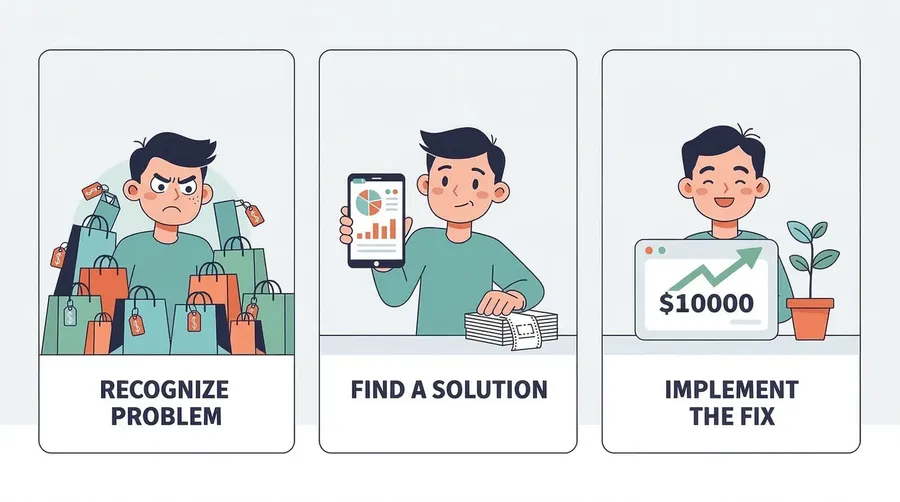
Create a 3-panel marketing visual telling a short story about a budgeting app. Panel 1: impulsive spending. Panel 2: realization and tracking. Panel 3: control and savings. Consistent style across panels.
Test and Scale a Campaign
Test different creative directions
Use it for
Finding the look that works before you spend on media.
What you upload
One product photo as a reference.
Copy-paste prompt template
Create an advertisement for this [PRODUCT] in a [DIRECTION] style. [SCENE DETAILS]. Keep the product exactly as in the reference.
Example
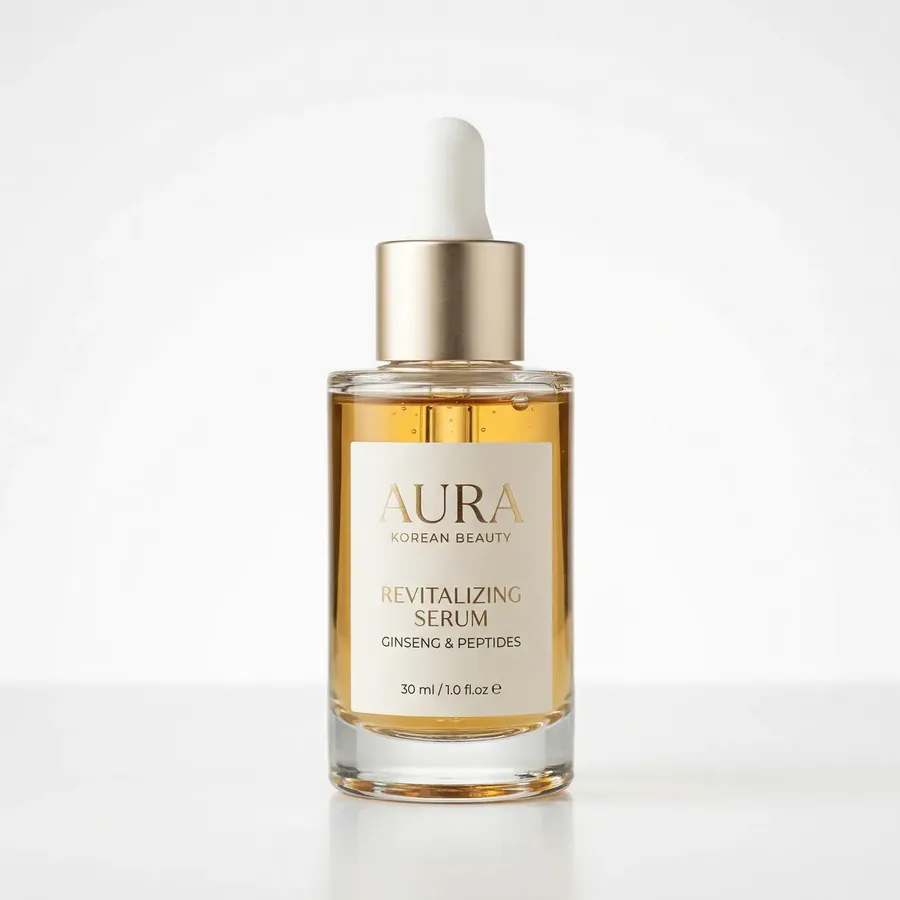
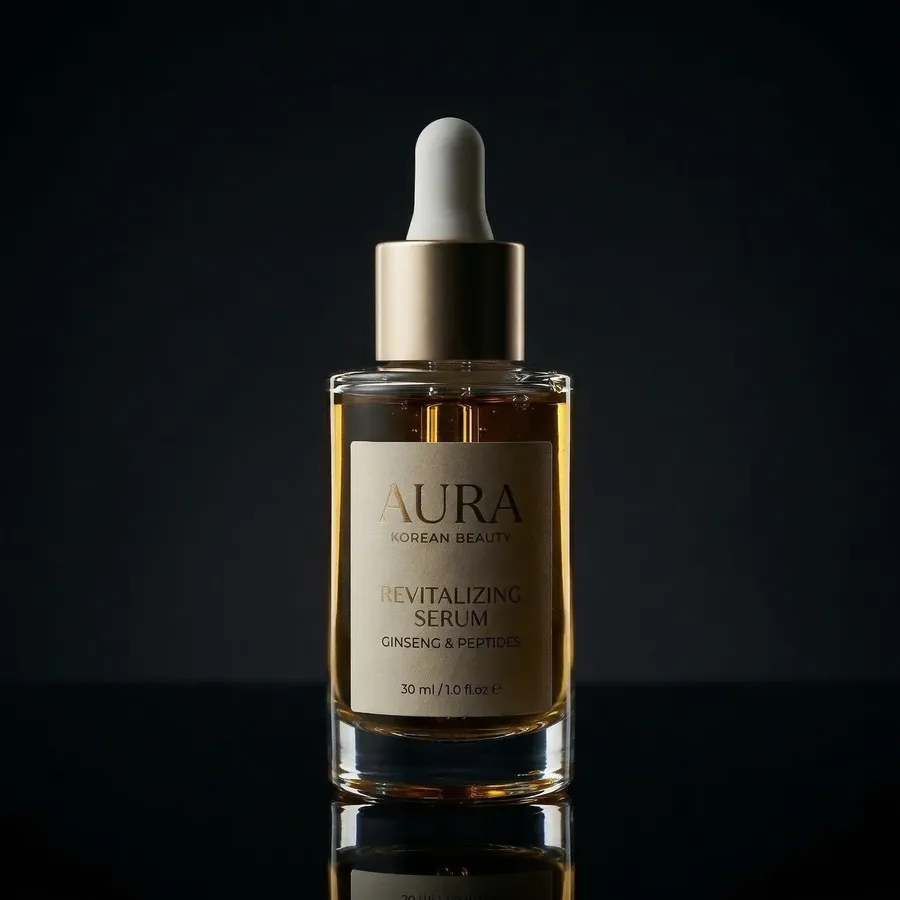
Create an advertisement for this serum in a dark premium style. Black backdrop, glossy reflection, a single spotlight. Keep the product exactly as in the reference.
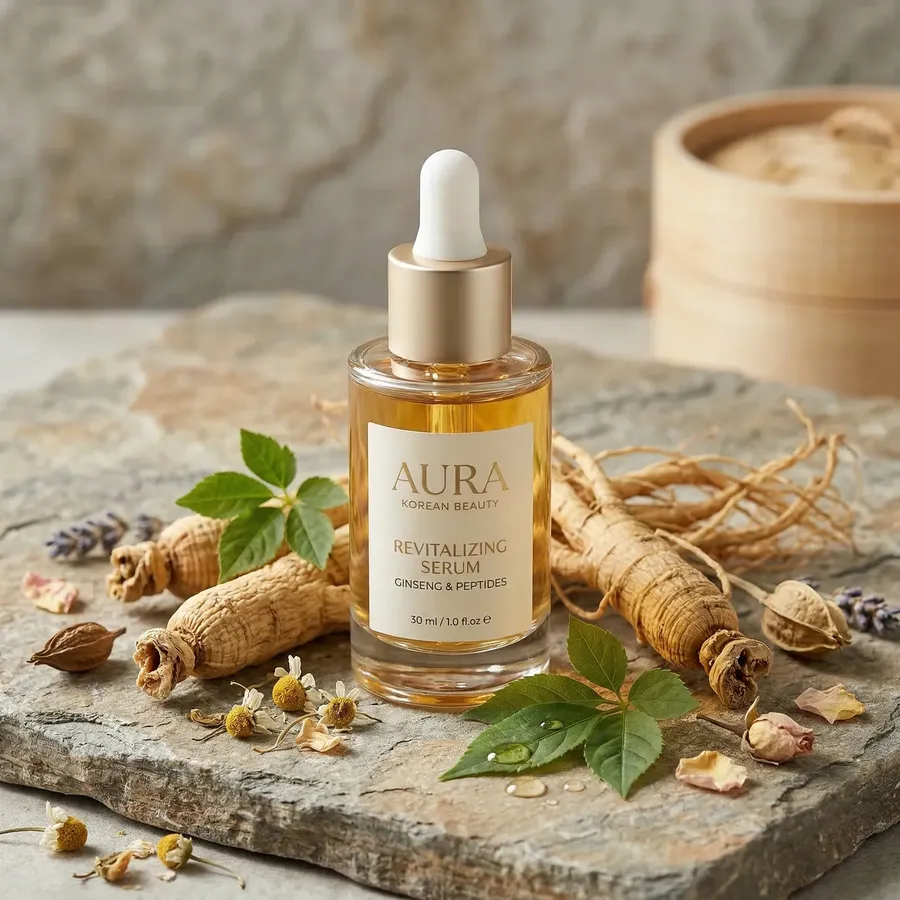
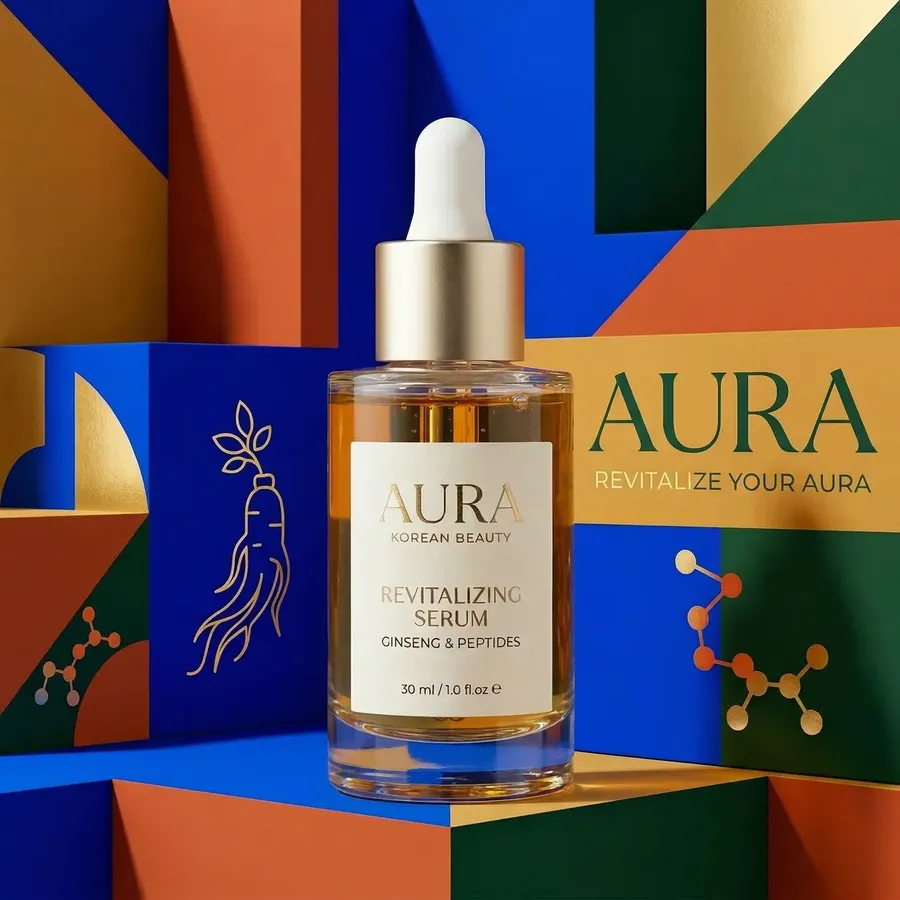
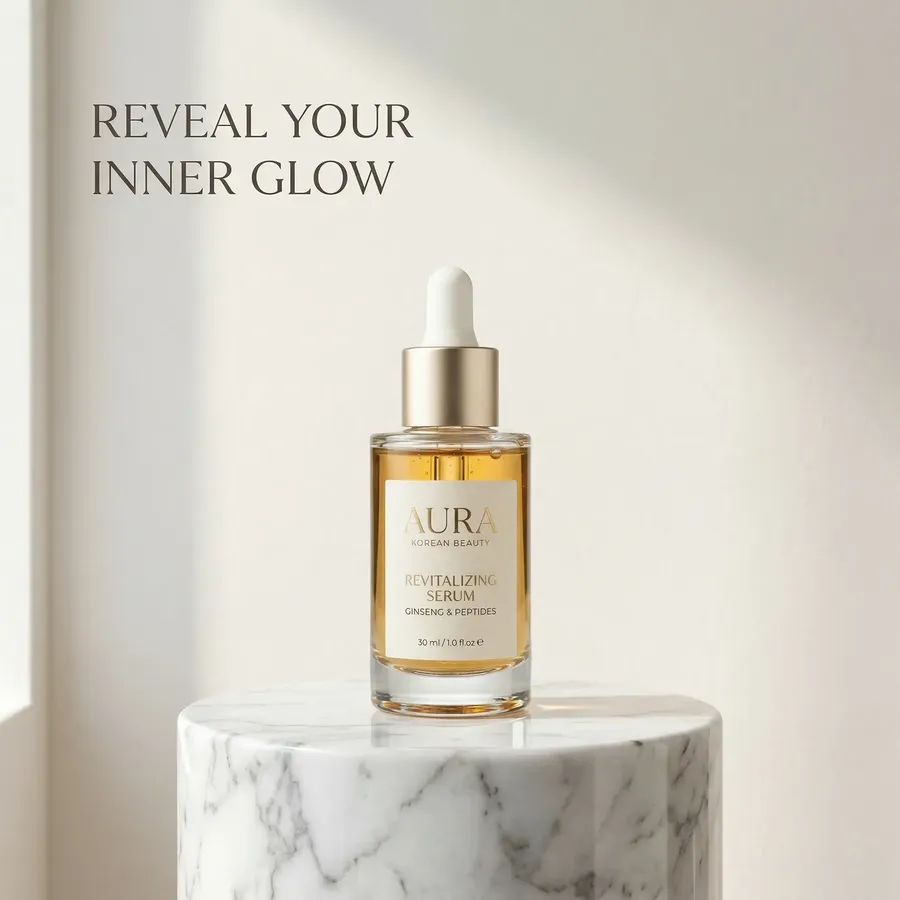
Then run the prompt again for each direction you want to compare, changing only the style and scene: clean clinical, warm natural, organic earthy, bold graphic, futuristic tech, pastel soft, luxury minimal. The first image below is the reference.
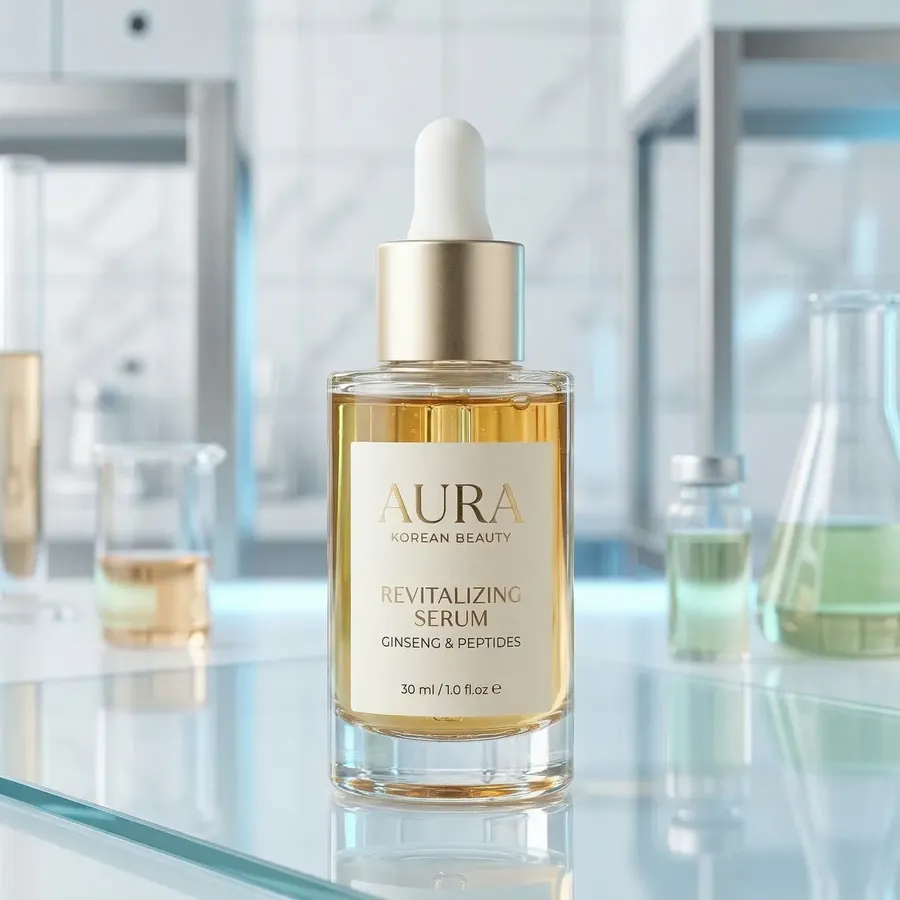
Reference image
Dark premium
Clean clinical
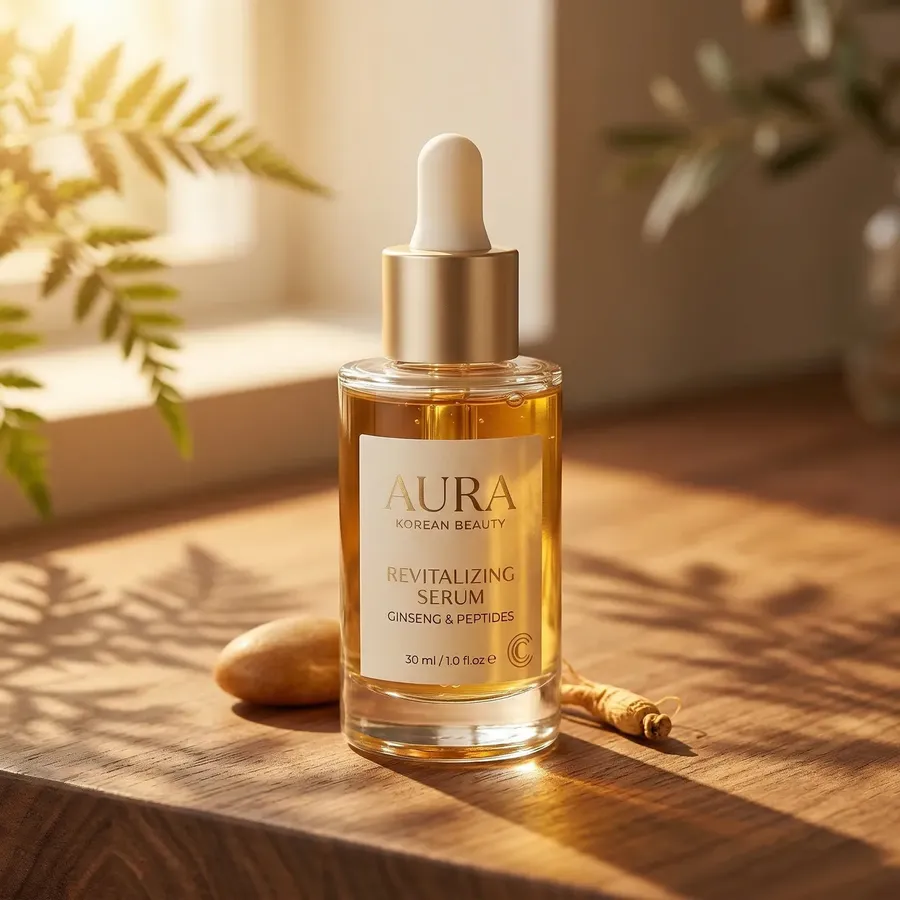
Warm natural
Organic earthy
Bold graphic
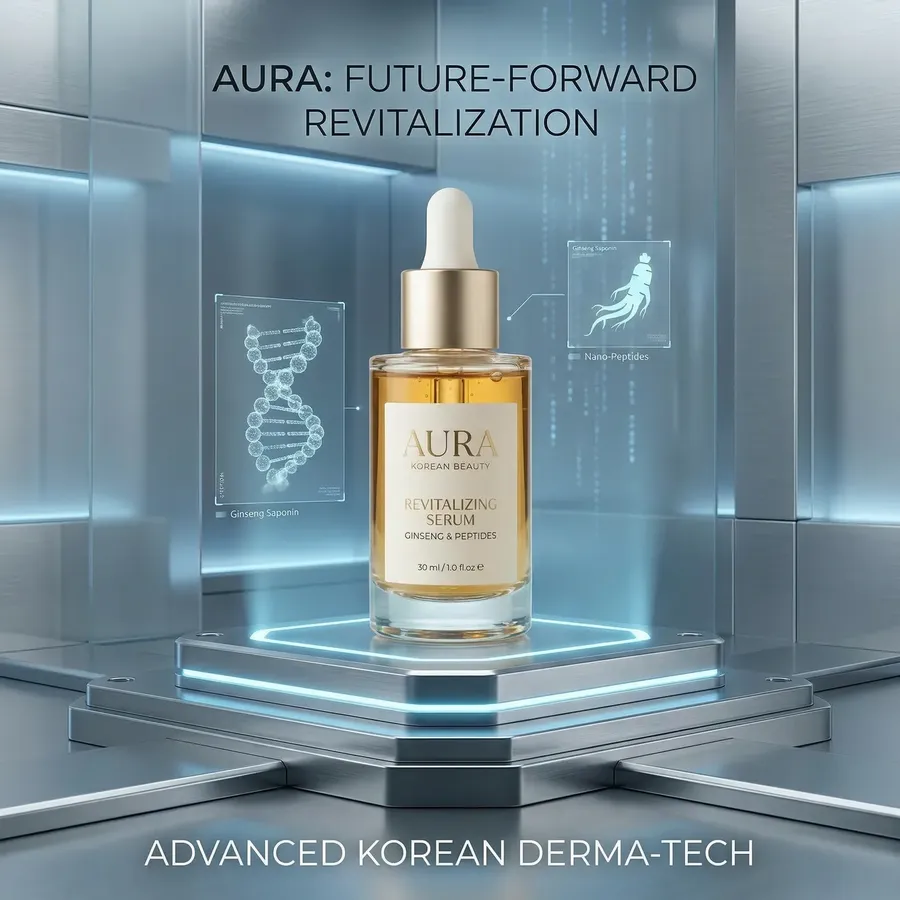
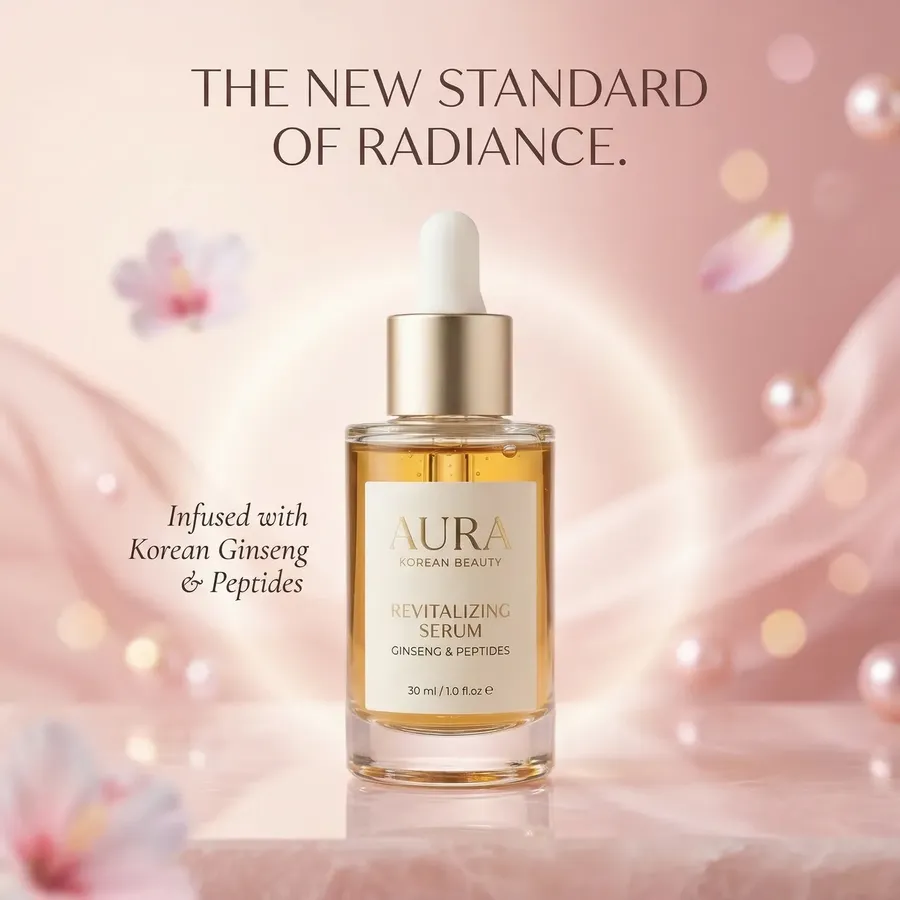
Futuristic tech
Pastel soft
Luxury minimal
Quick tips
- Found a direction you like? Raise the batch size for more takes of that prompt instead of rewriting it.
Audience variants
Use it for
Adapting one campaign for different target groups.
Copy-paste prompt template
A marketing visual for [PRODUCT], made for [AUDIENCE]. [A PERSON AND SETTING THAT AUDIENCE KNOWS]. [LIGHT AND MOOD]. Include readable typography. Text on image: [TEXT].
Example
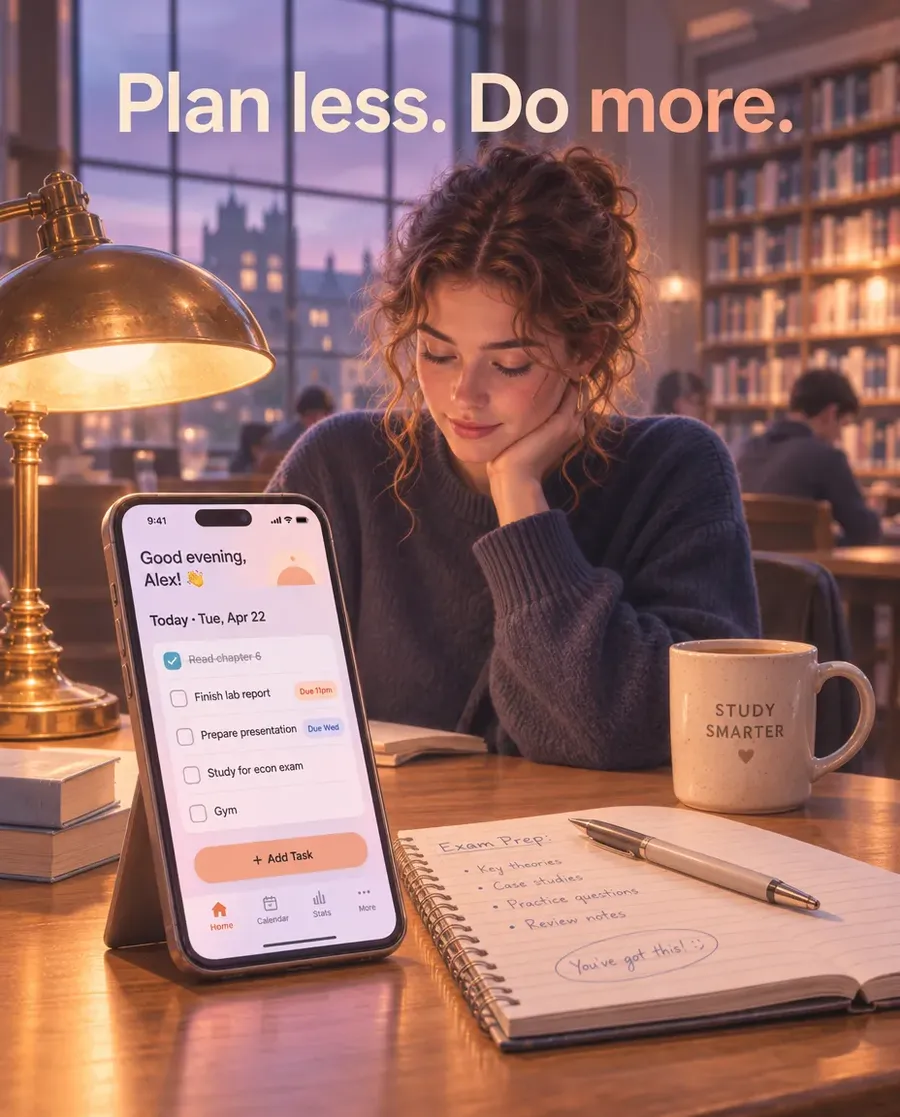
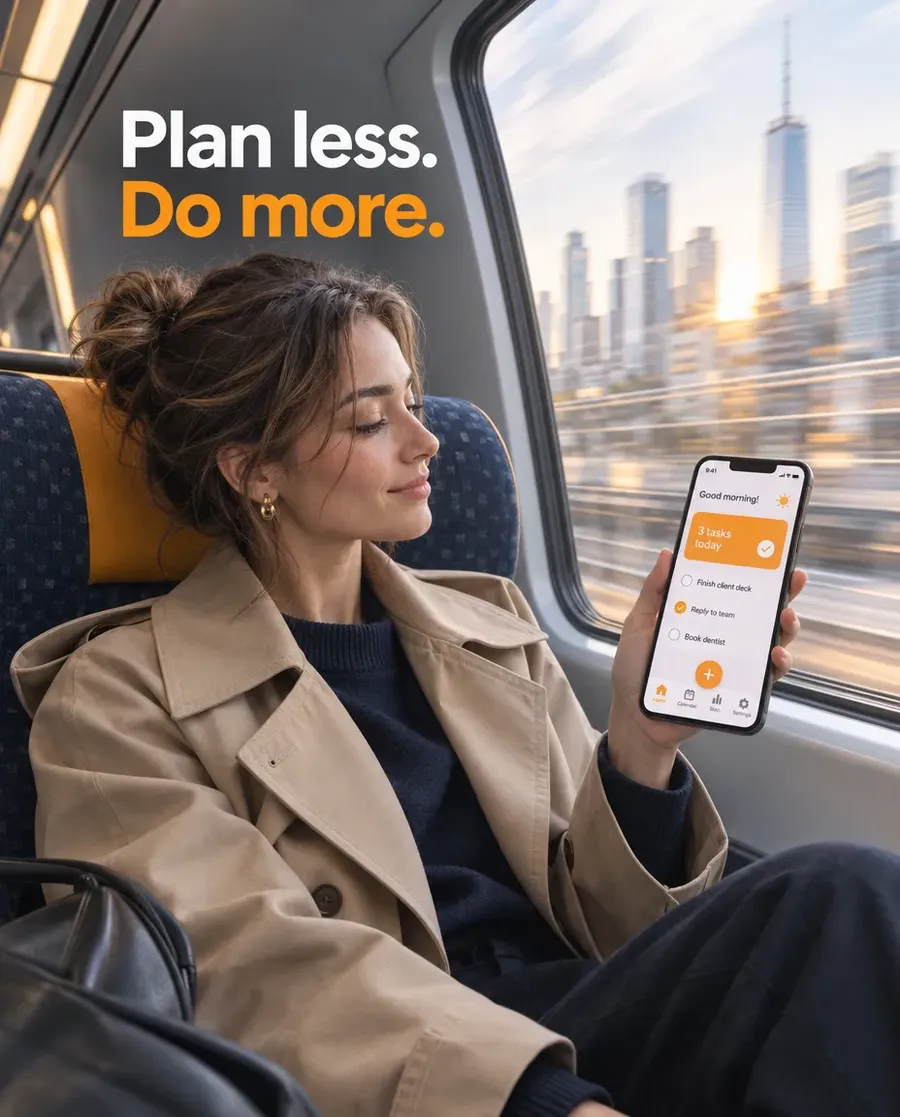
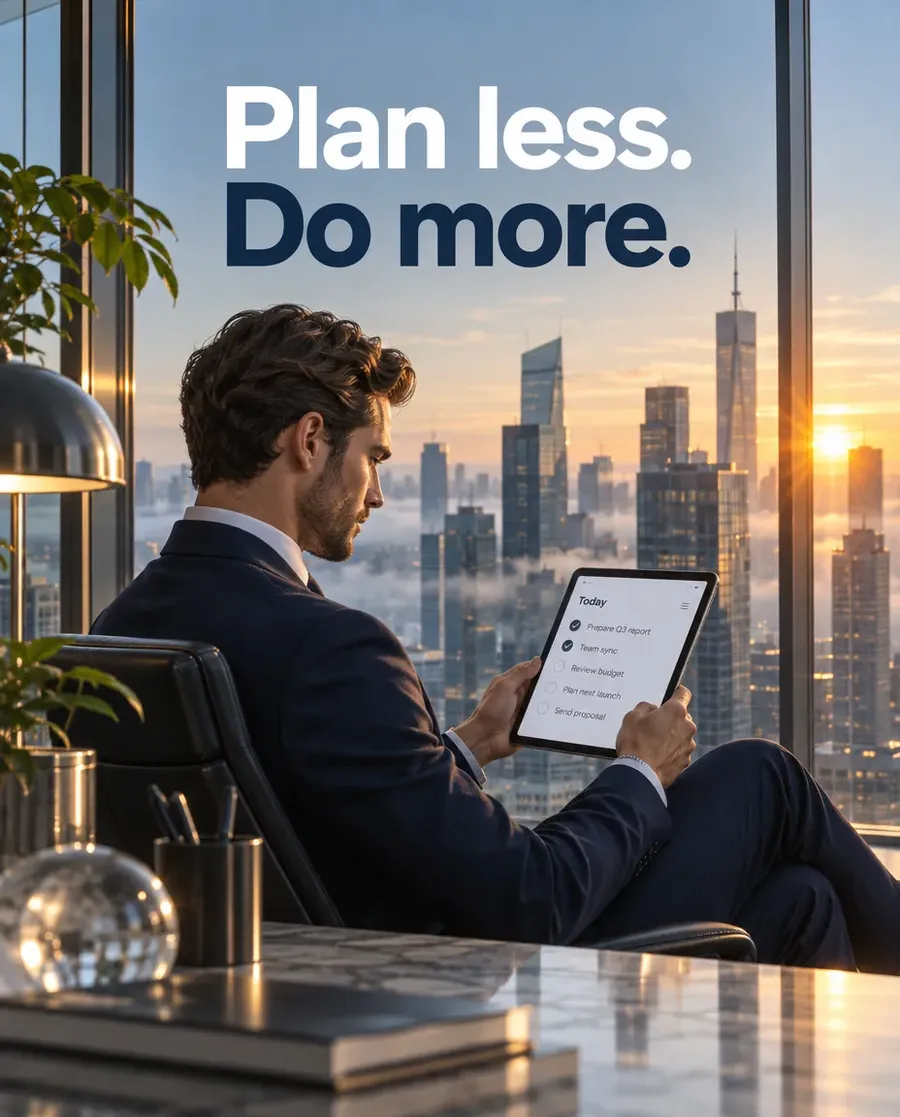
A marketing visual for a task planner app, made for university students. A student at a library desk at dusk with the app open on a phone next to handwritten notes and a coffee. Warm lamp light, relaxed and focused mood. Include readable typography. Text on image: Plan less. Do more.
Run it once per audience, changing only the audience, setting and mood: a young professional on a morning commuter train, an executive in a corner office at sunrise.
Seasonal set
Use it for
Reusing one campaign across the year.
Copy-paste prompt template
A seasonal marketing visual for [PRODUCT]: [PRODUCT DESCRIPTION OR @Element], [PLACEMENT]. [SEASON]: [SEASONAL PROPS], [LIGHT], [PALETTE].
Example
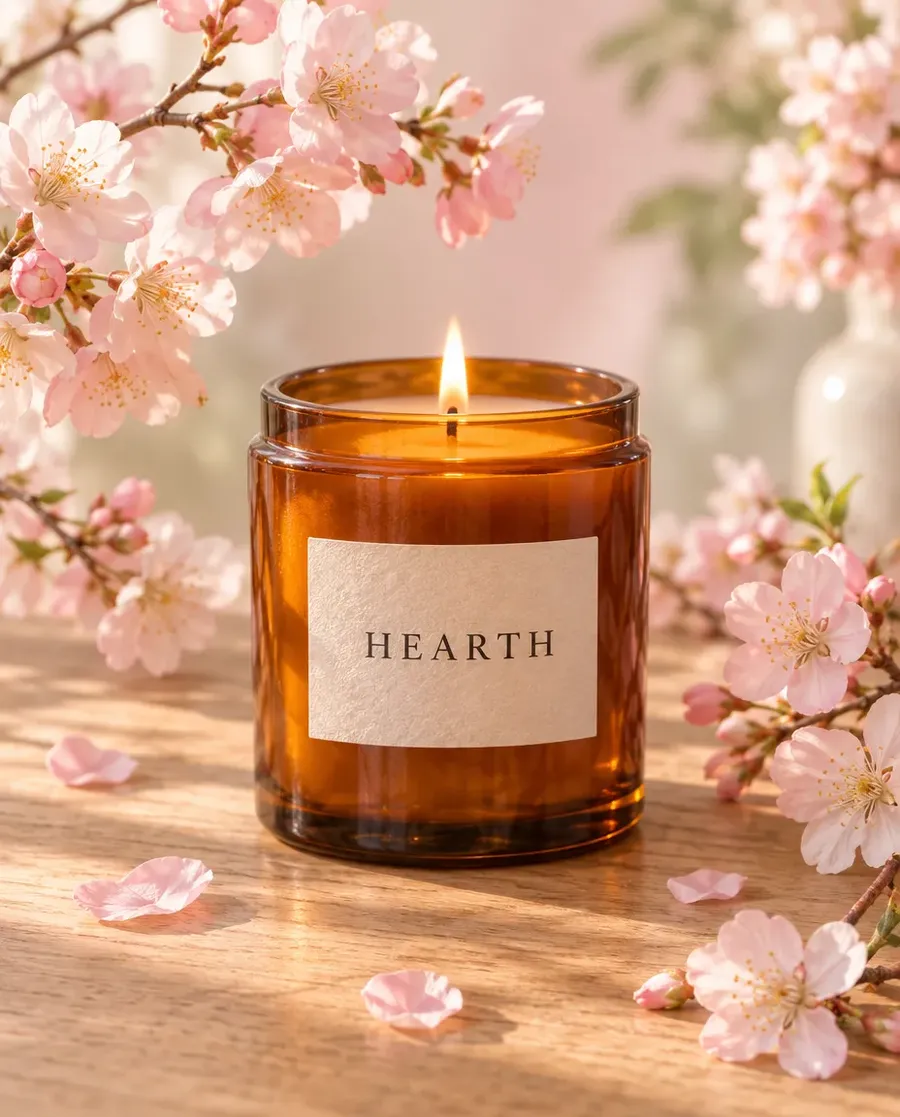
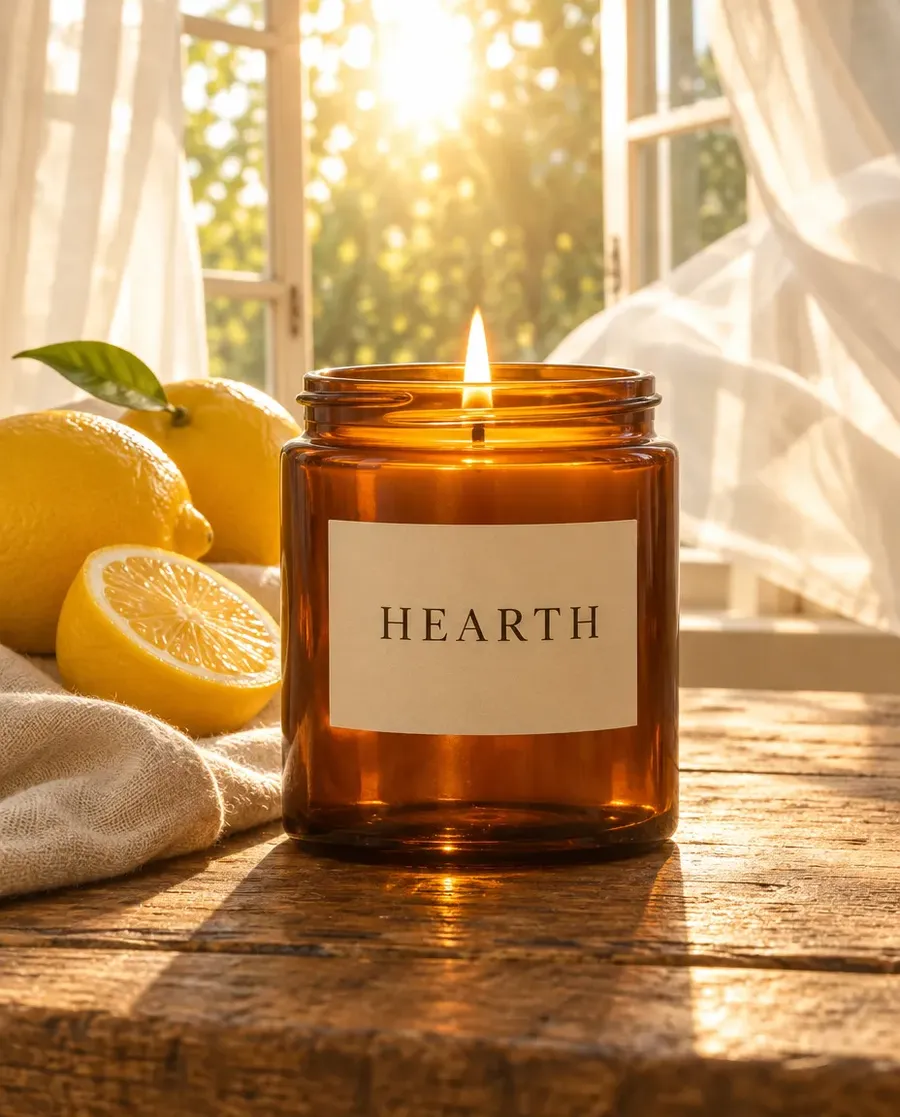
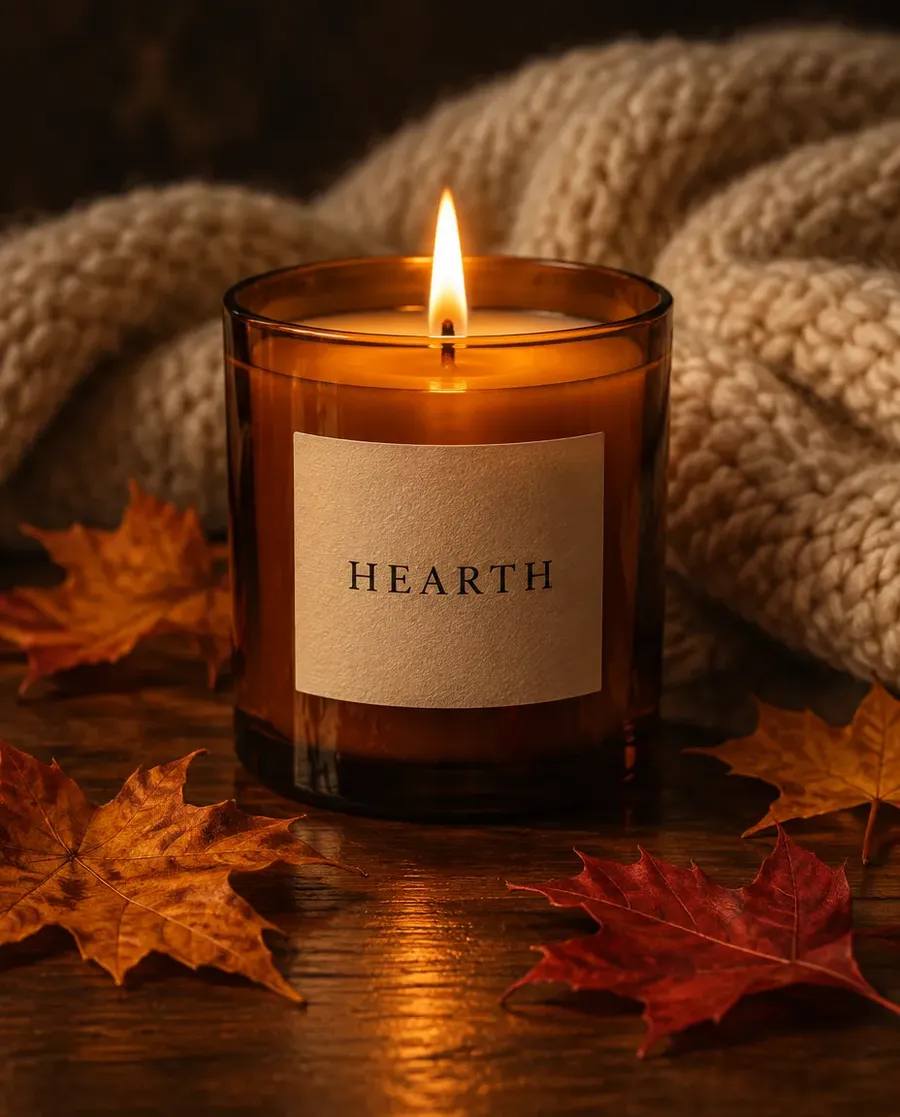
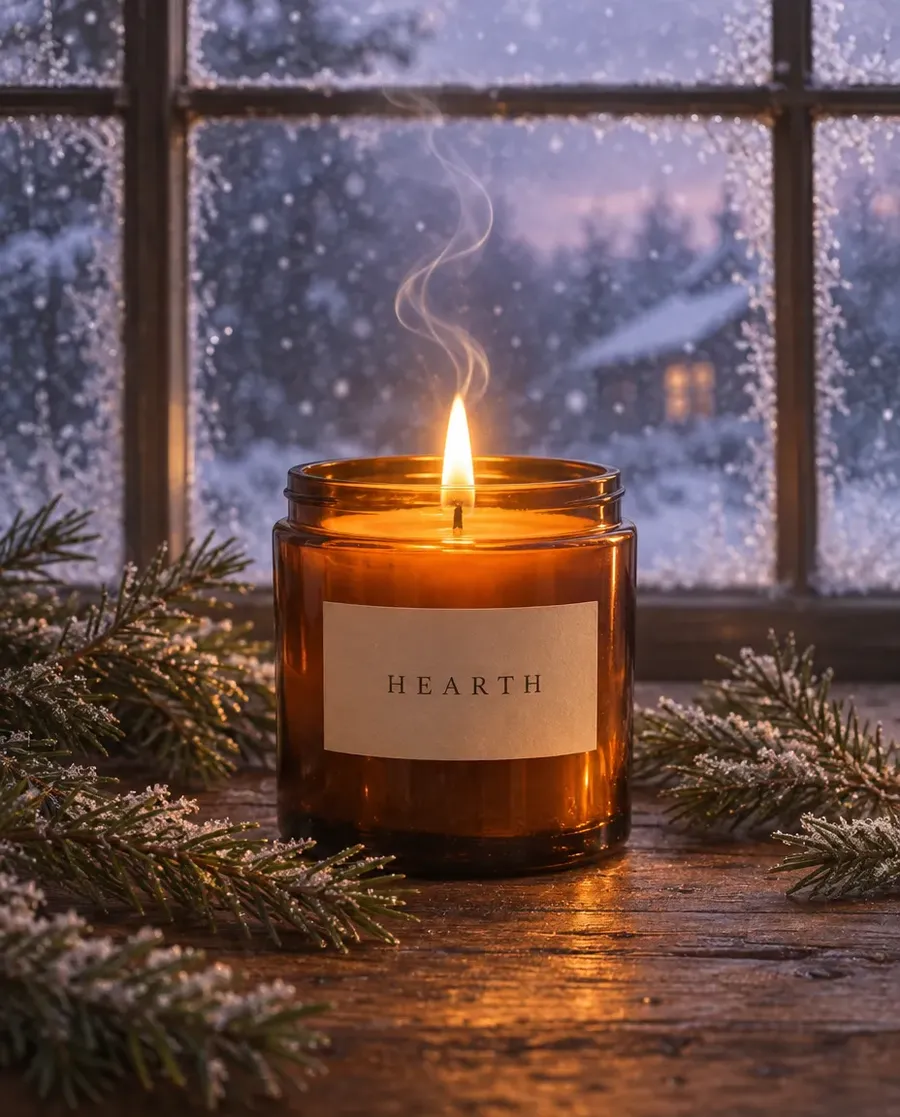
A seasonal marketing visual for a scented candle: a lit amber glass candle jar with a cream label reading HEARTH, centered on a wooden table. Winter: frosted window with snow outside, pine sprigs, candlelit blue evening.
Keep the product sentence word for word in all four prompts and change only the season line.
Quick tips
- A Product Element holds the label and shape steadier across seasons than a written description.
Every placement size
Use it for
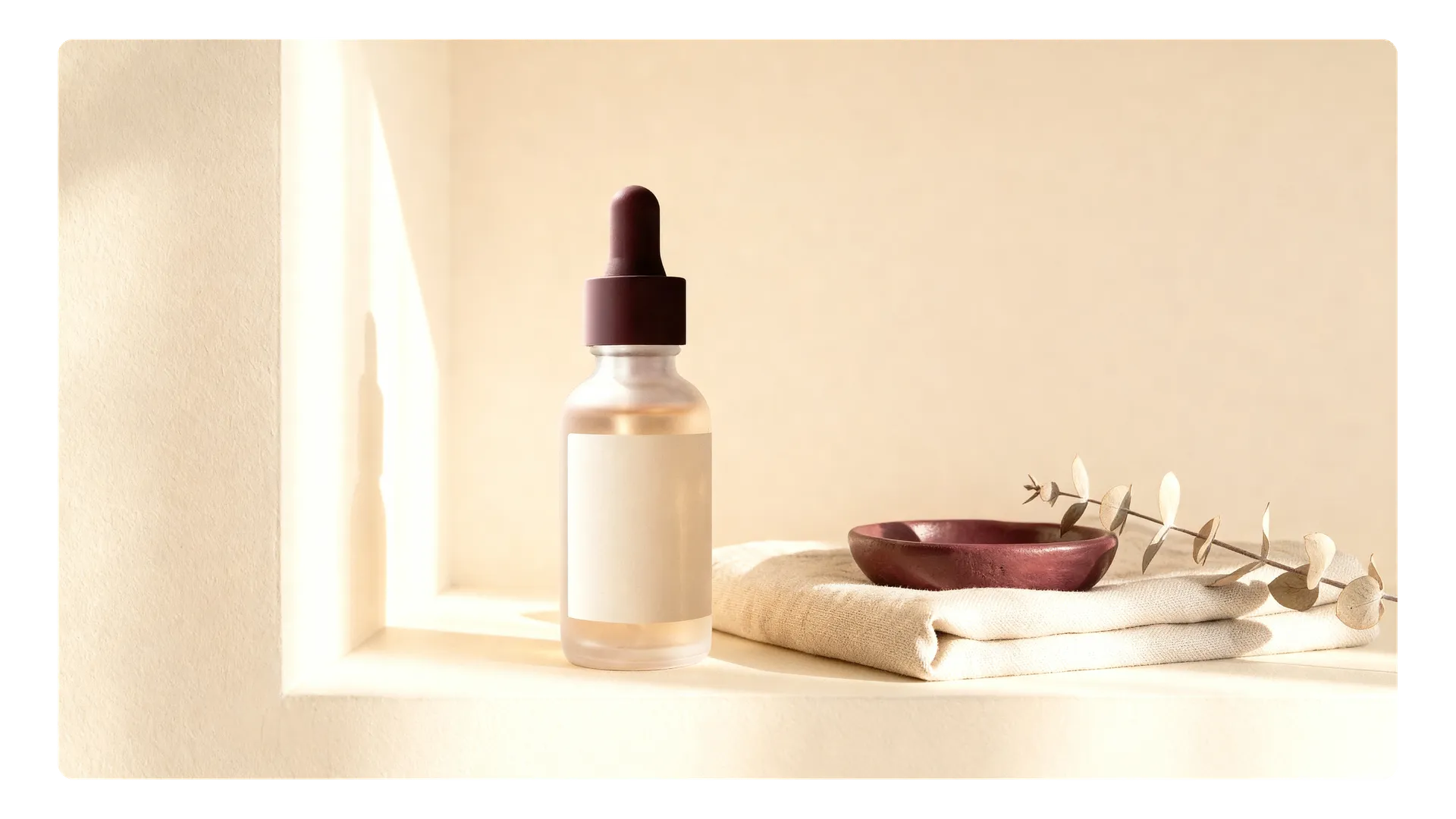
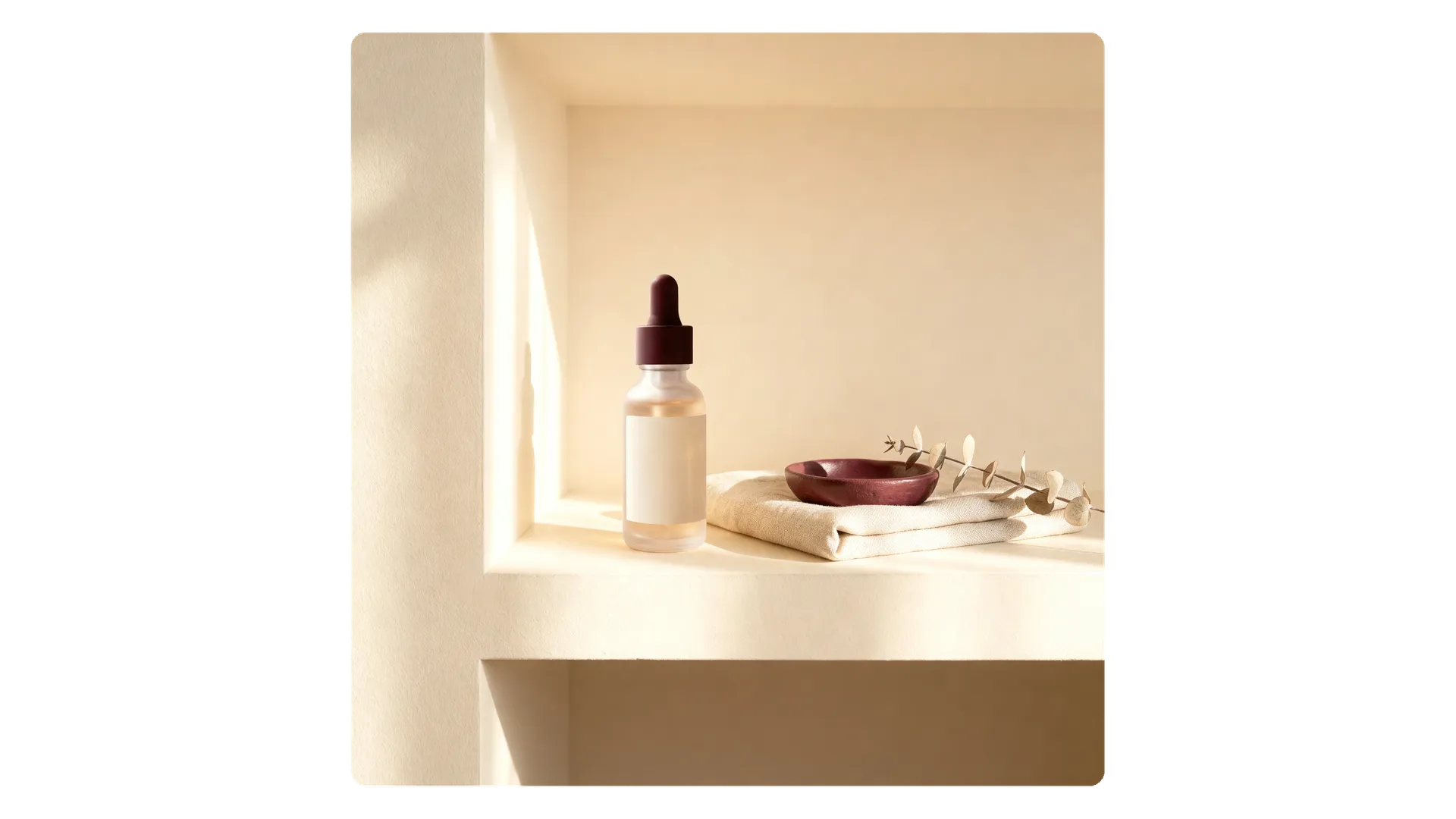
One approved visual in square, story, feed and banner formats.
Where
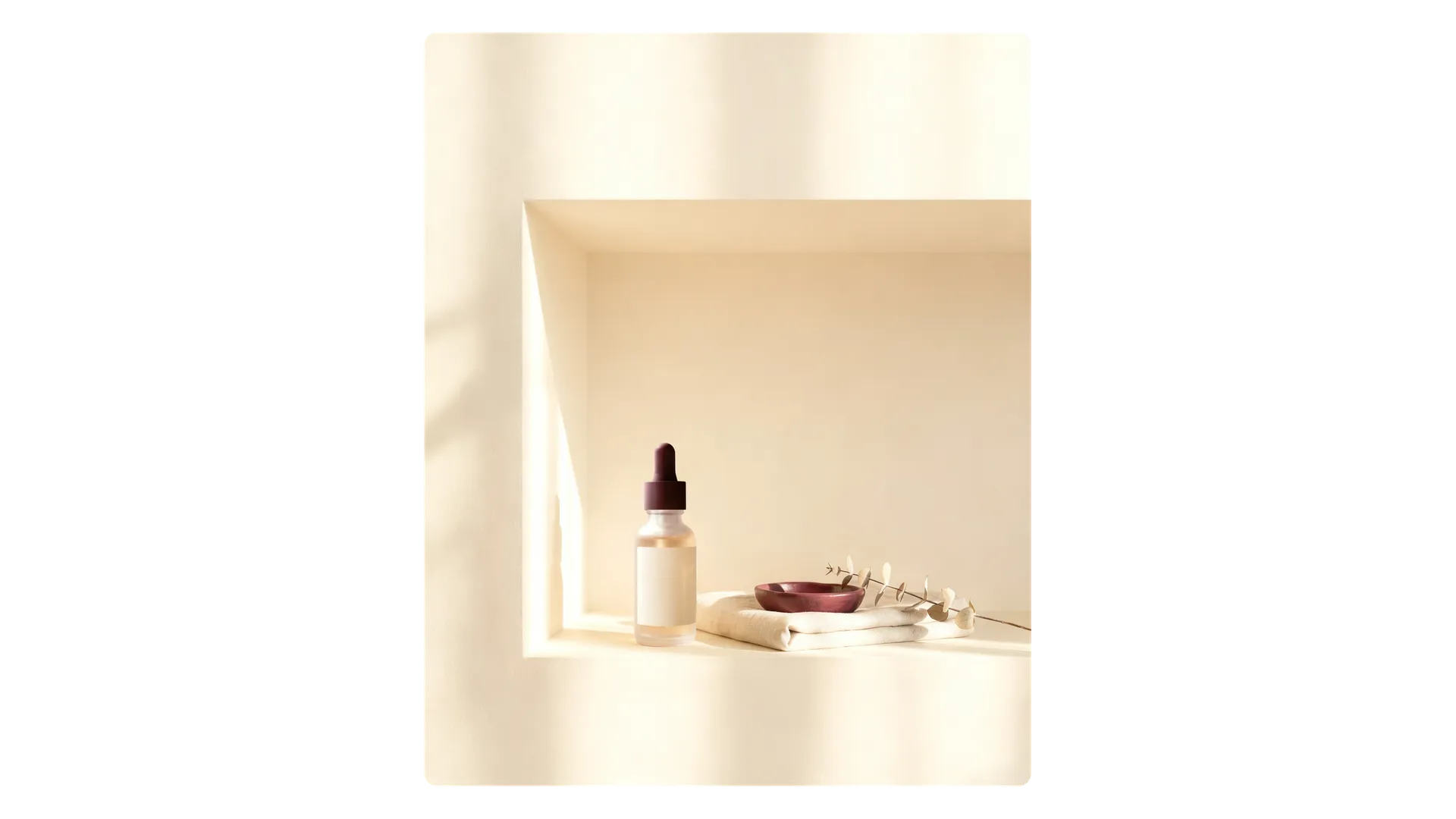
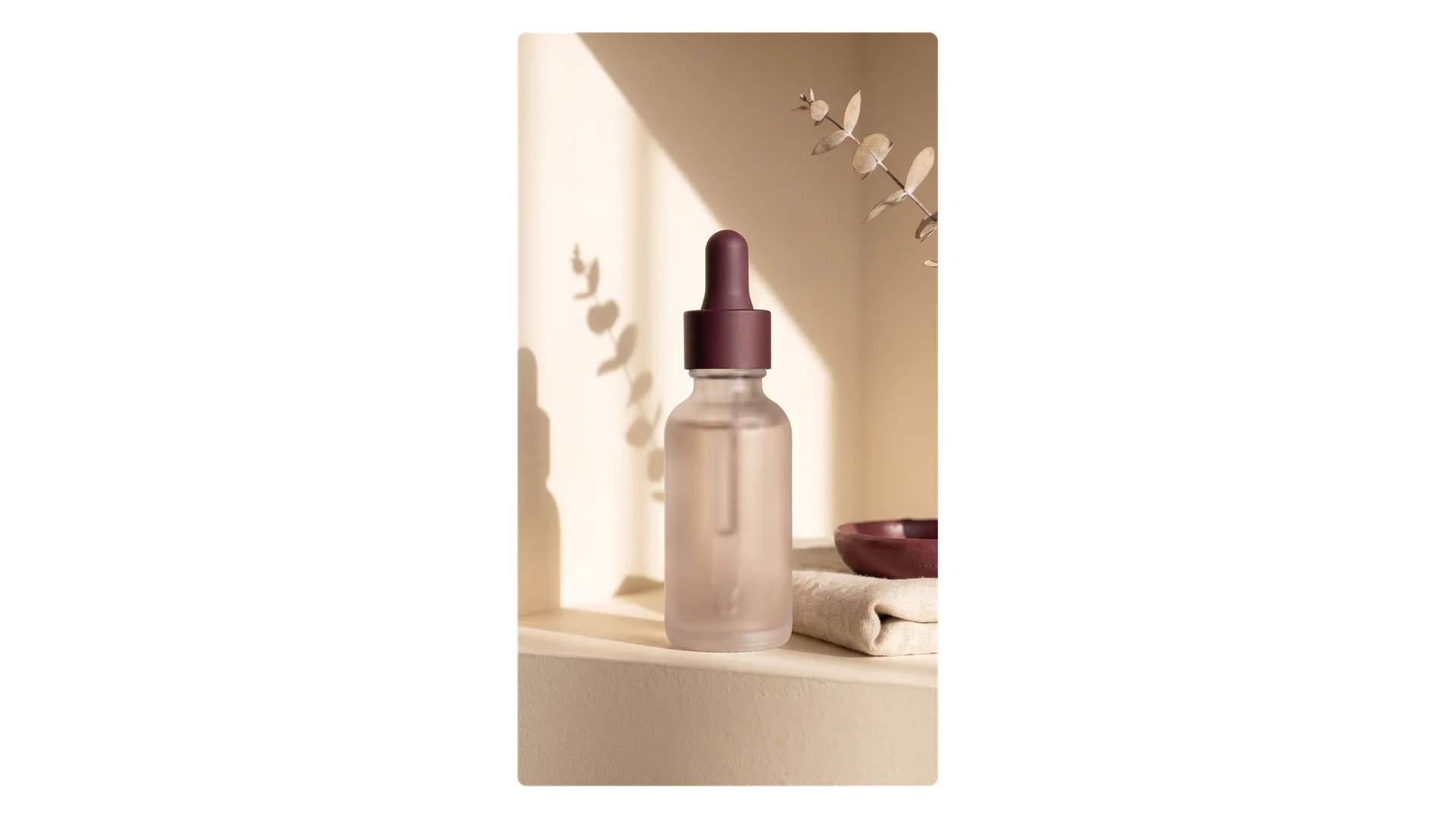
Resize image. Drop in the image, then choose the format.
Options to pick
- Aspect ratio: for example 1:1 for feed posts, 9:16 for Stories and Reels, 16:9 for YouTube and banners
- Smart Resize: a fresh render at the new ratio, with the composition close to the original
- Outpainting: keeps the original pixels and extends the canvas outward
Localized ads
Use it for
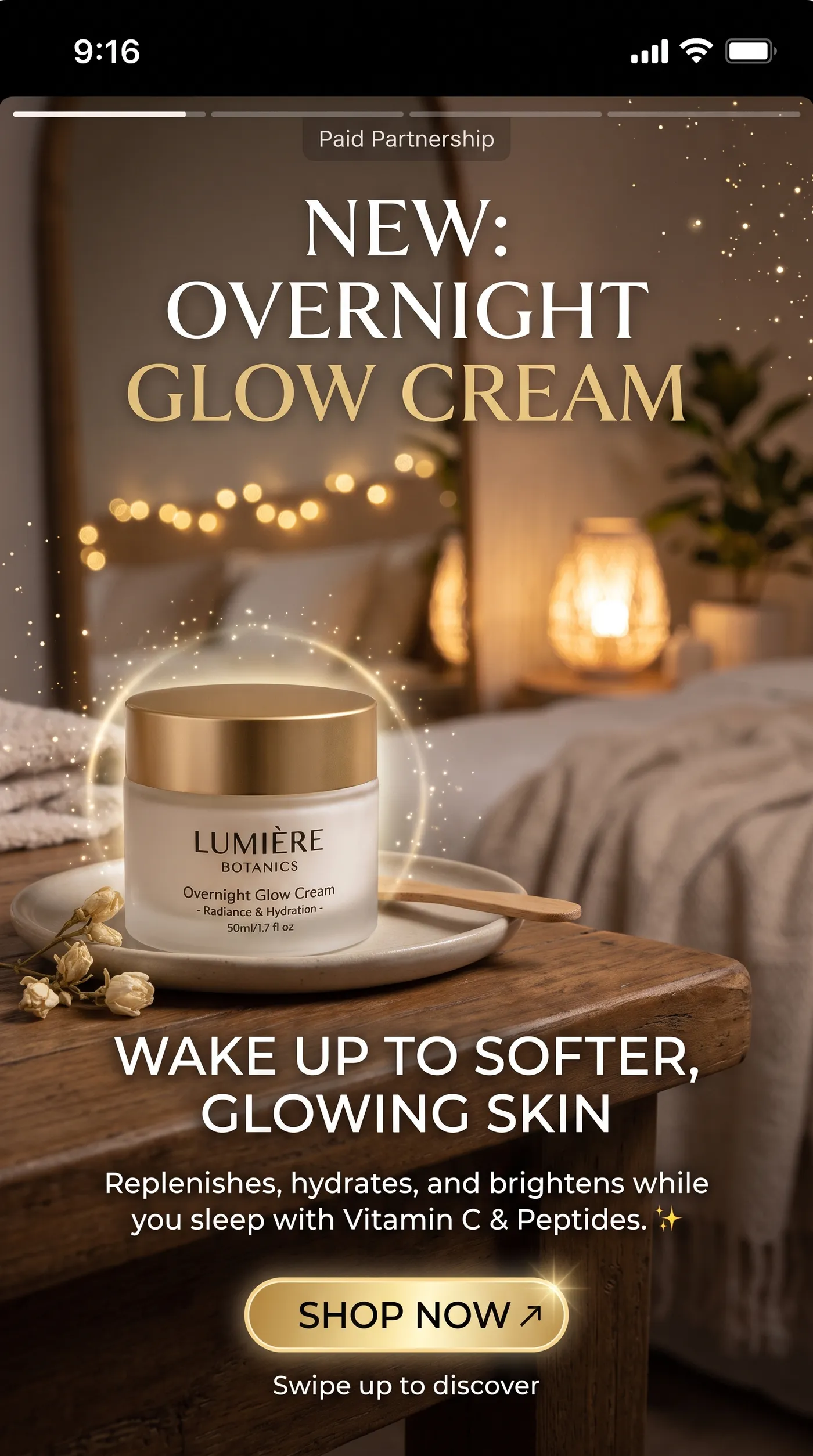
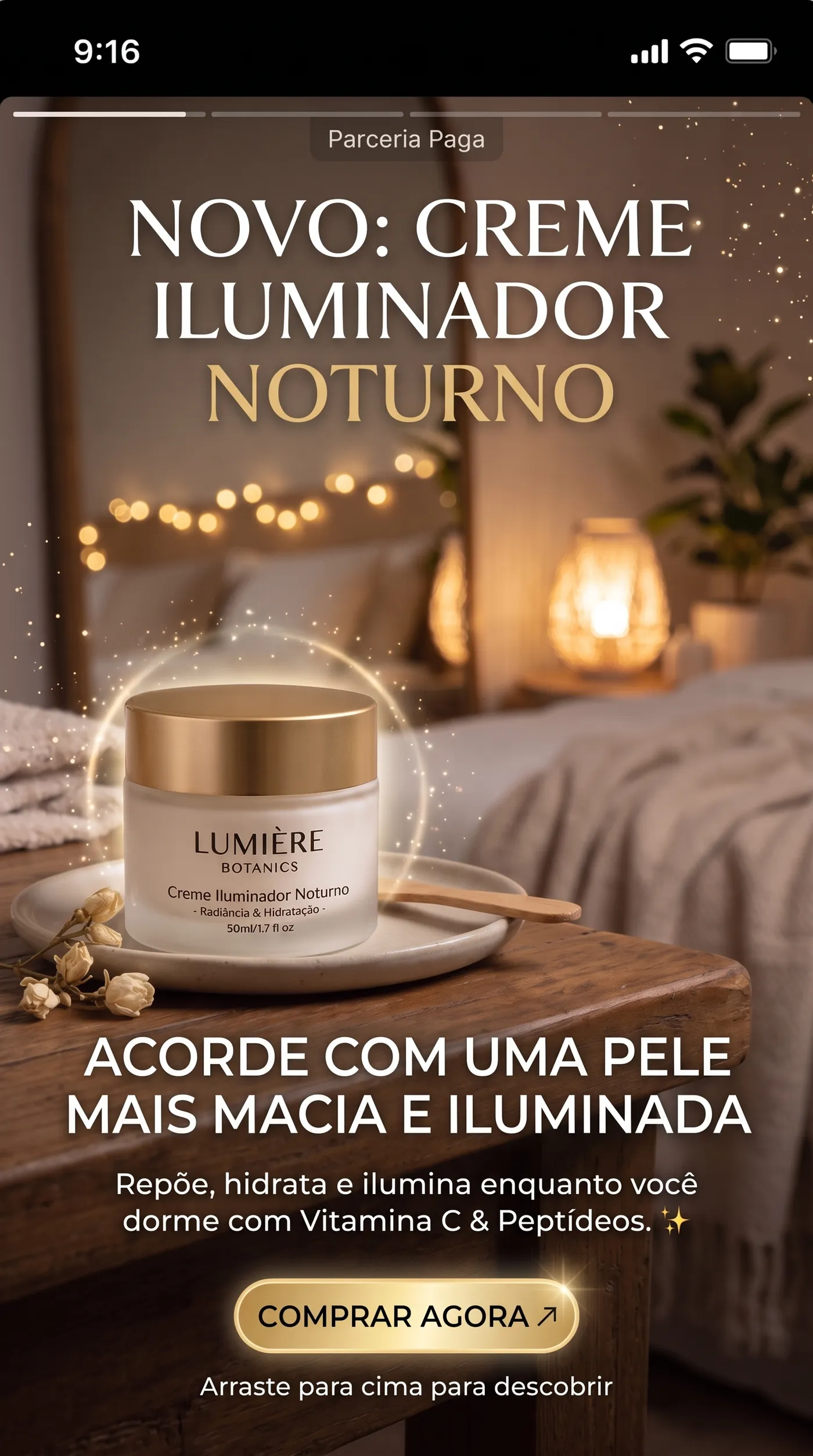
The same ad in another market, with the copy translated and the design untouched.
Where
Image translator. Upload the finished ad with its text.
Options to pick
- Language: Spanish, French, German, Italian, Portuguese, Polish, Dutch, Japanese, Korean, Chinese, Hindi or Arabic
- Quality: 2K or 4K
Quick tips
- Have a native speaker read the translated copy before the ad goes live.
Social and UGC Content
UGC-style photo
Use it for
Ads that feel natural and relatable, like a customer took the picture.
Copy-paste prompt template
A realistic UGC-style photo of [PERSON] using [PRODUCT] in [EVERYDAY SETTING]. Phone camera look, natural daylight, handheld feel, slightly imperfect composition, natural imperfections.
Example
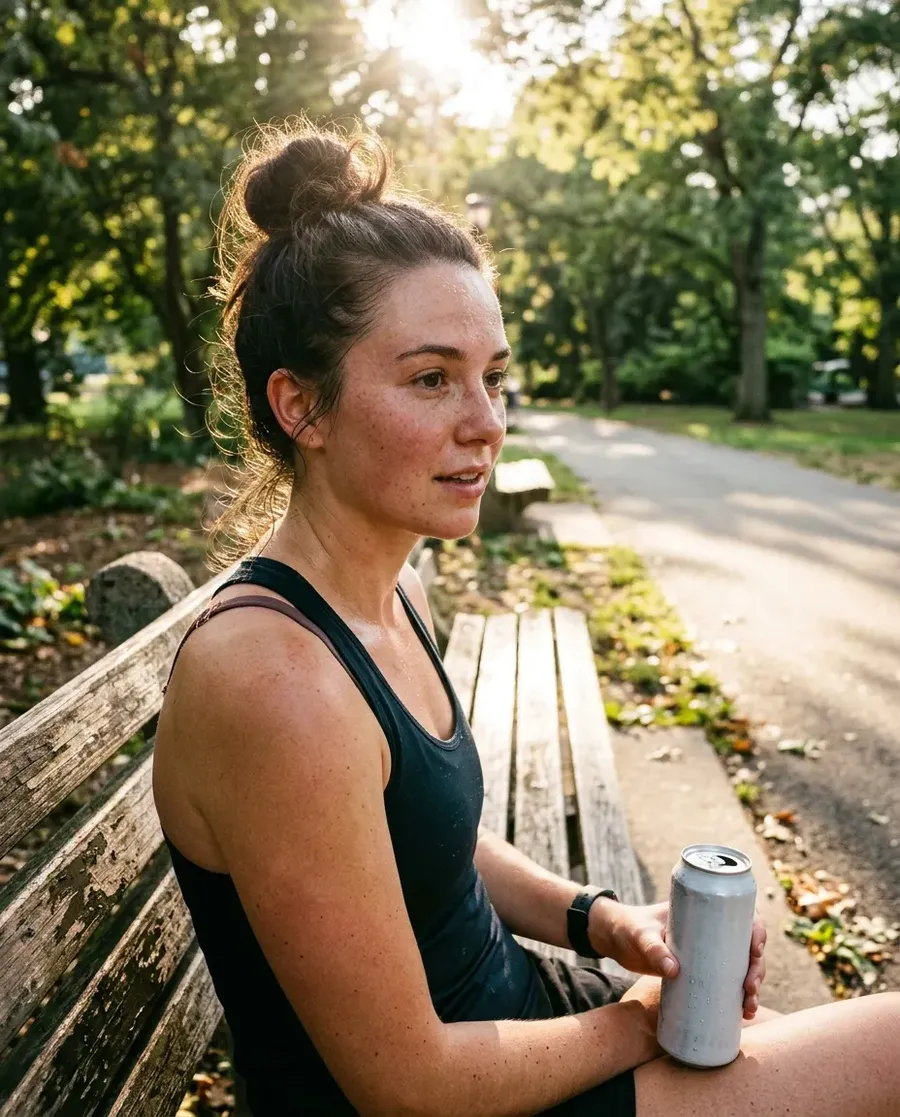
A realistic UGC-style photo of a young woman with freckles and a messy bun holding a can of sparkling hydration drink on a park bench after a run. Phone camera look, natural daylight, handheld feel, slightly imperfect composition, natural imperfections.
Creator lifestyle shot
Use it for
Aspirational posts that still look believable.
What you upload
Optional: your product photo as a reference, and a Person Element for the creator.
Copy-paste prompt template
A lifestyle photo of [PERSON OR @Person] using [PRODUCT] in [EVERYDAY SETTING]. Natural pose, candid moment, creator aesthetic.
Example
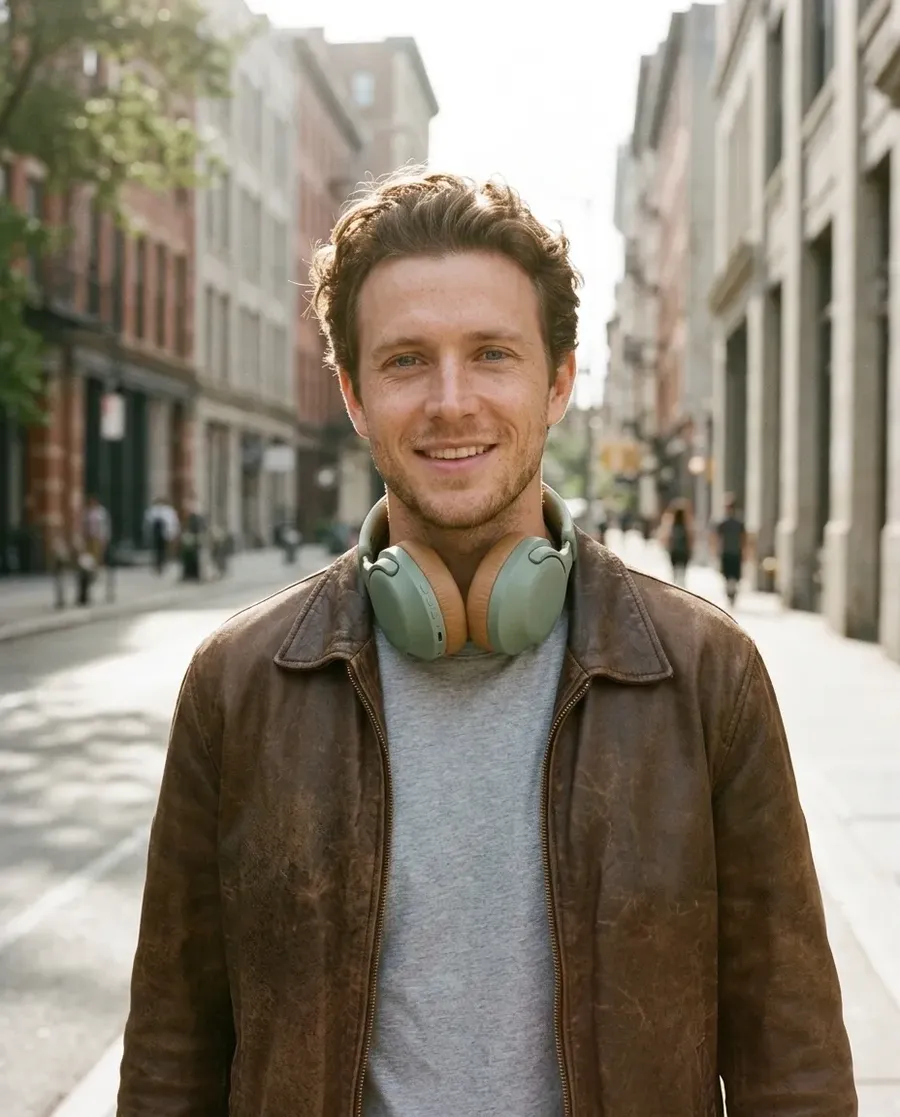
A lifestyle photo of @Mia wearing these sage green headphones on a city street, black leather jacket, natural pose, candid moment, creator aesthetic.
Talking UGC video
Use it for
A creator-style clip of a presenter talking about your product, without casting or filming.
Where
UGC video. Upload up to 3 product photos and one head-and-shoulders photo of the presenter.
Options to pick
- Product name and what makes it good: two short text fields
- Tone: casual, excited, review, explainer or recommending
- Quality: 480p, 720p or 1080p
- Duration: 5 to 25 seconds
Quick tips
- The presenter can be your brand persona from Character creator.
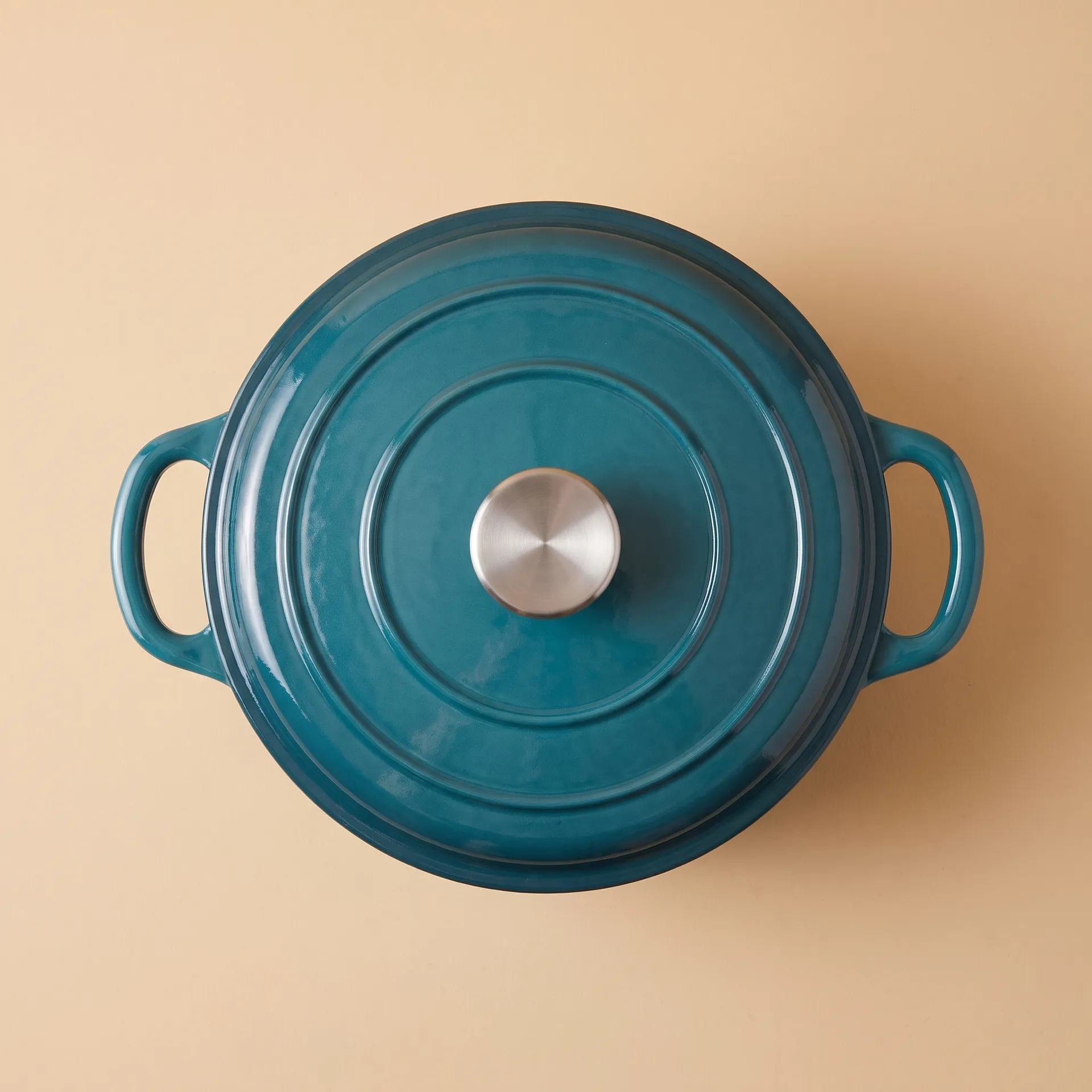
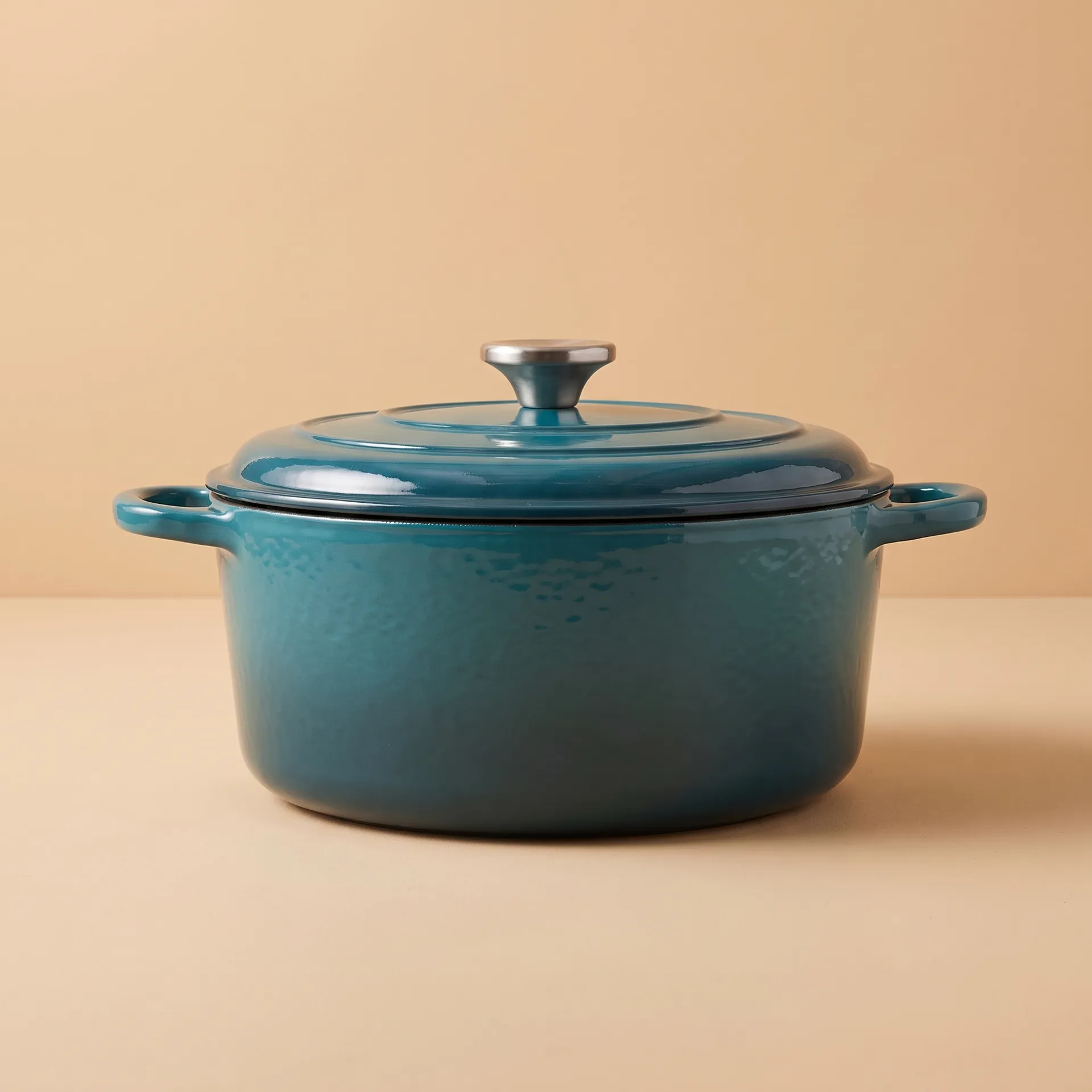
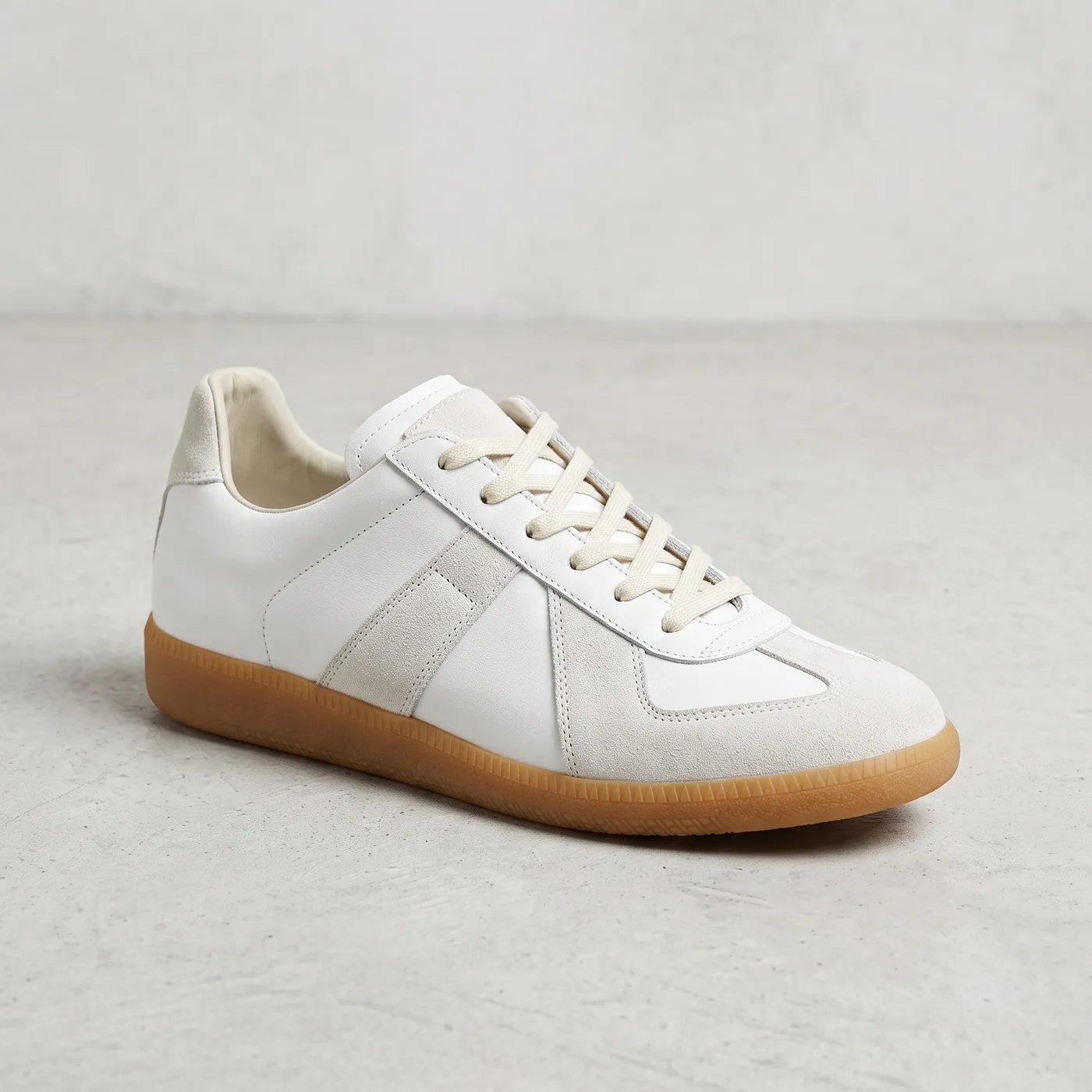
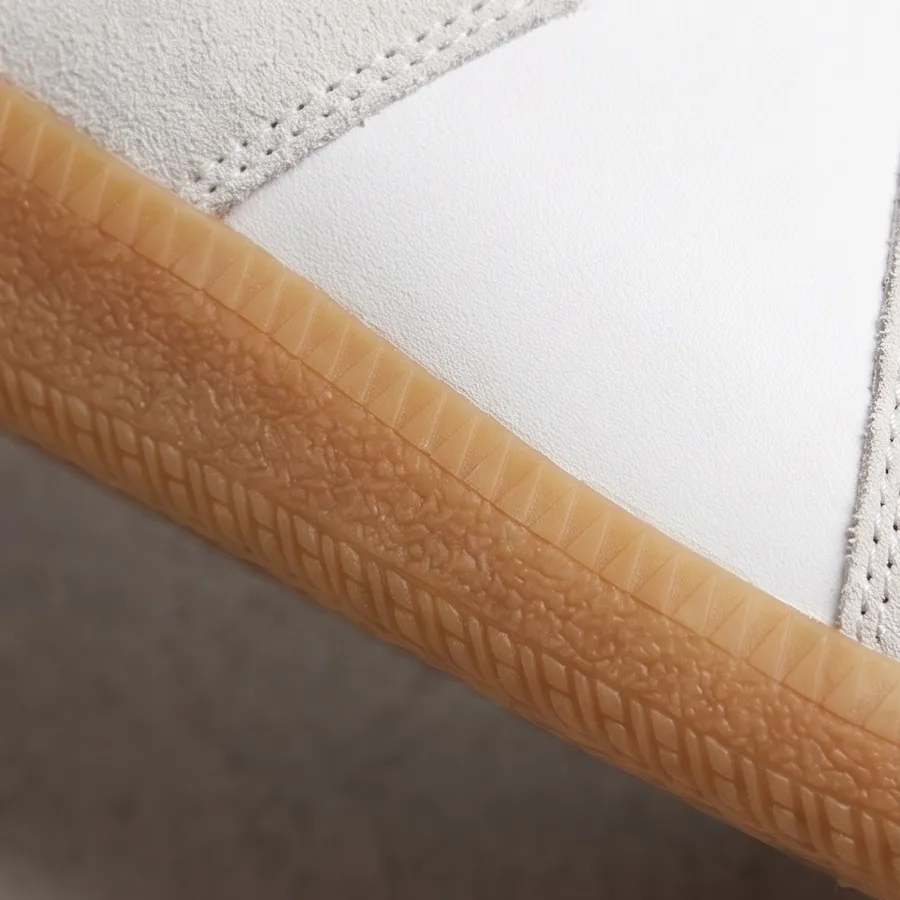
Carousel material from one photo
Use it for
Filling a carousel or product post with new angles and close-ups when you only have one shot.
Where
Every angle and Zoom on details. Upload one photo of the product, person or place.
Options to pick
- Every angle: 4, 8 or 12 angles, one image per angle
- Zoom on details: 4, 6 or 8 close-ups, one image per detail
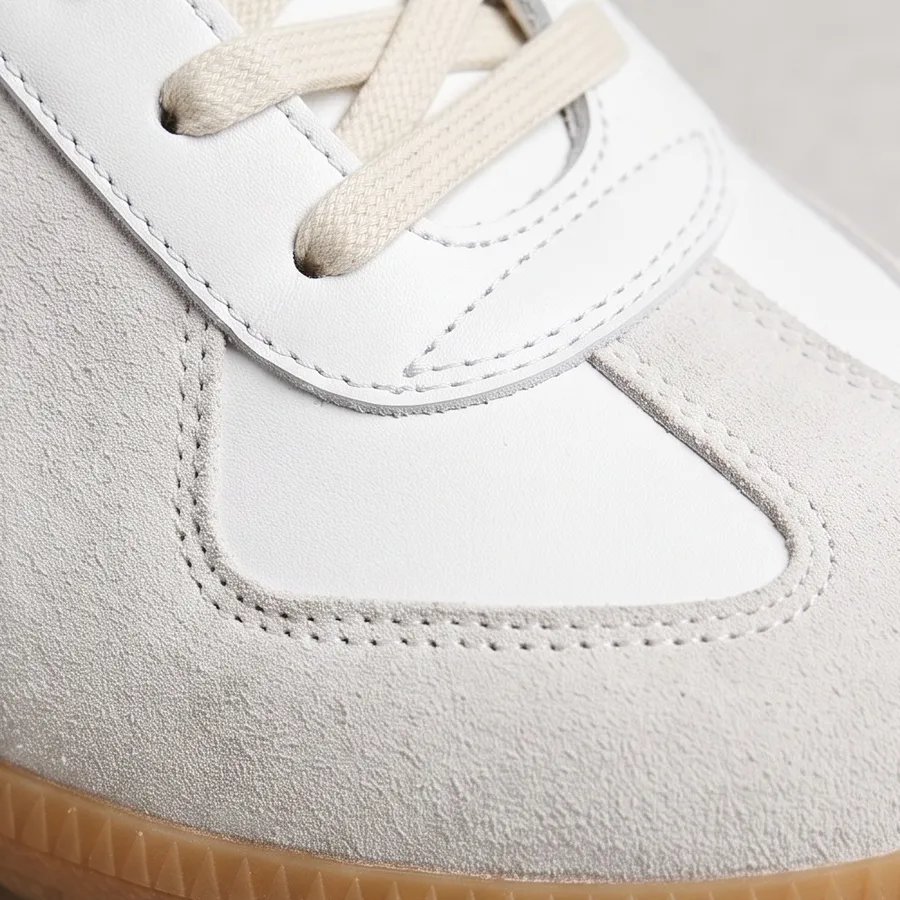
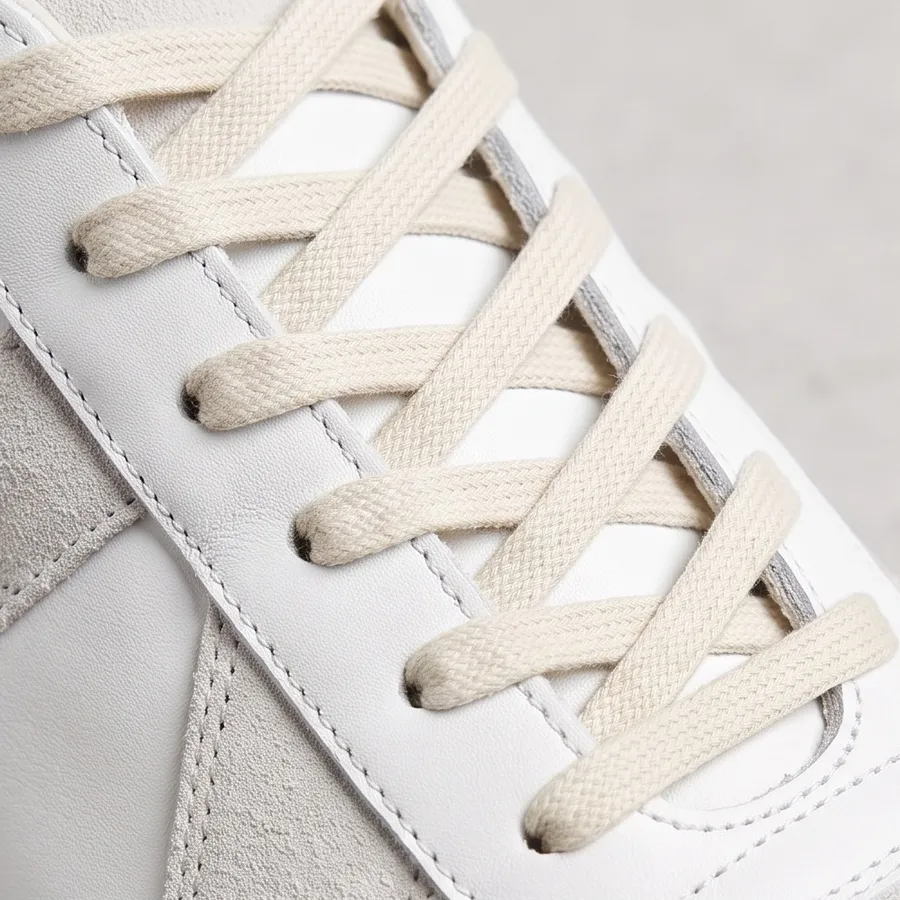
Every angle: the original photo, then three of the new angles.
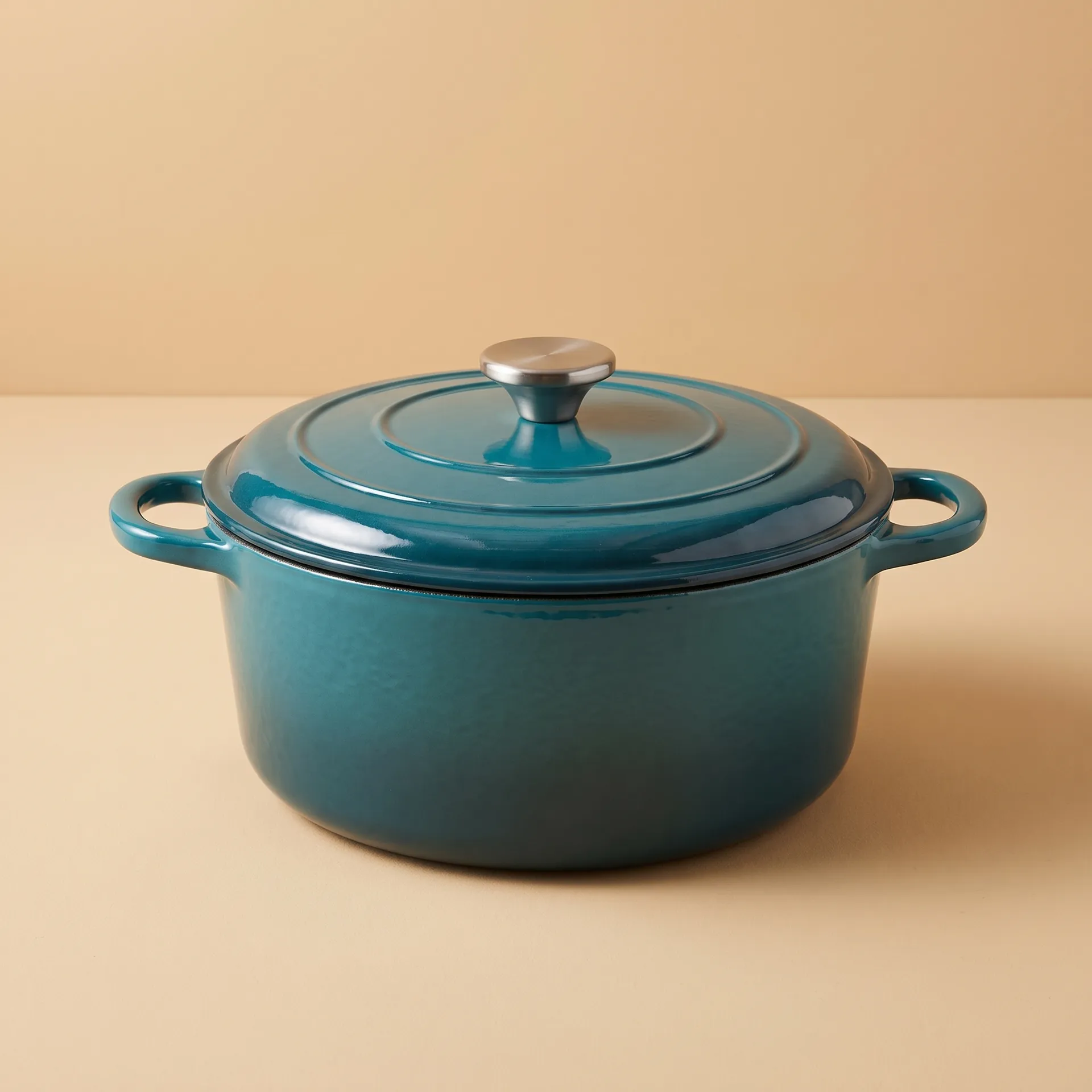
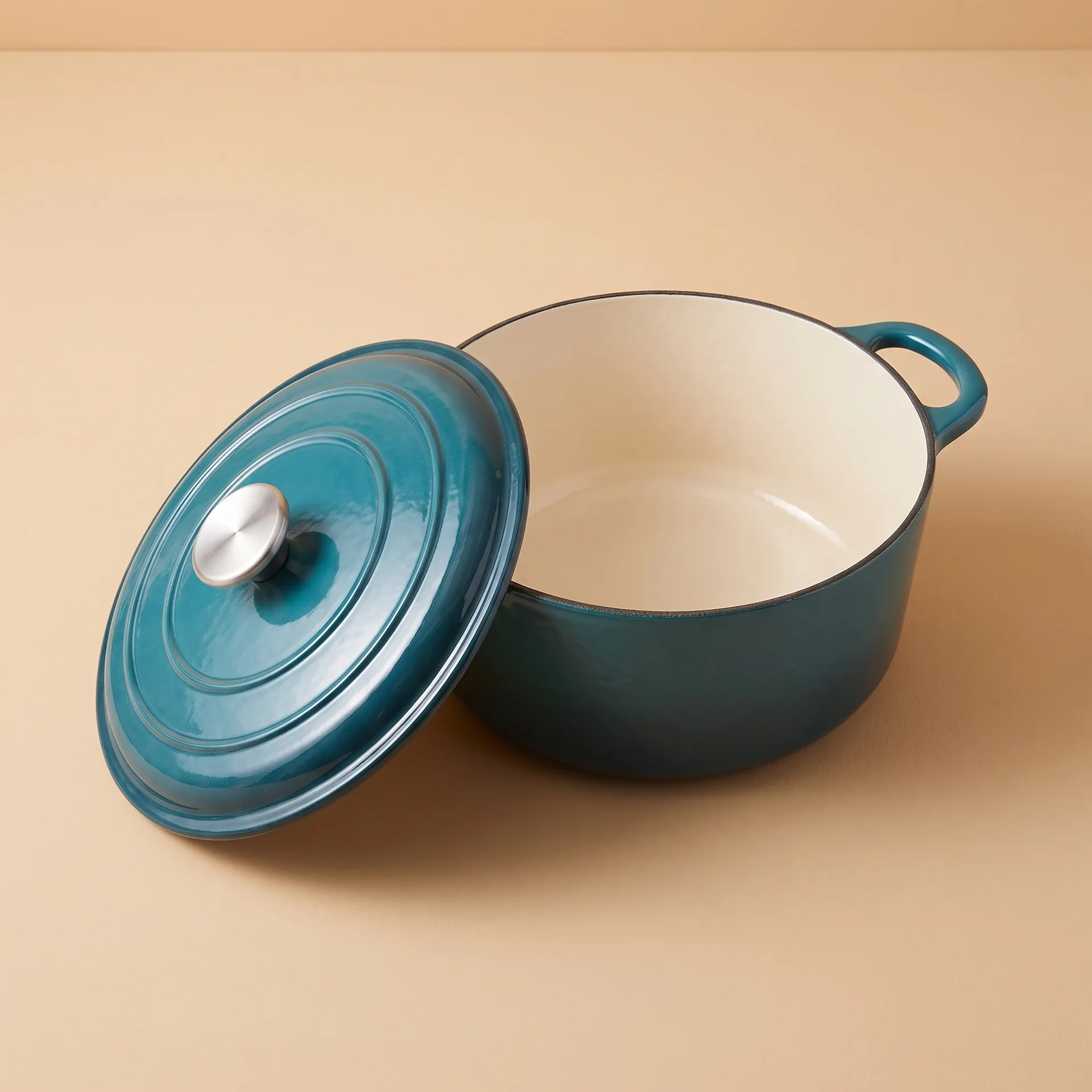
Zoom on details: the original photo, then three of the close-ups.
Stickers for social and merch
Use it for
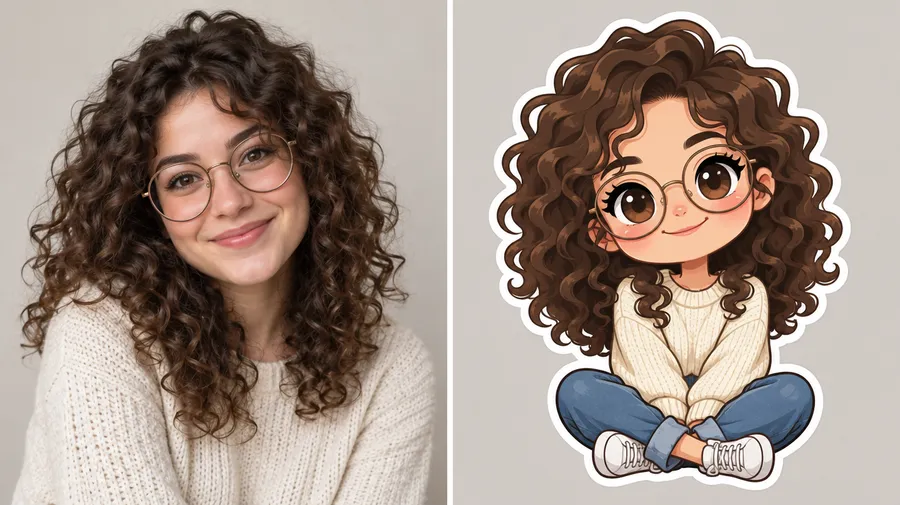
Sticker packs, story stickers and merch designs from a photo of a person, pet, mascot or product.
Where
Sticker maker. Upload a close-up, well-lit photo with one subject.
Options to pick
- Style: kawaii, bold outline, chibi, shoujo, retro anime, 3D cartoon, vinyl toy, glossy emoji, 3D clay, pixel art or watercolor
- Pick up to 6 styles at once: you get one sticker per style, with the background already removed
Video Ads
These prompts run in Create video. On Auto, getimg.ai picks a model that also generates sound, so you can describe dialogue, music and sound effects right in the prompt.
Product hero clip
Use it for
A clean, premium product clip for ads, landing pages and product launches.
Copy-paste prompt template
A cinematic product video of [PRODUCT]. Slow camera movement, [LIGHTING], [DETAIL TO SHOW], premium commercial look.
Example
A cinematic product video of a matte black wristwatch with a lunar-phase dial. It turns slowly in the light, dramatic lighting, detailed reflections on the steel, premium commercial look.
Quick tips
- Add your product photo as the First Frame so the clip starts from the real product.
360° product orbit
Use it for
A smooth camera turn around your product, with no prompt to write.
Where
Product orbit. Upload up to 3 product photos.
Options to pick
- Backdrop colour: a preset or your own colour
- Camera move: level orbit, rising orbit, orbit and push in, low hero sweep, pull back or high orbit
- Anything else: an optional free-text field for the setting, surface or light
- Aspect ratio 16:9, 1:1, 9:16 or 4:3, and a length of 5, 8 or 10 seconds
30-second ad from one timeline prompt
Use it for
A full brand spot with cuts, on-screen titles and a score, generated in one pass instead of stitched from short clips.
Where
Create video, with the length set to 30 seconds. Only some models generate clips that long, so check the length options before you write the prompt.
Copy-paste prompt template
[00:00-00:08] Title card reading "[BRAND]". [2 to 4 hook shots: macro product detail, the setting, the hero].
[00:08-00:18] [The product in use, 3 to 5 shots with camera moves]. On-screen text reads "[KEY LINE]".
[00:18-00:25] [The peak: the fastest, biggest action, slow motion on the key moment].
[00:25-00:30] [Hero shot]. Hard cut to black with "[BRAND]" and "[TAGLINE]".
Example
[00:00-00:08] White title card reading "NORVIK" on black. Hard cut to a macro shot of water droplets rolling off red technical jacket fabric. Aerial wide shot of a lone hiker in a red jacket crossing a sharp mountain ridge at cold blue hour, mist in the valley below.
[00:08-00:18] The sun breaks over the ridge with anamorphic lens flares as she steps into golden light. Handheld tracking shot following her up steep rocky terrain. Lower-third white text reads "BUILT FOR THE CLIMB".
[00:18-00:25] She runs down a scree slope, kicking up gravel. Speed-ramp into slow motion as she leaps a rushing meltwater stream, backlit droplets hanging in the air.
[00:25-00:30] She stands in silhouette on the summit against the rising sun, orbital aerial shot. Hard cut to black with "NORVIK" and smaller text below: "NO EASY SUMMITS".
Quick tips
- Give every time block its own shots and camera moves: shot types such as macro, aerial, tracking and slow motion are what make it cut like an ad.
- Put every on-screen word in quotes and keep it to a few words.
- Name the same hero (here, the woman in the red jacket) in each block so she stays consistent across the cuts.
Ad with dialogue and sound
Use it for
A talking clip with the voice and room sound generated together with the picture.
Copy-paste prompt template
A UGC-style video of [PERSON] in [SETTING] [ACTION WITH PRODUCT]. [They look] into the camera and say: "[LINE]". [AMBIENT SOUND]. Handheld phone feel.
Example
A UGC-style video of a woman in a bright minimal bedroom opening a jar of face cream and applying it. She looks into the camera and says: "It melts in straight away, no sticky feeling at all." Soft room tone. Handheld phone feel.
Quick tips
- Keep the line to one or two short sentences per 5 seconds of video.
- Put the exact words in quotes so the model knows what to say.
Brand film
Use it for
Story-driven brand content without real footage.
Copy-paste prompt template
A cinematic brand video about [THEME OR IDEA]. [ONE CLEAR SCENE]. [CAMERA MOVE], [LIGHT], [LOOK].
Example
A cinematic brand video about freedom and movement. A woman in a flowing gold silk dress strides across desert dunes at golden hour, the fabric trailing in the wind. Slow tracking shot, warm film look.
Copy the motion of a reference clip
Use it for
Reusing the movement or camera work of an existing clip with a new subject, setting or look.
Where
Create video, on the available models that support videos as references. Attach the clip with the Reference button.
Copy-paste prompt template
Follow the movement from the video reference. [NEW SUBJECT, SETTING OR STYLE].
Example
Follow the dancer's movement from the video reference. Redraw the whole scene as a hand-inked illustration with soft watercolor washes.
Quick tips
- Limits for video and audio references differ by model, so check the clip length and count before you attach several files.
Cut the video to your track
Use it for
A clip that moves to your jingle, a brand sound or a licensed track you own.
Where
Create video, on a model that takes audio references. Attach the audio file with the Reference button.
Copy-paste prompt template
[SCENE]. Time the cuts and movement to the beat of the audio reference.
Example
A quick montage of friends on a summer road trip: windows down, singing along, a beach stop at sunset. Time the cuts and movement to the beat of the audio reference.
Quick tips
- No track yet? Make one in Create music (see Audio for Campaigns below), download it, and attach it here.
Edit a finished clip
Use it for
Reworking a clip without starting over: a new setting, a new prop or a new look.
Where
Click any video in your gallery, generated or uploaded. The prompt box below it already has the clip attached as a video reference. Choose from the available models that support videos as references.
Copy-paste prompt template
Keep [WHAT STAYS]. Change [ONE THING].
Example
Keep the man, his words and his movements. Replace the messy bedroom behind him with a clean, bright room with a plant and a shelf.
Quick tips
- Every edit saves as a new video, so the original stays in your gallery. More edit types, from recasting to weather and lighting, follow the same video editing flow.
Dolly zoom hook
Use it for
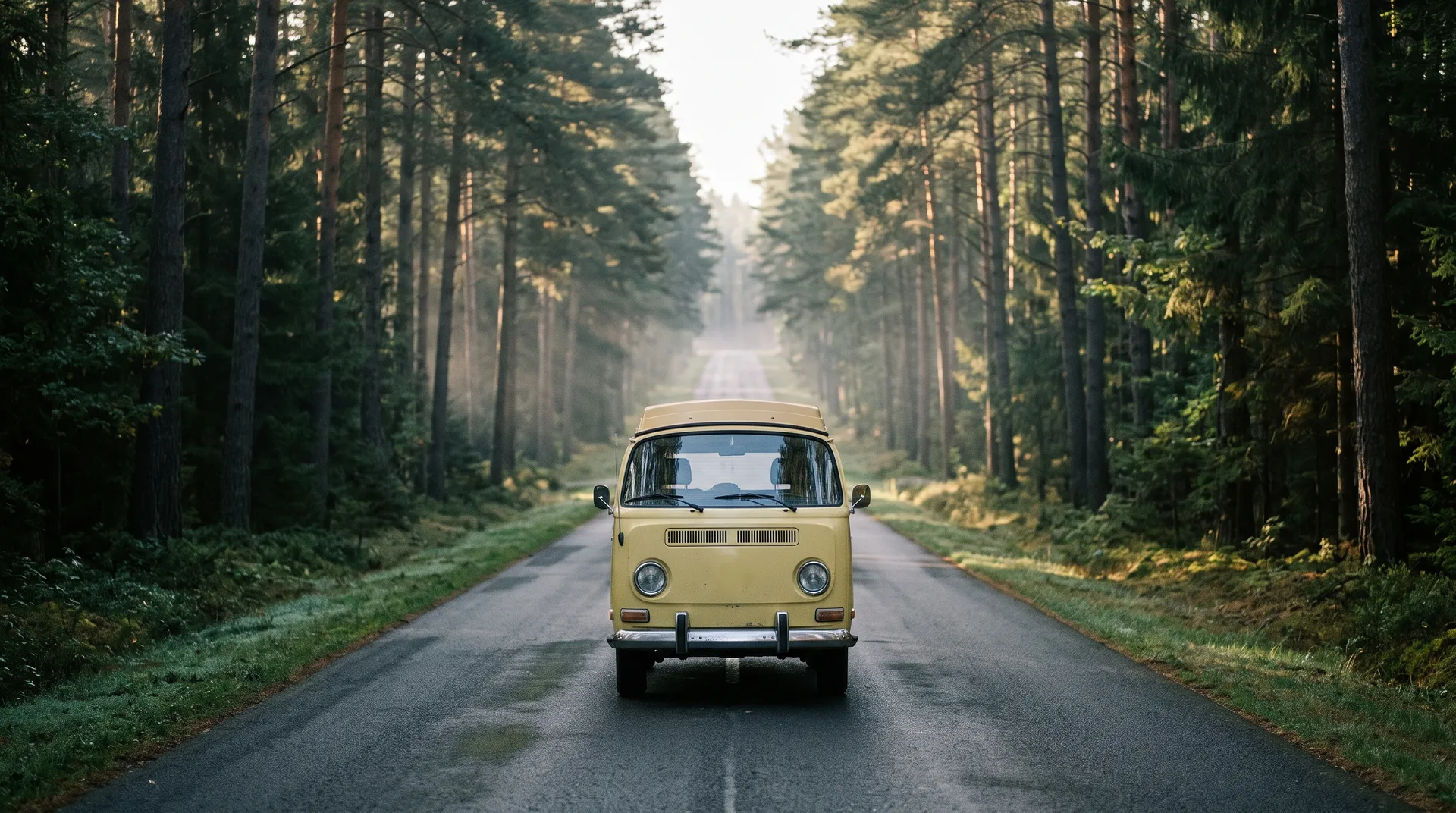
A dramatic first second that stops the scroll, made from a single photo.
Where
Dolly zoom. Upload a photo with strong depth, such as a road, a corridor or a pier.
Options to pick
- Effect: world falls away, world closes in, or there and back
- Intensity: 1 to 5
- Anything else: an optional free-text field for the setting or mood
- Length: 5, 6 or 10 seconds
Before-and-after reveal
Use it for
Animating from one image to another: day to evening, old packaging to new, empty room to styled.
Where
Image transition. Upload the first image and the second image.
Options to pick
- Transition: morph, camera travel, zoom through, slow dissolve, whip pan or flash of light
- Anything else: an optional free-text field for what should change
- Length: 4, 5 or 8 seconds
Before delivery, Upscale video takes any clip to 1080p or 4K.
Audio for Campaigns
Jingle or background track
Use it for
A song or instrumental bed for an ad, a reel or a product video.
Where
Create music. Set the length to 30 seconds, 1, 2 or 3 minutes, and up to 4 variations.
Copy-paste prompt template
A [GENRE] track for a [PRODUCT OR CAMPAIGN] ad. [MOOD]. [INSTRUMENTS]. [Instrumental, or the vocal you want and any exact lyrics].
Example
An upbeat indie-pop track for a summer product ad. Bright, carefree mood. Female lead vocal, guitar riff, drums and hand claps.
An instrumental product ad bed with muted guitar, claps and analog synth bass.
Indie-pop with vocals
Instrumental ad bed
Indie-pop with vocals
Instrumental ad bed
Quick tips
- Ask for an instrumental when a voiceover will sit on top.
Voiceover with directed delivery
Use it for
A voiceover for a video ad, a product demo or a radio spot.
Where
Create speech. Write the script, pick one of 30 voices, and set the delivery with cues in square brackets.
Copy-paste prompt template
[DELIVERY CUES] [SCRIPT]
Example
[warm, premium, measured] Meet the camera built for the moments you don't want to miss. Fast focus, a quiet shutter, and a battery that lasts the whole day. Point it at what matters and keep it. The new Aperture One. Available now.
The same script with [bright, energetic, fast-paced] comes back noticeably quicker:
Quick tips
- Cues change the pace, so the same script can run a few seconds longer or shorter. Trim the script if the take has to fit an exact cut.
- You can change the cue partway through, for example [calm] for the setup and [excited] for the offer.
Regional and language versions
Use it for
The same spot for another market or region.
Where
Create speech. The output language follows the language of your script, and an accent cue such as [in British accent] sets the accent.
Copy-paste prompt template
[DELIVERY CUES, ACCENT] [SCRIPT IN THE TARGET LANGUAGE]
Example
[cálida, conversacional] La nueva colección llega el viernes. Tres colores, edición limitada, solo online.
Sound effects for hooks and transitions
Use it for
Whooshes, hits, product sounds and ambience for ads and social videos.
Where
Create sound effect. Set the length to 5, 10, 20 or 30 seconds, and up to 4 variants.
Copy-paste prompt template
[SOUND] [SOURCE AND TEXTURE], [DISTANCE OR SPACE], [HOW IT ENDS].
Example
A deep cinematic braam, a heavy brassy low-frequency trailer hit with a slow distorted decay.
Hands unwrapping crisp paper packaging, close microphone perspective.
Cinematic Braam
Paper Foley
Cinematic Braam
Paper Foley
Pitch and Present
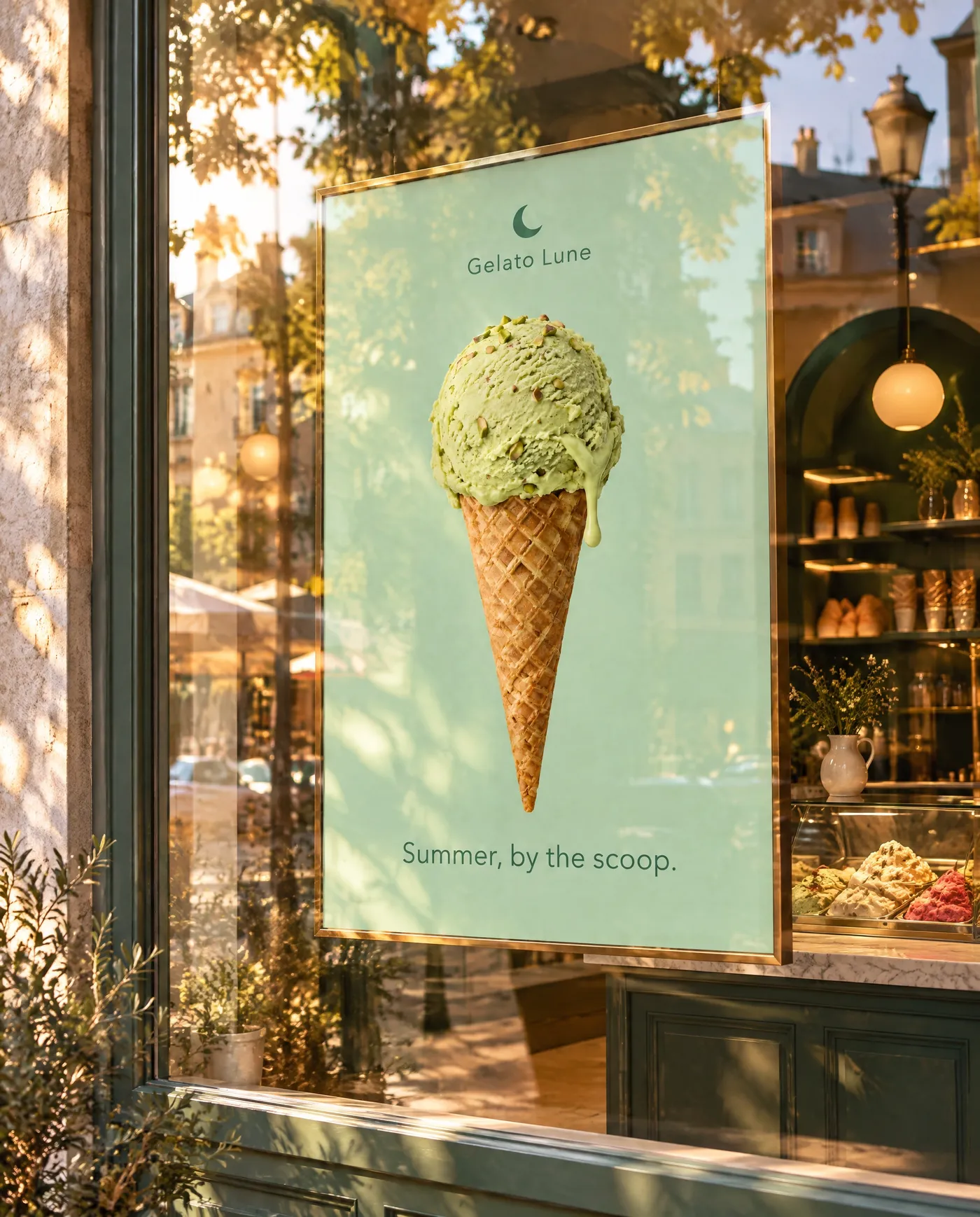
See the ad in place before buying media
Use it for
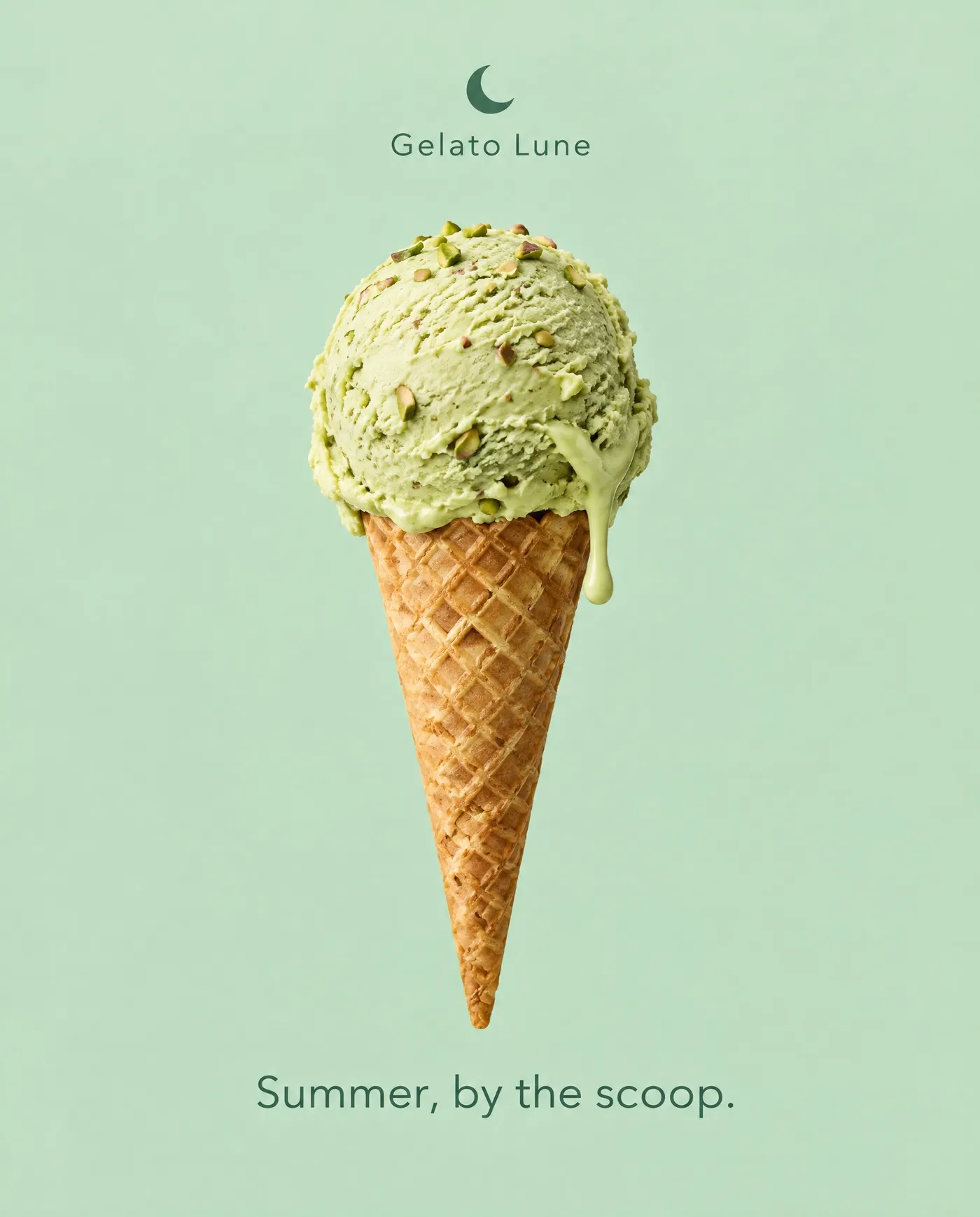
Showing a client or a team how an ad looks on a billboard, a bus shelter or a shop window.
Where
Ad mockups. Upload the finished ad.
Options to pick
- Where it runs: 16 placements, including roadside billboard, bus shelter, metro platform, city screen, shop window, airport lightbox and taxi top
- Time of day: daylight, golden hour, night, sunny, blue hour, rainy day or snowy day
Campaign or limited-edition packaging
Use it for
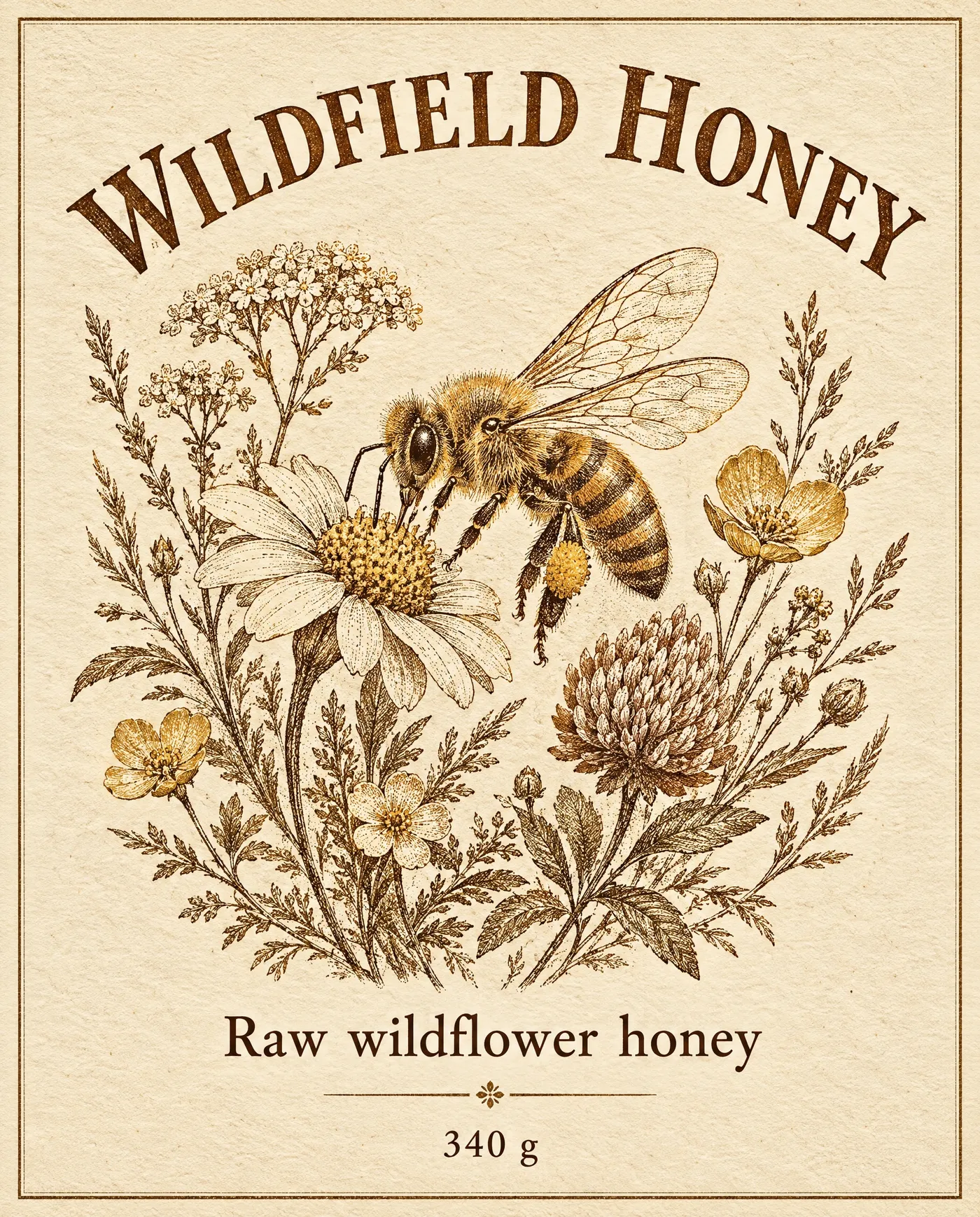
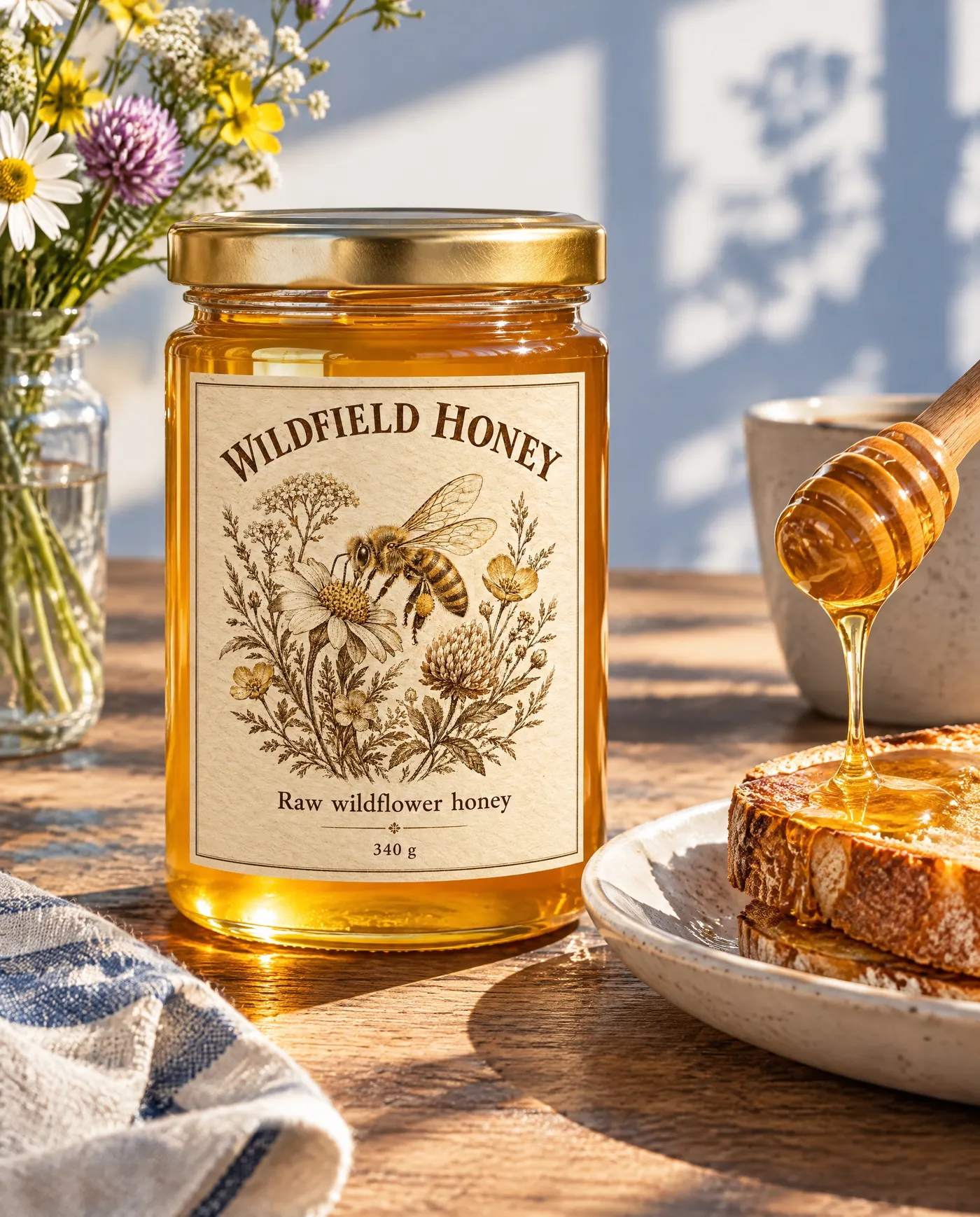
Previewing a seasonal label, a collab edition or merch before it goes to print.
Where
Packaging mockups. Upload the print-ready artwork, such as a label, a wrap or a front panel.
Options to pick
- Packaging: 13 types, including stand-up pouch, bottle or jar with a label, drinks can, cosmetic tube, coffee bag, takeaway cup and canvas tote
- Setting: in use, where it lives, on the shelf, studio, flat lay, market stall or unboxing
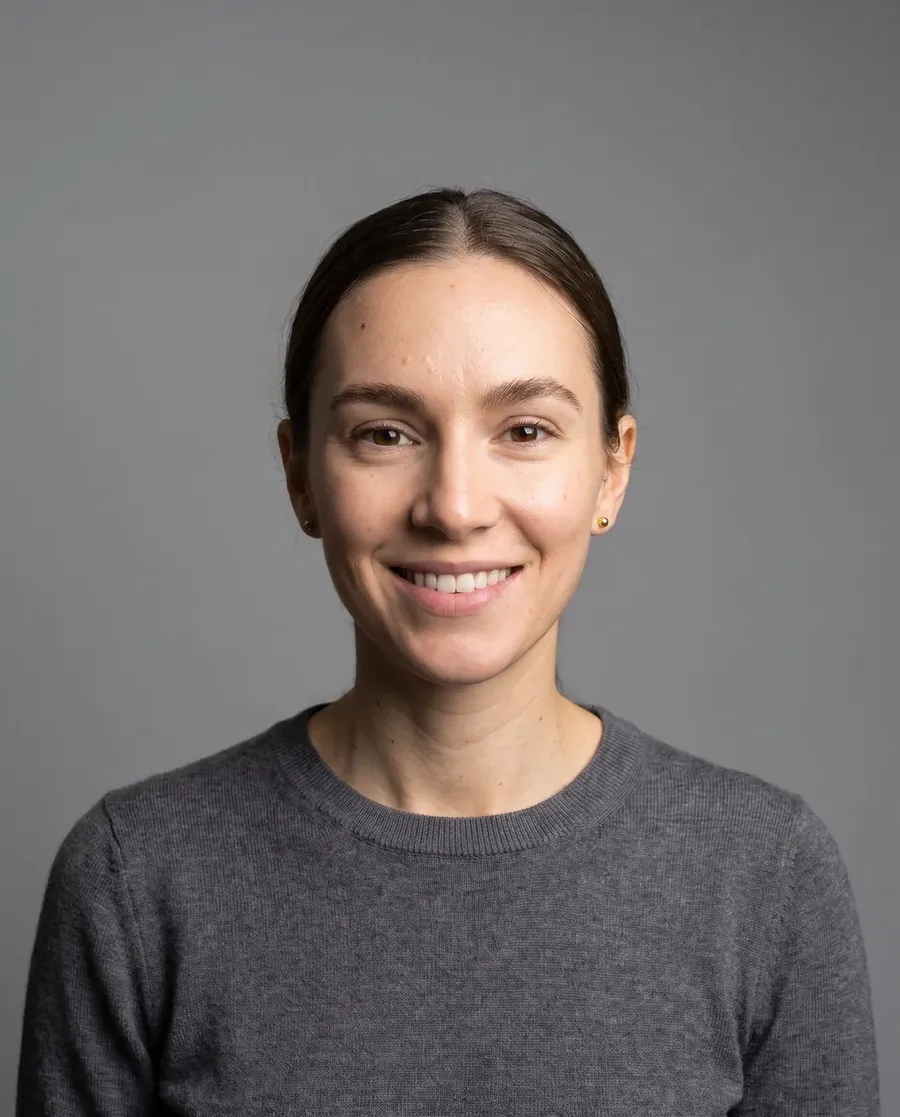
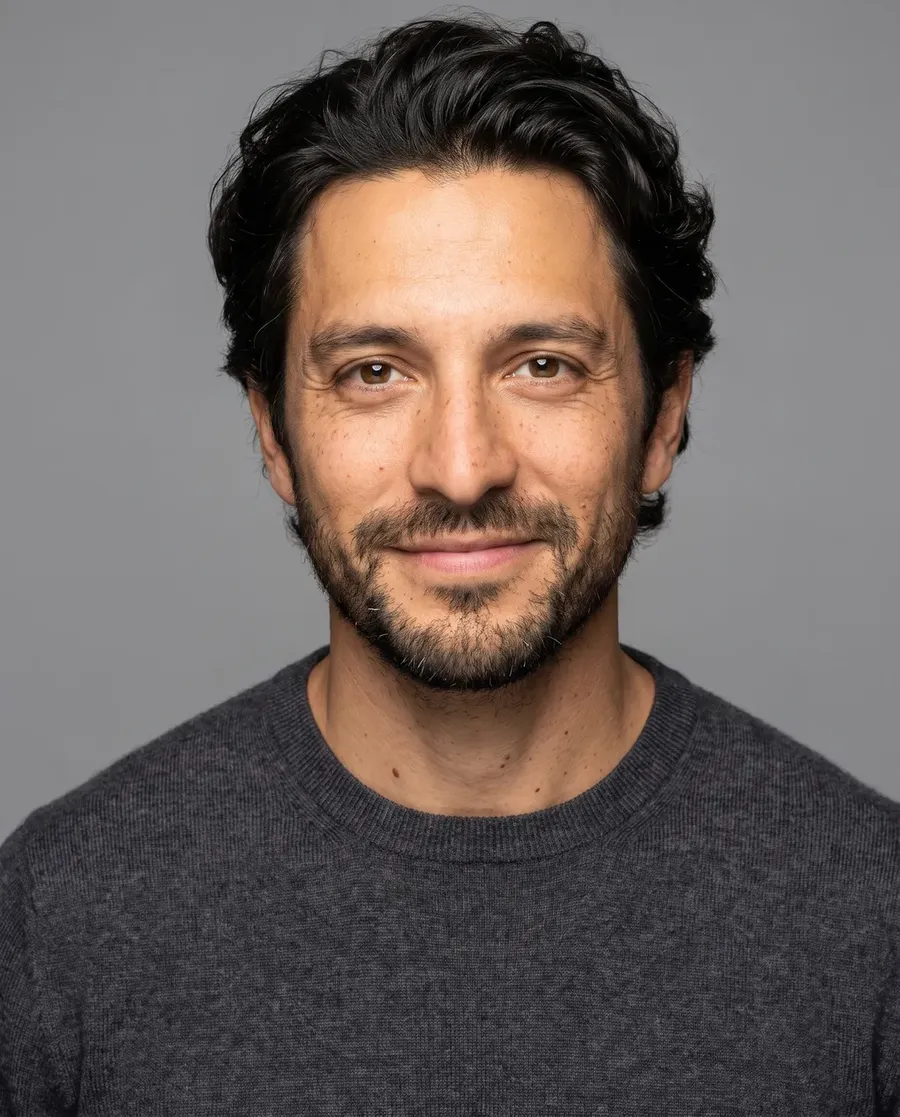
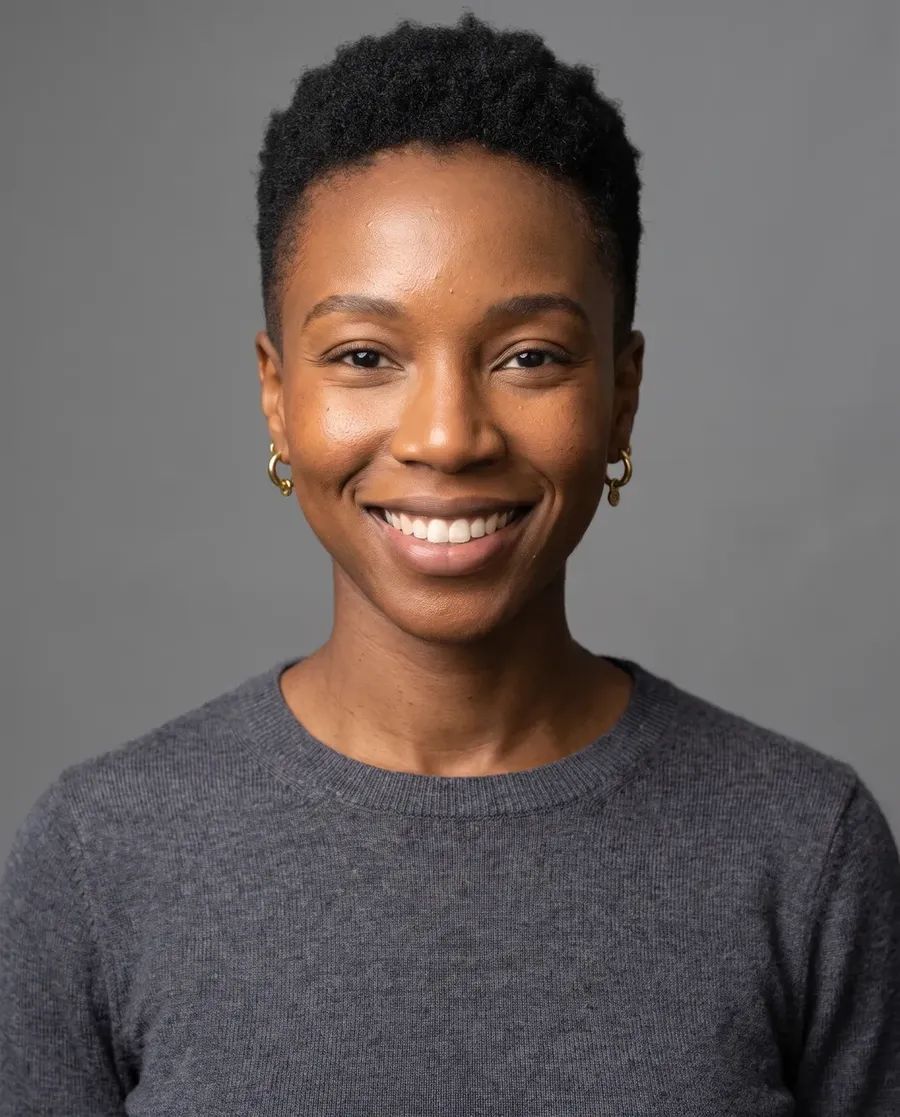
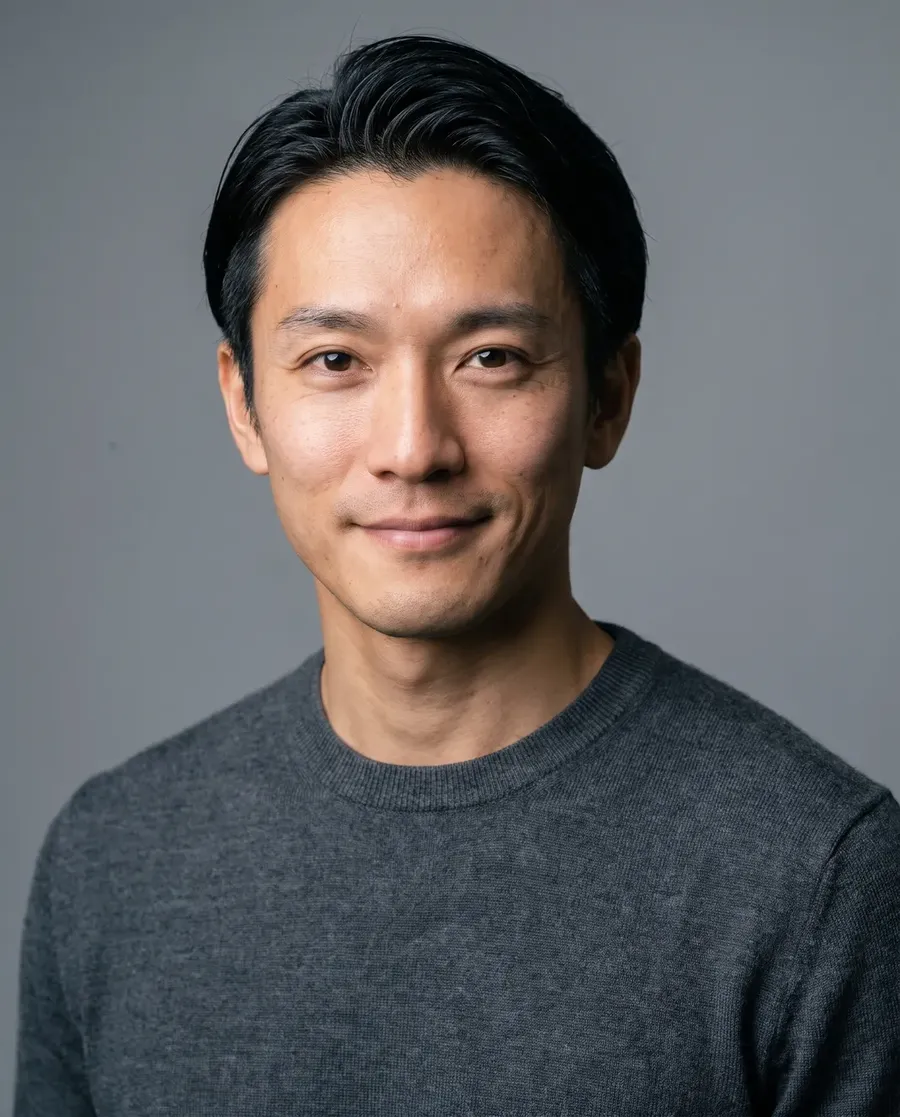
Team headshots for a launch or press page
Use it for
Matching headshots for the team page, press kit or speaker bios, from everyday photos.
Where
Headshots. Upload a clear, front-facing photo of the face.
Options to pick
- Outfit: keep what I'm wearing, suit, blazer, shirt, knitwear, t-shirt or leather
- Backdrop: 11 options, from white and studio grey to office, bookshelf and stage
- Treatment: corporate, creative, startup, natural or editorial
Quick tips
- Pick the same outfit, backdrop and treatment for every person to get a matching set.
Polish Real Campaign Assets
Remove distractions
Use it for
Clearing cars, crowds, cables or clutter out of a location shot.
Where
Background cleanup. Upload the photo. Quality 1K, 2K or 4K.
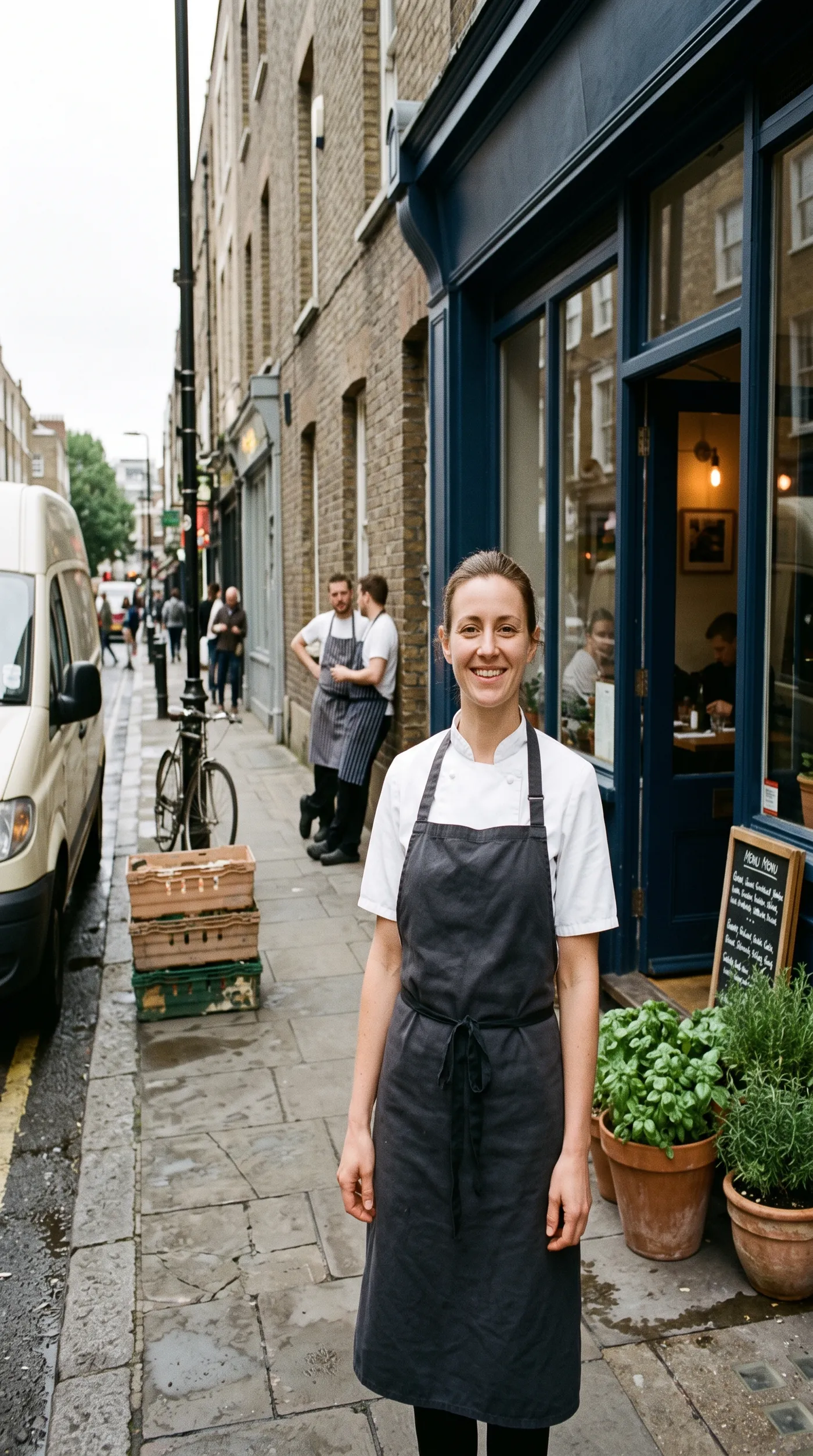
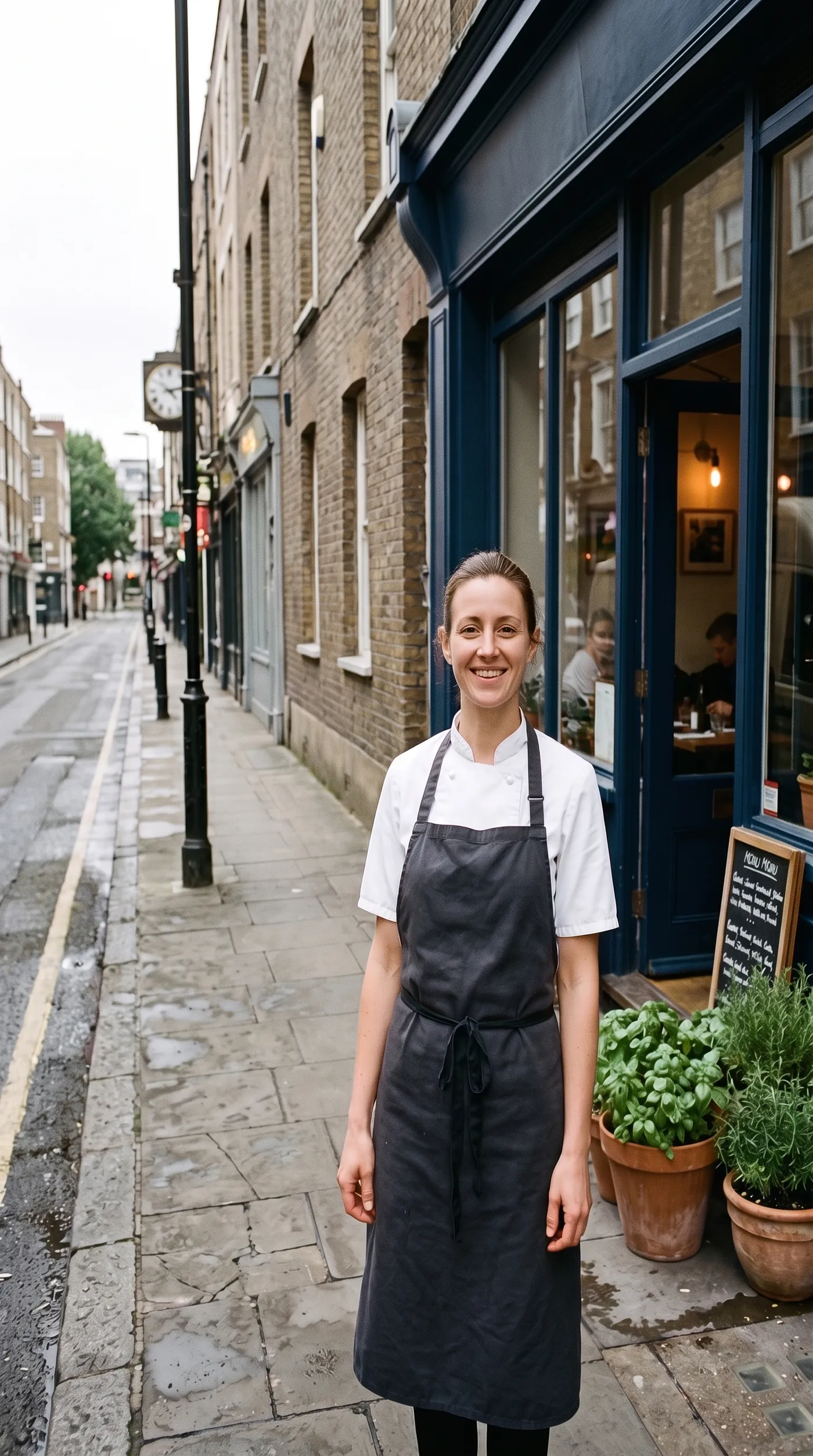
One light across a shoot
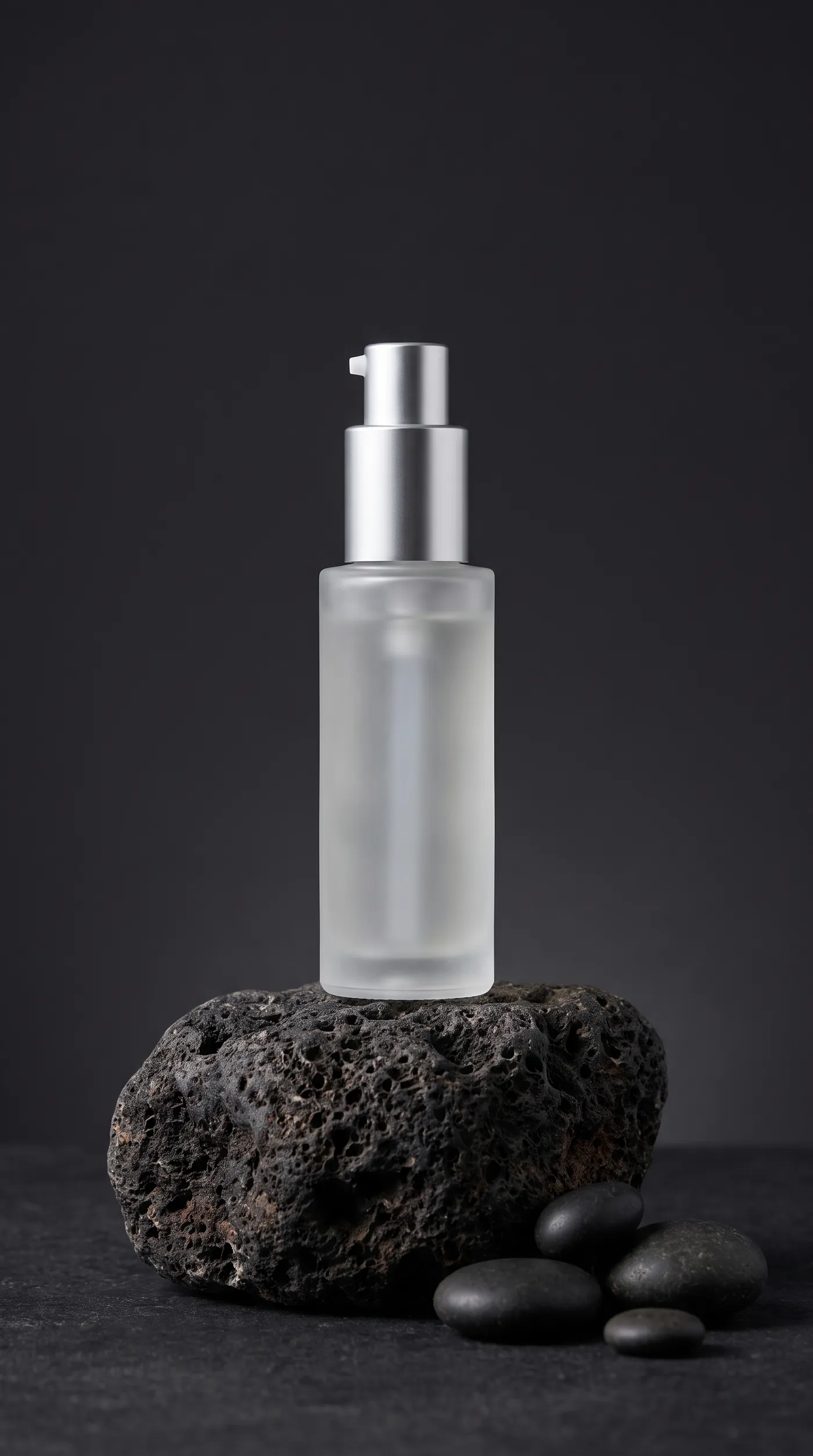
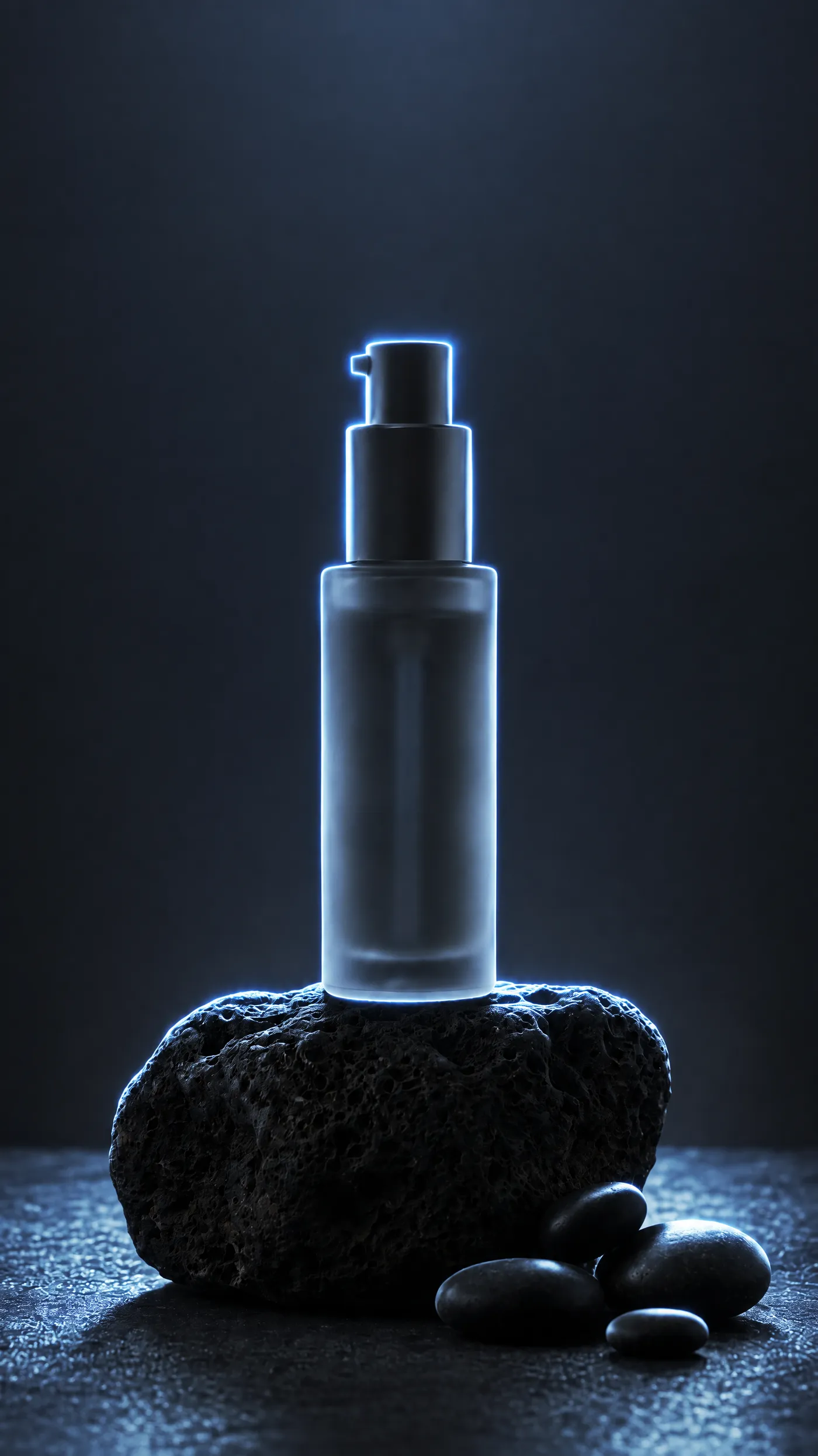
Use it for
Changing the light direction and colour of a product or portrait shot after the shoot.
Where
Relight. Upload the photo.
Options to pick
- Direction: drag the globe to an exact angle, or pick top, left, front, right, back or bottom
- Colour: a preset or your own colour
- Intensity: 1 to 10
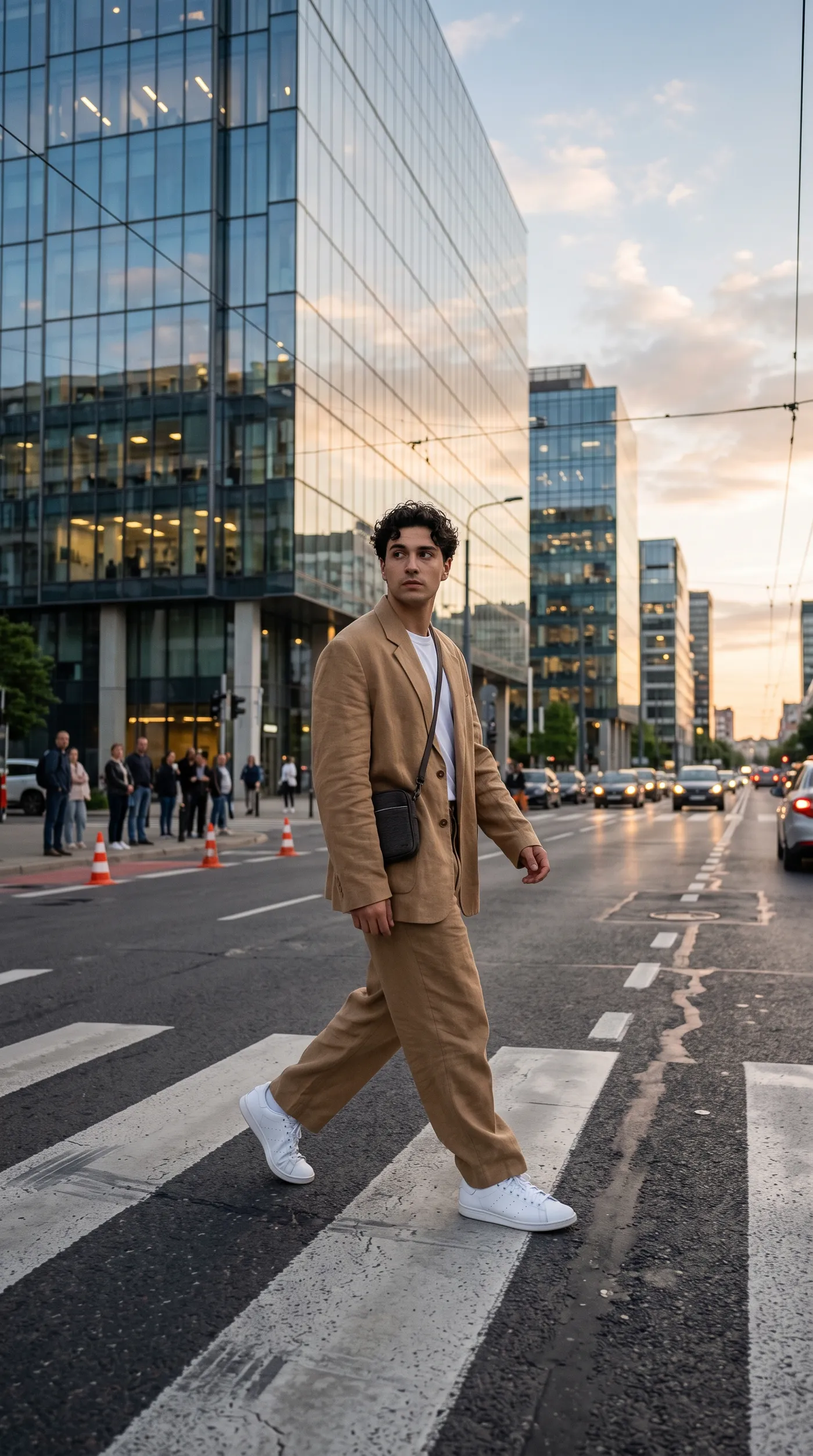
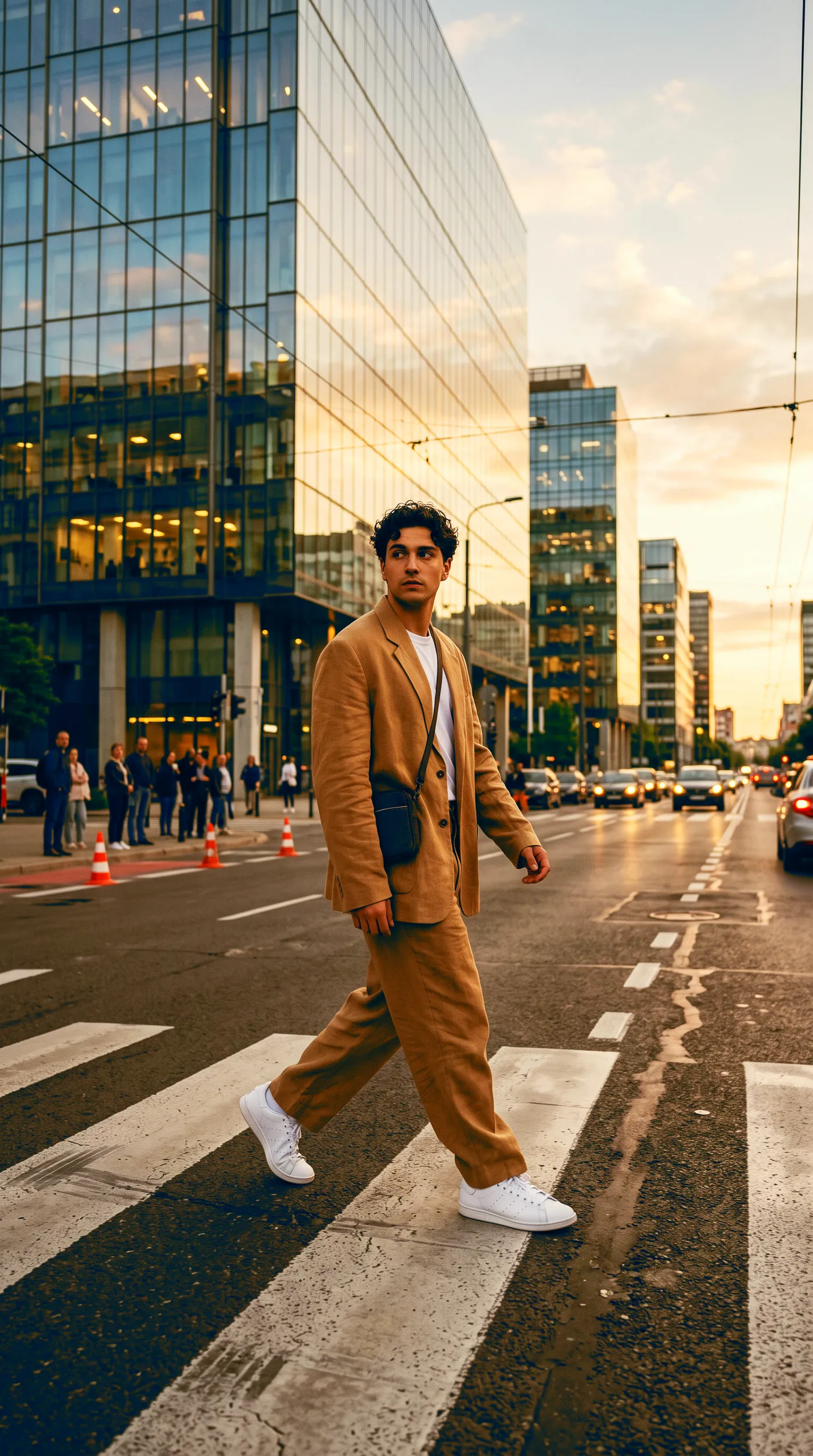
One film look across a campaign
Use it for
Giving photos from different shoots the same color look.
Where
Color grading. Upload the photo.
Options to pick
- Look: 23 film and cinema looks, including Portra 400, Kodachrome 64, CineStill 800T, teal and orange, bleach bypass and bright and airy
New background for a reused asset
Use it for
Reusing one visual for a different campaign, market or mood.
What you upload
The image, added with the Reference button. A product, a person or a finished ad all work.
Copy-paste prompt template
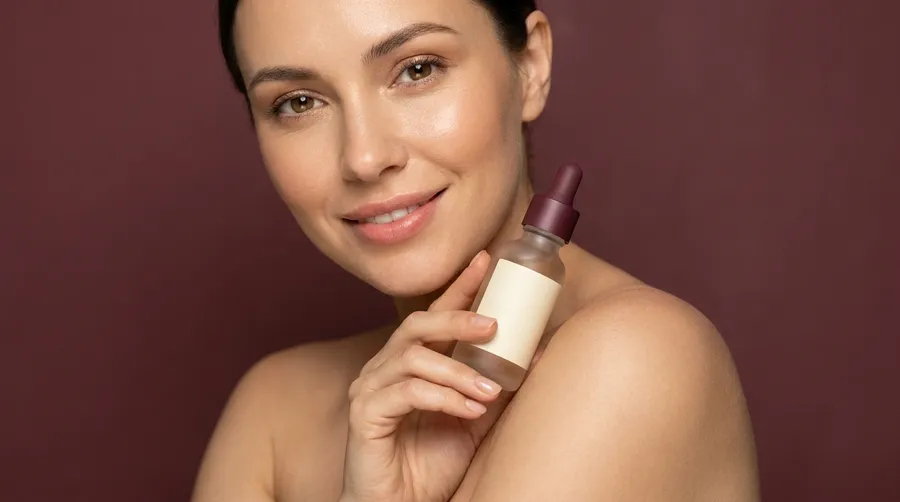
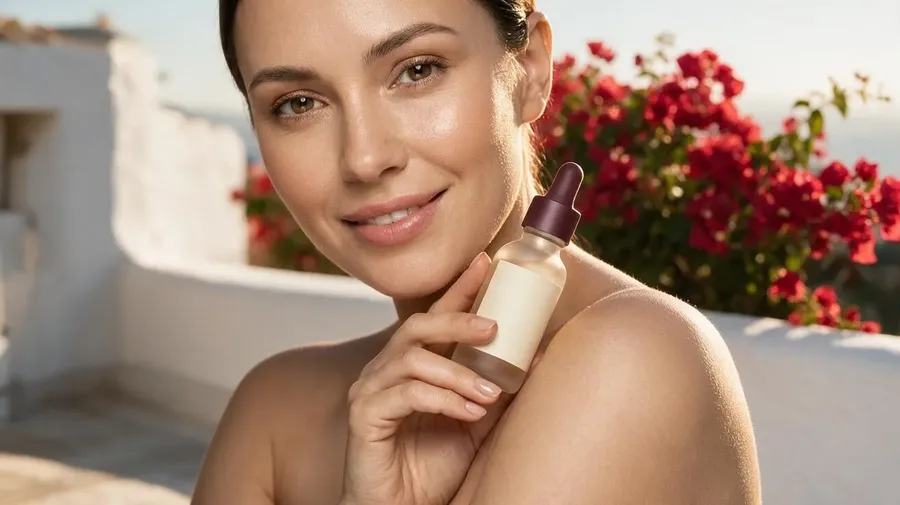
Keep the [SUBJECT] unchanged. Replace the background with [SCENE]. Match lighting, shadows and color grading.
Example
Keep the woman and the serum bottle unchanged. Replace the background with a sunlit Mediterranean terrace with white walls and bougainvillea. Match lighting, shadows and color grading.
Quick tips
- Add a mood word, such as calm, high-energy, corporate or playful, to steer the scene.
New brand direction for the same asset
Use it for
Testing a new visual direction without redesigning from scratch.
What you upload
The image, added with the Reference button.
Copy-paste prompt template
Transform this image into a [STYLE] marketing visual. Keep the [SUBJECT] recognizable. [COLORS, SHAPES, FINISH].
Example
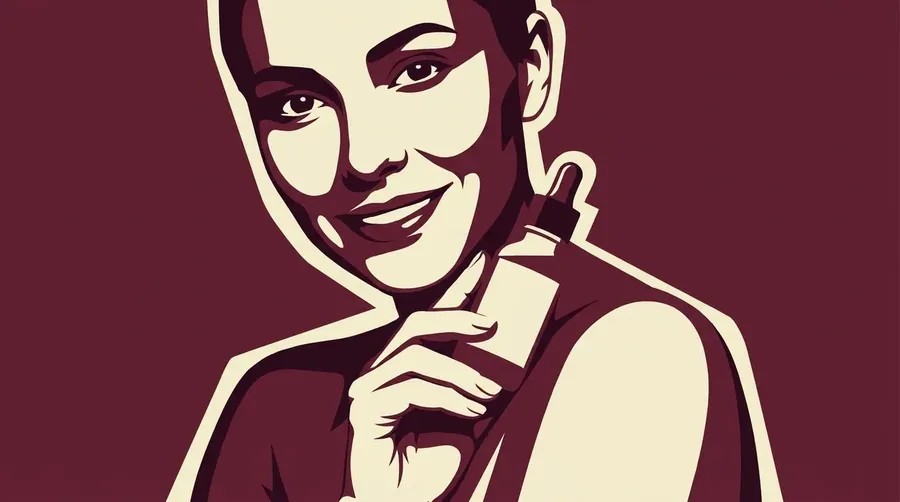
Transform this image into a bold graphic marketing visual. Keep the woman and the serum bottle recognizable. Flat color blocks in burgundy and cream, strong shapes, high contrast, poster-like finish.
For print and out-of-home, Upscale image takes a finished visual to 4K, and up to 16K on some upscalers.
No. Actions such as Product orbit, UGC video, Ad mockups, Headshots and Image translator work from a source file and a short list of options, with no prompt at all. Prompts are for open-ended work in the generators, and short plain-language descriptions work there too because prompt enhancement fills in the rest.
Save the product as an Element and call it with @Name in every prompt, or attach your product photo with the Reference button for one-off shots. Elements store up to 20 photos and work in Create image and in Create video on models that accept reference images. The guide to Elements covers setup step by step.
Yes. On Auto, Create video picks a model that generates sound, so dialogue, music and sound effects can go straight into the prompt. For more control, make the voiceover in Create speech and the track in Create music, then attach them as audio references on a video model that accepts audio.
Paid plans include commercial usage rights, subject to getimg.ai's terms and applicable third-party rights. Check that people, logos and brand names in your inputs are yours to use, and review text and product details before an ad goes live.
Yes. Image translator returns the same image with its text in one of 12 languages, including Spanish, French, German, Japanese and Arabic. For audio, Create speech speaks in whatever language the script is written in.
Create image makes up to 16 images per run, and Create video, Create music and Create sound effect make up to 4 per run. Each run uses one prompt, so for different directions you write a separate prompt. Actions set their own maximum, shown next to the variations control.
Packshots, white-background listing images, color variants and on-model product photos are in the AI e-commerce prompt book. This book focuses on campaigns, ads, social content, video and audio.