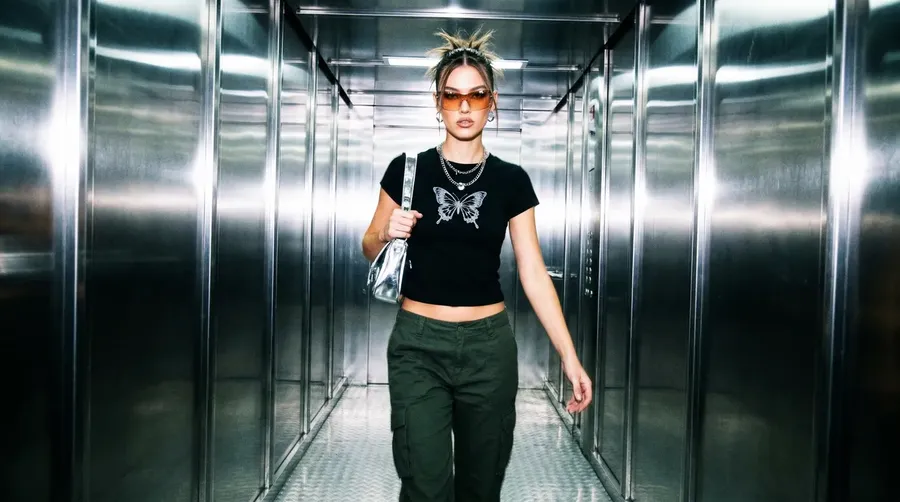
Image to Video AI Generator
Turn any image, photo, or artwork into video with cinematic motion in minutes. Upload your first frame, describe the movement, and generate AI video with leading models including Veo, Sora, Kling, Seedance, and more.
Access 29+ leading AI models in one image to video platform.
One workflow. One subscription. The right model for each shot.


Why getimg.ai for image to video
Turn images into video with more control
Most image to video AI tools stop at generic motion. getimg.ai gives you a more directed workflow inside Content Generator, so you can animate a still image, guide the action with prompts, and shape how the clip starts, evolves, and ends.
Prompt
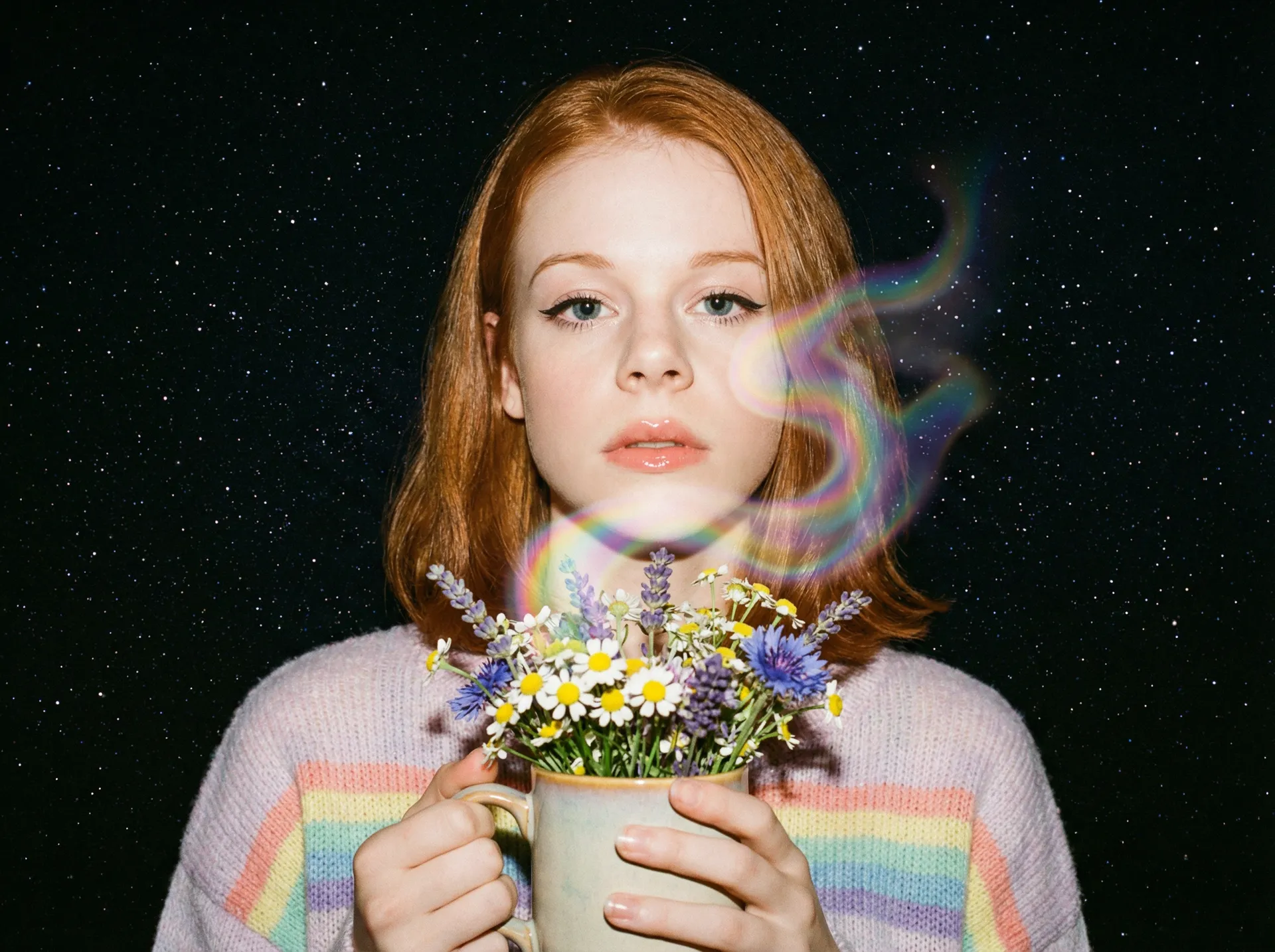
First Frame
Last Frame
Better output than a one-model tool
Different shots need different models. This AI image to video generator automatically chooses the best fit for realism, camera motion, prompt following, speed, or cinematic quality instead of forcing every video from image through the same model.
Auto selection

Kling 3.0
Native audio-video generation, multi-shot cinematic storytelling

Seedance 1.5 Pro
Cinematic camera control, dynamic scenes, expressive characters.
Built for creators who need usable results
Turn a photo to video for a product launch, create a picture to video concept shot, or build branded social content from one still without a full production timeline.
How to convert image to video with AI
1. Upload your image
Start with a photo, illustration, product render, graphic, or AI-generated image. Your upload becomes the first frame of the video.
2. Describe the motion
Tell the model what should happen: camera push-in, character movement, environmental motion, product rotation, reveal, or cinematic transition.
3. Generate and refine
Create your clip in minutes, then refine it by changing the prompt, switching models, adding an end frame, or using reference images for tighter control.
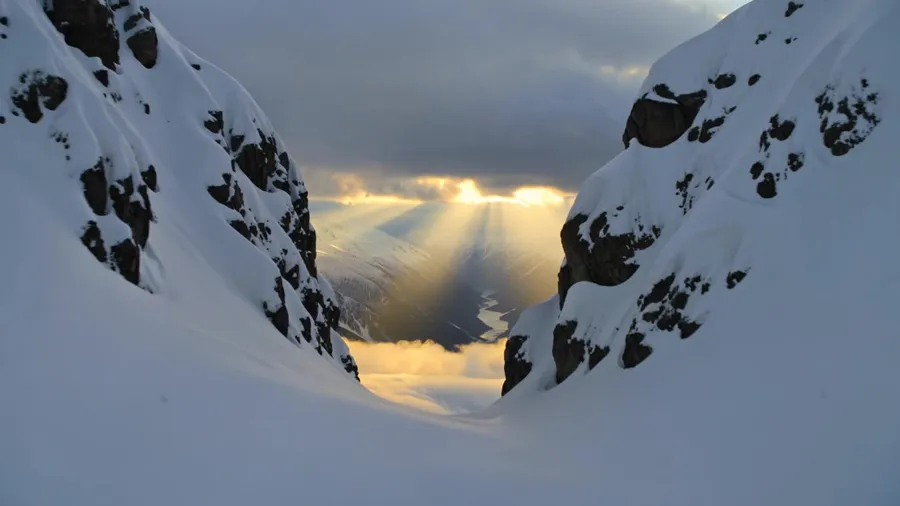
AI image to video powered by first frame generation
getimg.ai’s image to video workflow happens inside Content Generator. You start with a first frame, then generate motion from that image using your prompt and selected model.
That makes the workflow feel closer to an AI video generator from image than a basic image to video converter.
- Turn an image into video with prompt-guided motion
- Keep the original composition anchored
- Test multiple models on the same first frame
- Create video from image without rebuilding the shot each time
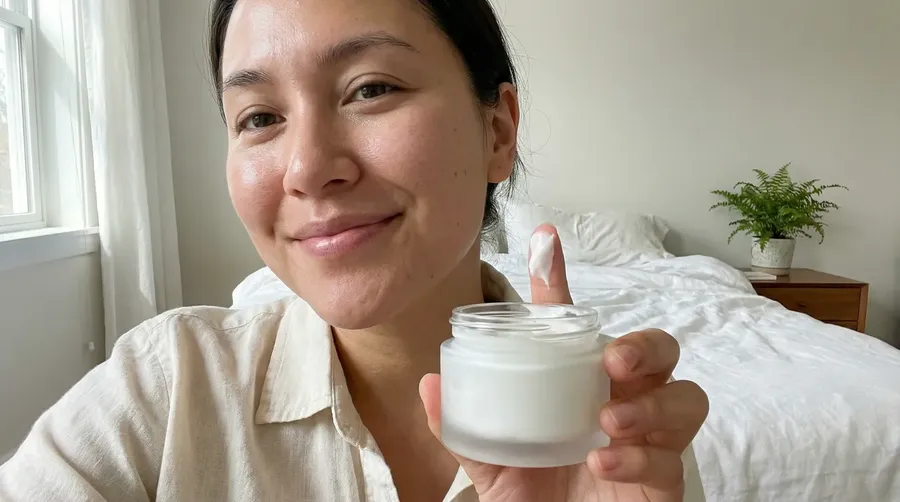
create review video, woman saying "this texture is so incredibly smooth and hydrating"
Choose start and end frames for more controlled image to video
When a standard image to video generator leaves too much to chance, set both the opening frame and the landing frame on supported models. You get a more predictable photo to video AI workflow for reveals, transformations, product motion, and cleaner transitions.
- Plan a specific reveal or transformation
- Keep product shots on-brand from first frame to last
- Create smoother transitions between visual states
- Reduce randomness in the final clip
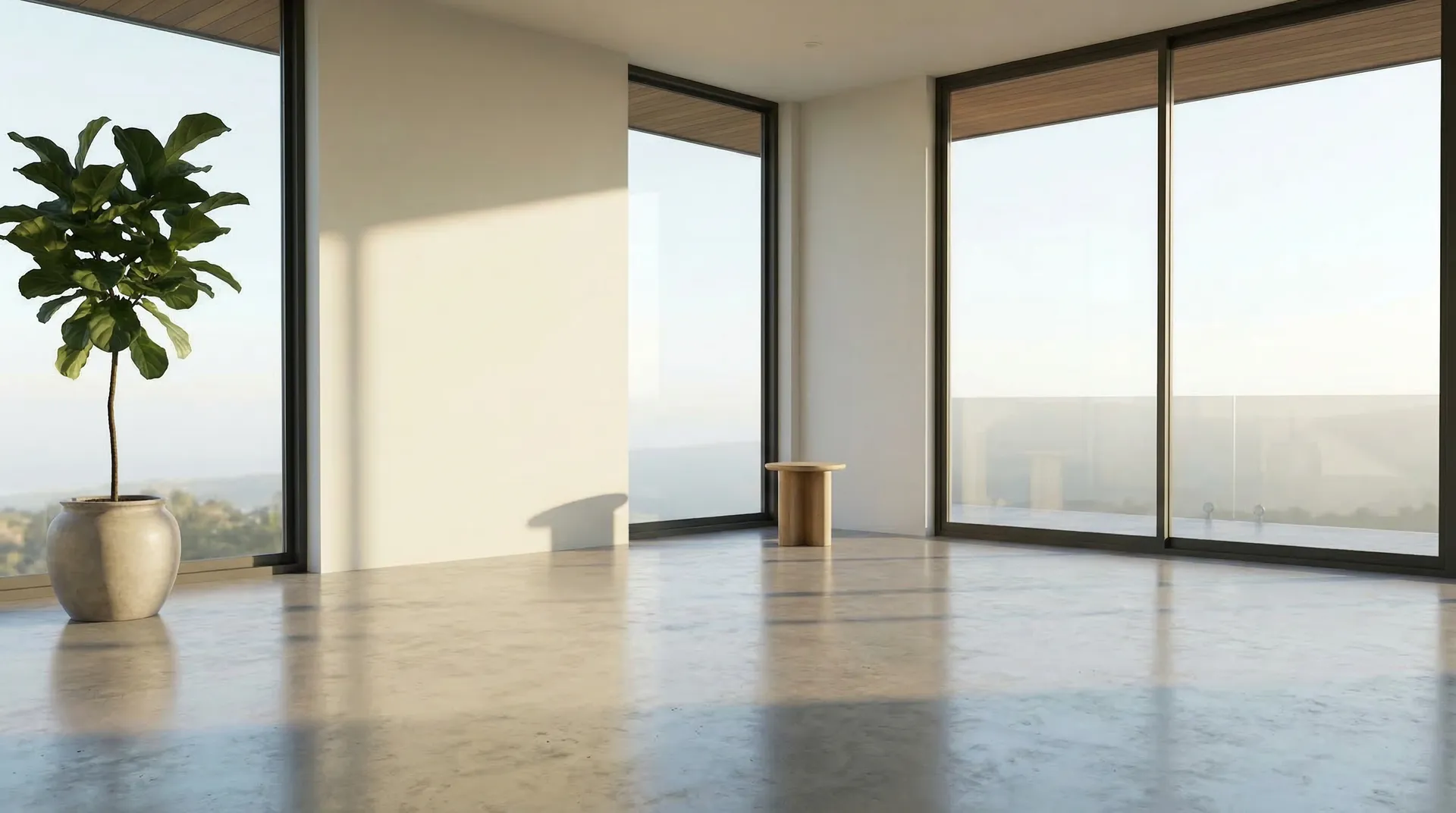
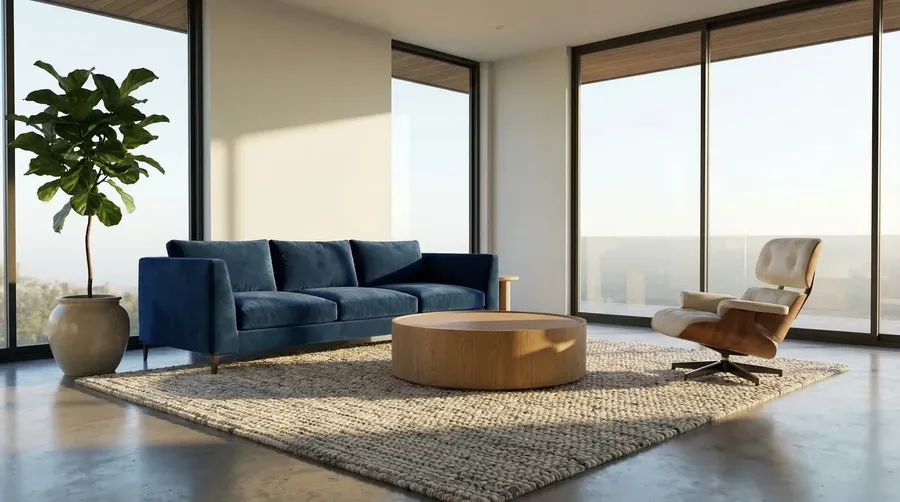
smooth transition, furnitures drops from above
Add reference images for tighter image to video control
If a simple picture to video tool is not enough, reference images let you guide characters, props, logos, and visual details throughout the clip, not just in frame one.
- Keep subjects more consistent
- Introduce objects at the right moment
- Direct scene progression more precisely
- Create stronger branded or narrative video from image workflows
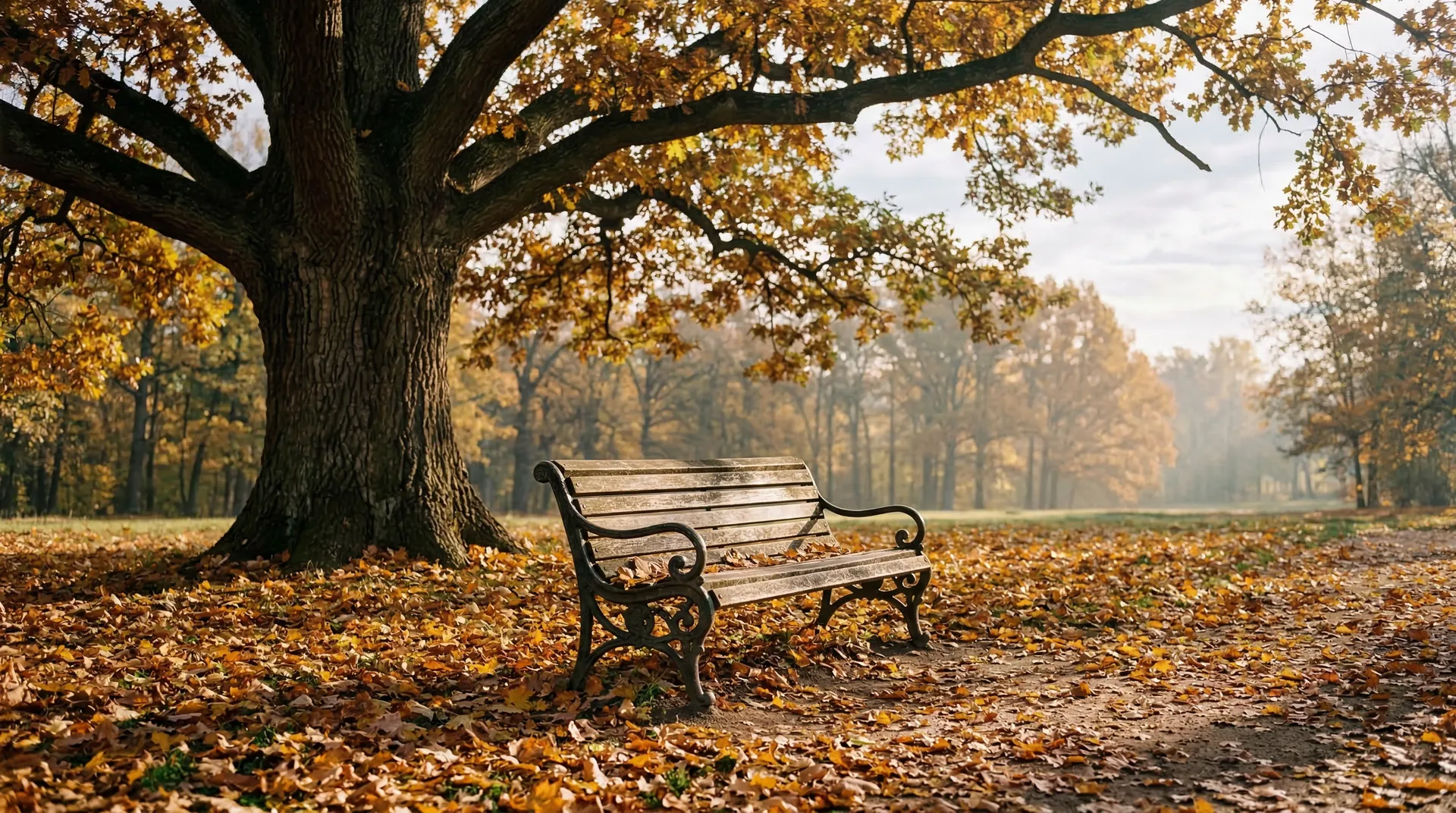
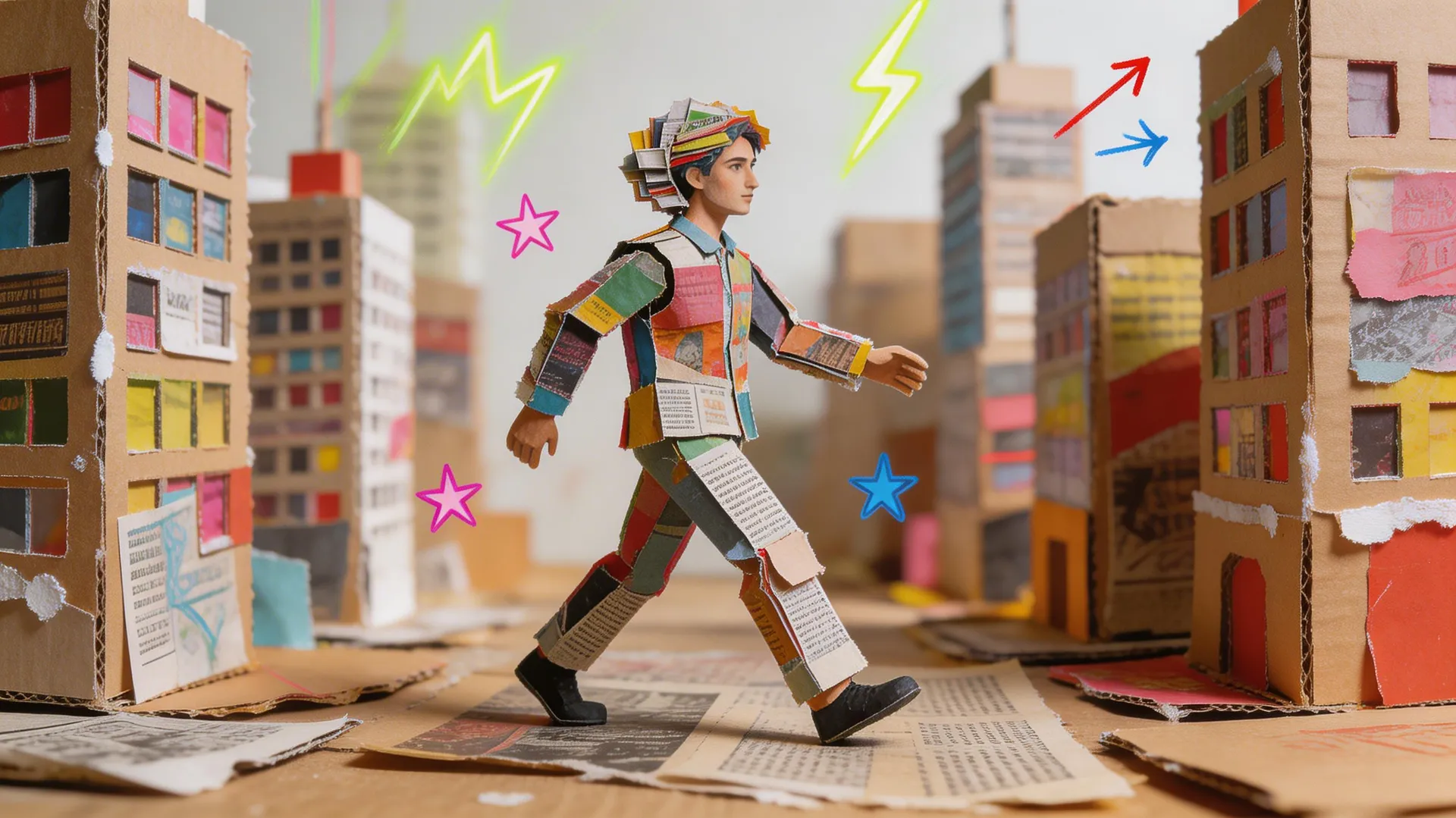
cardboard character walking through the park
One image to video AI workflow across leading models
getimg.ai gives you access to leading image to video AI models in one place, so you can choose based on the result you need instead of adapting the shot to the limitations of one tool.
Kling
A strong choice for high-resolution image to video generation when you need control, motion quality, and reliable prompt accuracy.
What you can create with image to video AI
Explore More AI Features & Use Cases
Frequently Asked Questions
Image to video AI turns a still image into a short video clip by using the uploaded image as the first frame and generating motion between frames. With getimg.ai, you can guide the result with prompts, model choice, end frames, and reference images.
Open the Create video Action, upload your image or photo as the first frame, write the motion prompt, choose a model, and generate. The same workflow works whether you want to turn an image into video, create photo to video content, or start with a picture from your library.
If you searched for a pic to video tool, this is the same workflow with more control built in.
Photos, illustrations, product renders, concept art, and AI-generated images all work well. Clear subjects, strong composition, and visible opportunities for motion usually produce better results.
Yes. Supported models let you set both the starting and ending frame for more predictable results and cleaner scene transitions.
Yes. Reference images help control subjects, props, logos, and scene progression beyond the first frame.
Yes. Image to video is available on paid plans.
If your paid getimg.ai plan includes commercial rights, yes. Keep usage aligned with your current plan terms.
Turn still images, photos, and artwork into usable video faster
Skip the long handoff between idea, editing, revision, and delivery. Upload an image, photo, or artwork, direct the motion, choose the right model, and generate. If you need a simple picture to video workflow, you can move quickly. If you need more control, shape the result with end frames and reference images.