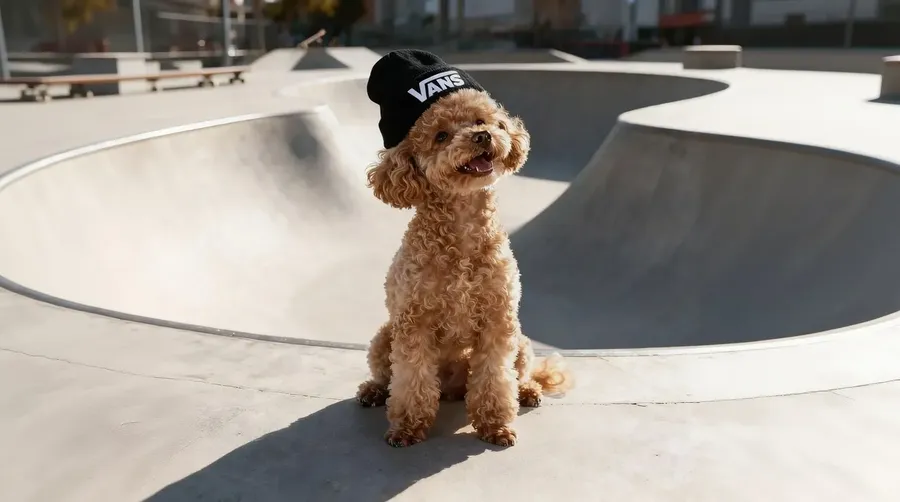
Image to Image AI
Need to turn a daytime architectural photo into night? A rough sketch into a 3D render? A standard product shot into a studio background? Don't do it manually. Upload your image, tell the AI what to change, and get high-quality variations without touching a single Photoshop tool.
Leading Image to Image AI Models in One Place.
We run the fastest, most powerful models so you don't need expensive hardware to generate images.


Get more consistent Image to Image results automatically
You don't need to be an AI expert to get a result you can use. Our image to image creator handles the technical parts in the background so you can focus on the direction.
Prompt enhancement
Type a few basic words, and we handle the rest. Our system automatically rewrites your short ideas into highly detailed prompts. Get more detailed results without learning complex prompt engineering.
Your Prompt
Enhanced Prompt
HQ Result
Auto model selection
Stop guessing which AI model to use for your project. Our system reads your prompt and automatically selects a model suited to your edit, so you can get strong results without comparing models manually.
Auto selection

Nano Banana 2
Excellent at typography and various artistic styles.

FLUX.2 [max]
Hyper-realistic model for the most demanding tasks.
No local GPU or install
You don't need a local GPU or any models to install. Everything runs in getimg.ai through your browser, so you can generate high-res image to image results on any device.
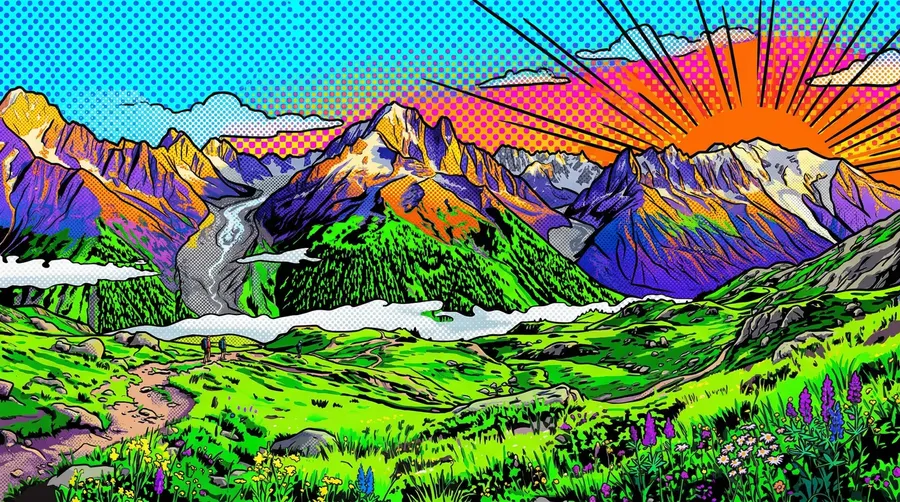
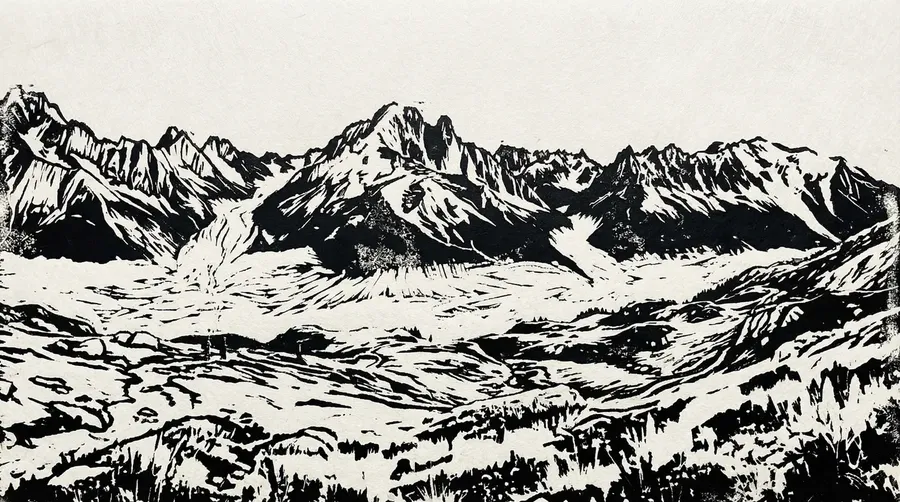
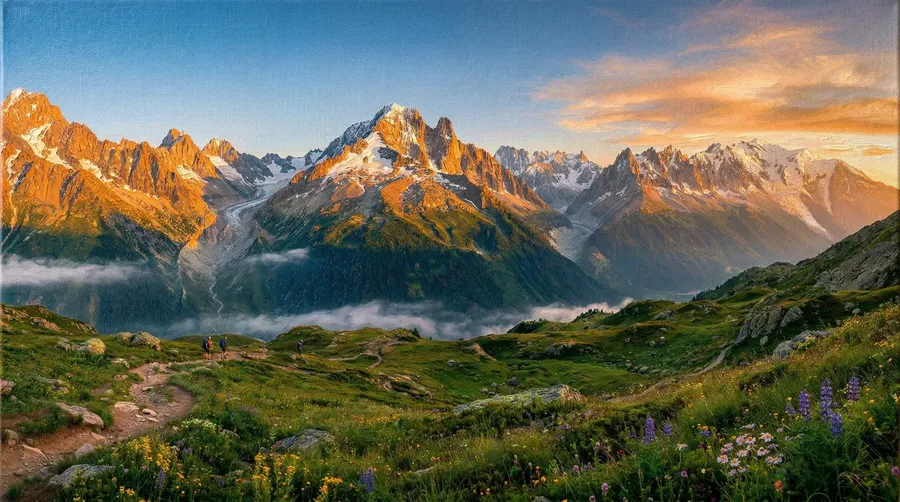
What Can You Create with Image to Image AI
One tool, dozens of real applications. Here are the image to image use cases people run most.
-1920x1080.webp)
Reference-guided generation
Transform the Look While Using Your Original as a Reference
Your source image is the reference. The image to image AI reads its subject, composition, and visual structure, then generates a new image in the direction you describe. You get a fresh result that still feels connected to where you started.
Works with a range of image types:
- Portraits and selfies (use the original face as a reference while the style changes)
- Product shots (keep the product's shape as a reference while the look changes)
- Landscapes and scenes (guide the composition while the atmosphere transforms)
- Architectural photos (reference the structure while materials and mood change).
Whether you're turning a raw photo into an oil painting, a landscape into a surreal illustration, or shifting the mood of a product shot, the source keeps the result grounded while the style changes. Prompt enhancement improves your input so the output follows your direction instead of drifting.
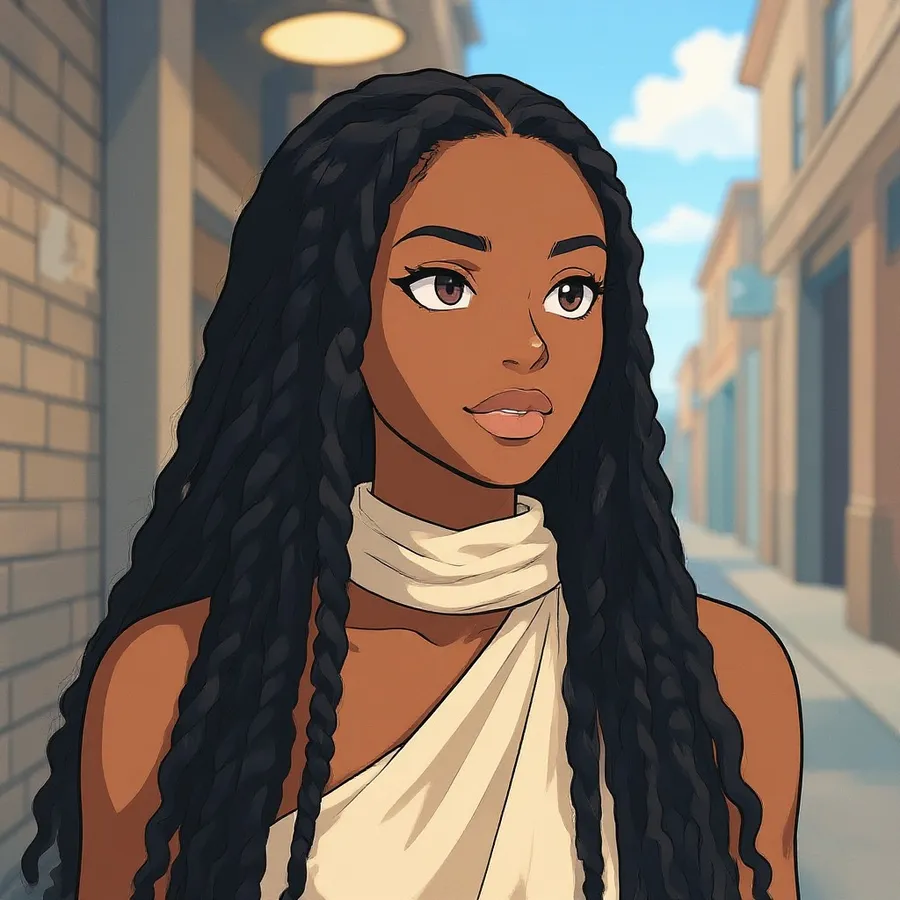
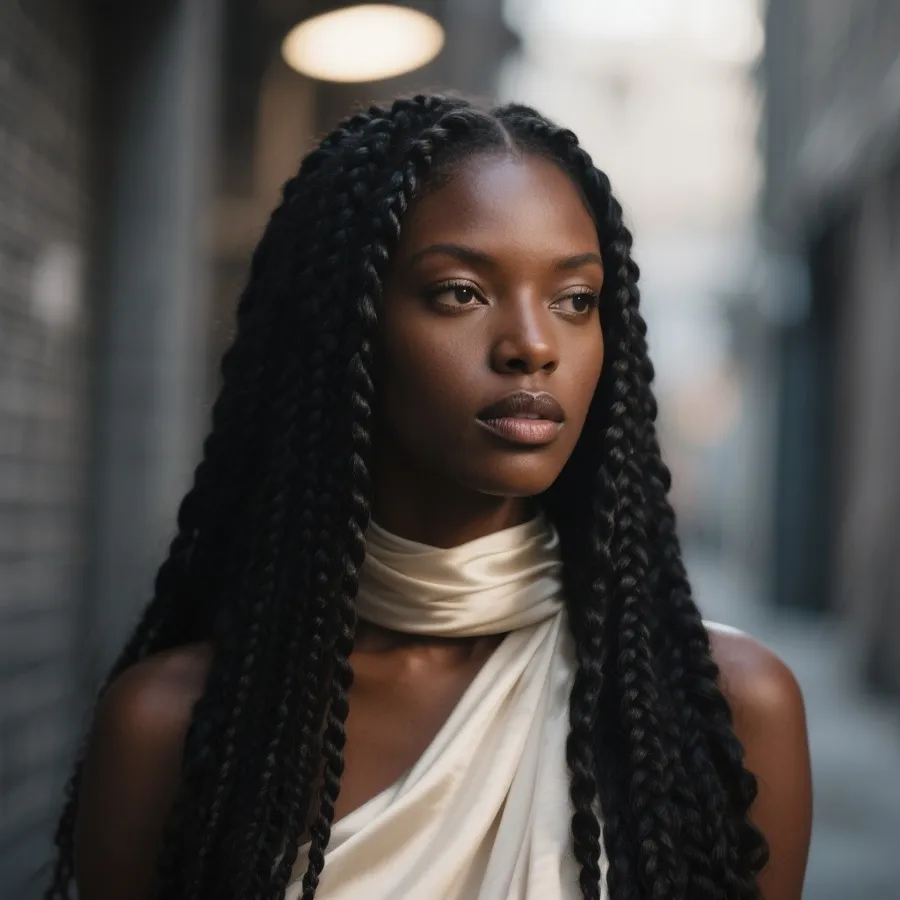
change the style to a cartoon
Compare up to 16 directions at once
From one reference image and a prompt, generate up to 16 variations in a single run. Your source guides the subject, composition, and visual structure of each one.
Compare different styles, compositions, and creative directions side by side, then keep what works. It's how teams pick a direction for product lines, character sheets, or campaign visuals without committing to a single guess up front.
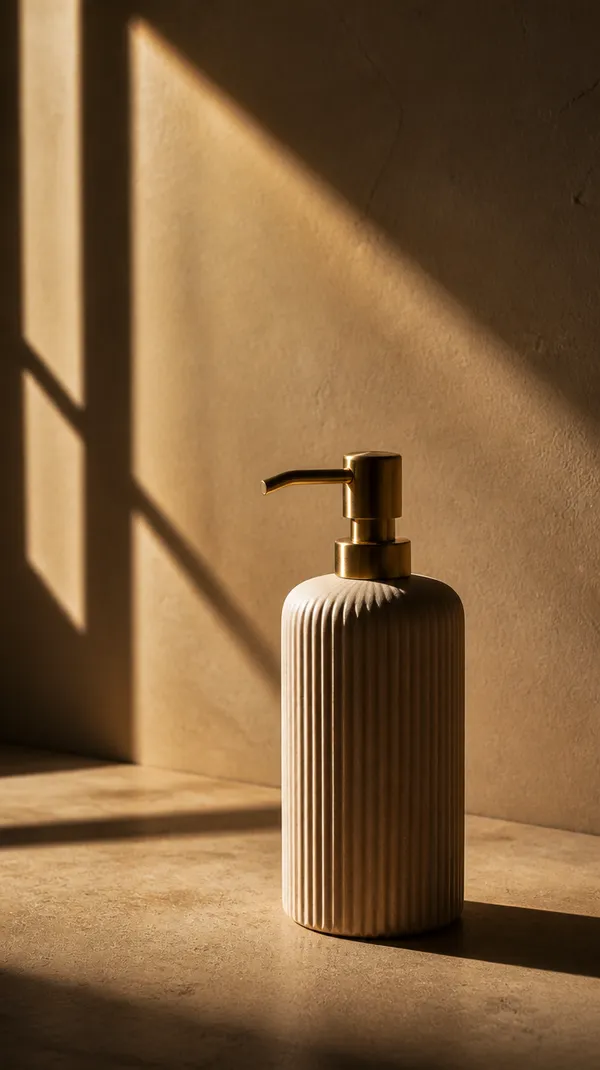
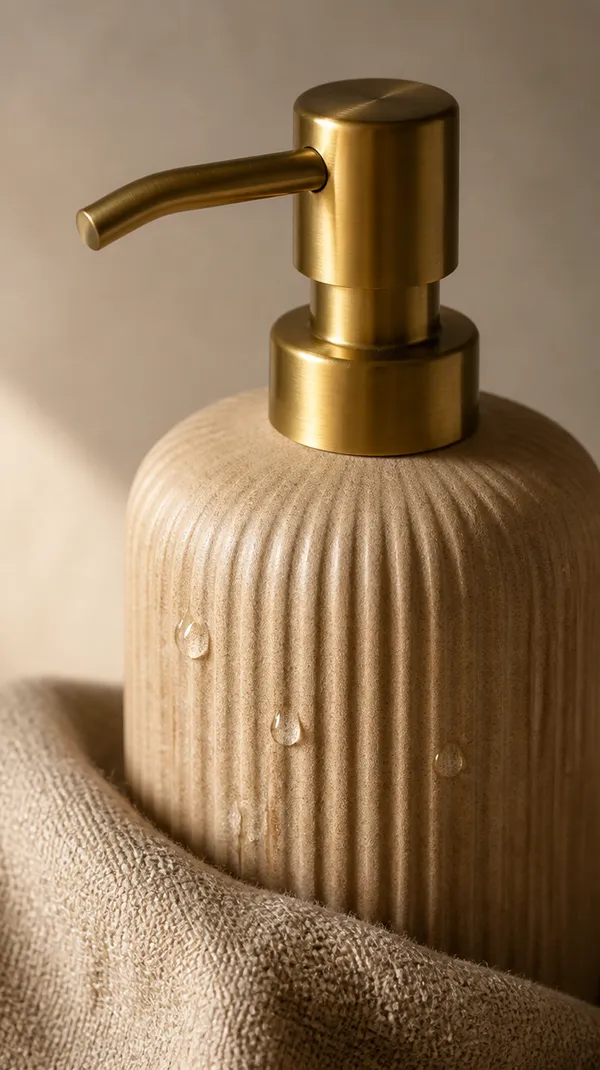
Image to Image vs AI Image Editing
These solve different problems. Image to image takes your source and generates a new variation of it: a new style, mood, or direction built from the same starting point. AI image editing changes specific elements of an existing image and leaves the rest as it is.
Reach for image to image when you want to explore a new look. Reach for editing when you need to change one exact part.
Need to change one specific part of your image? getimg.ai can also work as an AI Image Editor.
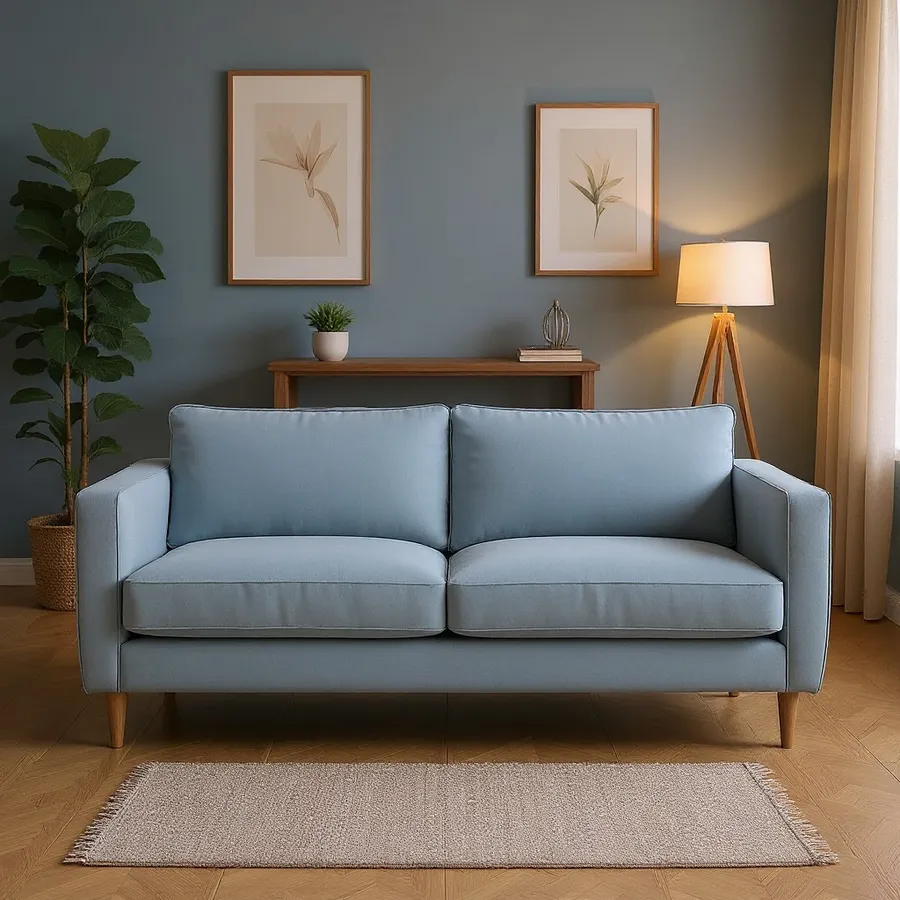
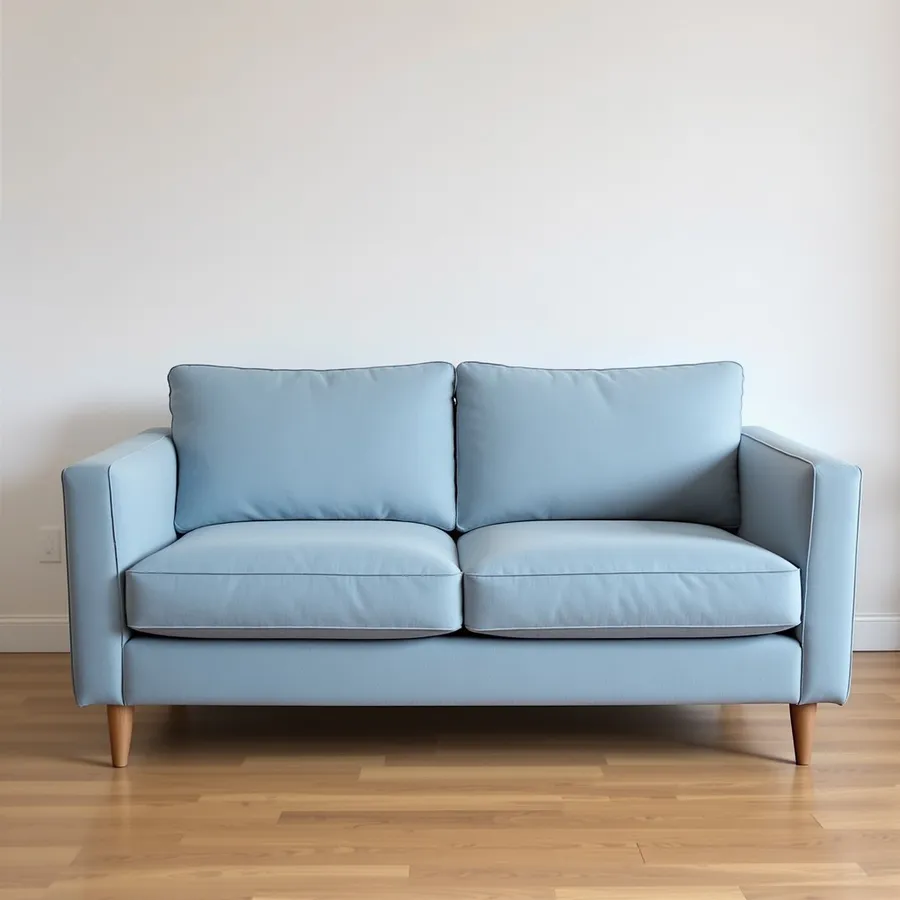
change the couch background to a modern living room
Built for professional production standards
getimg.ai's image to image tool is built for production work: fast iterations, coherent results across a set, and no version files to manage.
No version files to manage
Every generation is non-destructive by default. Your original stays untouched: generate as many variations as you need without duplicating files, losing your source, or building an archive of _v2_FINAL_final folders.
Cut production costs dramatically
Skip expensive stock subscriptions and costly reshoots. Build new visuals from assets you already own, and keep more of your project budget.
Commercial usage rights on paid plans
Images you generate on a paid plan can be used in ads, client work, merchandise, and social campaigns, subject to our terms and applicable third-party rights.
Image to Image Prompt Examples
Strong image to image prompts say what should change and what should stay. Copy one, swap in your details, and generate.
- Product: "restyle this product photo as a glossy 3D render, keep the product's shape and proportions."
- Interior: "restyle this living room as mid-century modern, keep the room layout and window positions."
- Portrait: "turn this selfie into an oil painting, keep the pose and facial features."
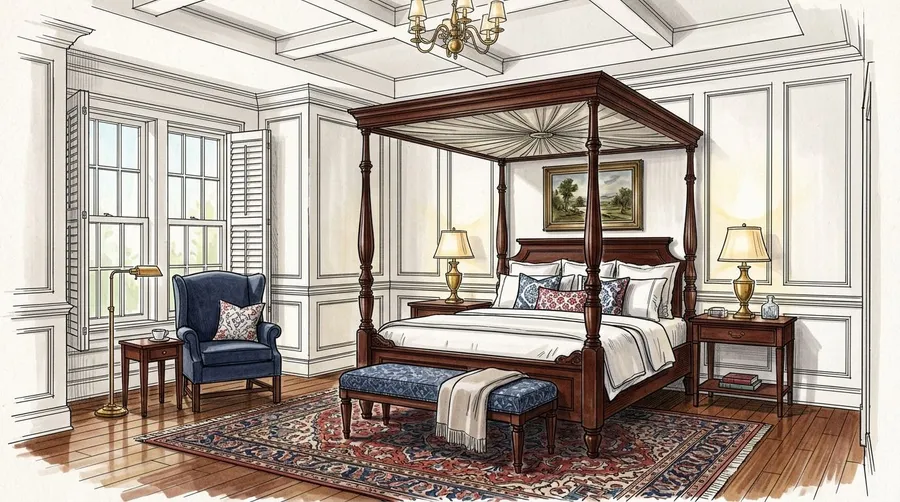
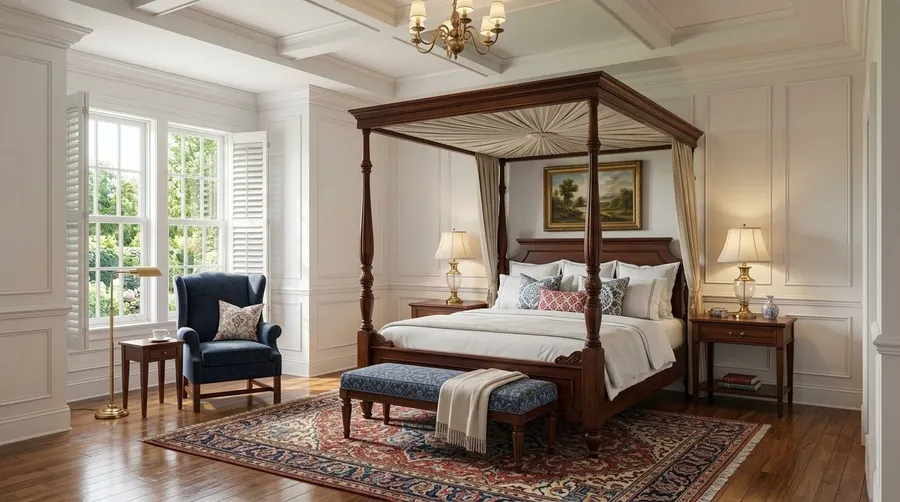
- Sketch: "render this pencil sketch as a photorealistic scene, keep the composition and proportions."
- Illustration: "convert this photo into a flat-vector illustration, keep the subject and background layout."
- Advertising: "turn this plain product shot into a bold editorial advertising visual, keep the product recognizable."
How to get better Image to Image results
Better results usually come down to a clear starting point and a clear instruction. Begin with a clean, well-lit source image so the model has enough detail to work from, then tell it both sides of the change: what you want different, like the style, mood, background, or material, and what you want kept, like the subject, composition, or product shape.
From there, move in small steps. Changing one thing at a time makes it obvious what each prompt is doing, and if a result misses, switching to a different model often helps, since their strengths vary by style and subject.
Explore Other AI Features & Tools
Frequently Asked Questions
Image to Image AI is a feature that takes your existing photos and transforms them into new, customized visuals. It’s suitable whether you're a complete beginner or an experienced creative professional. First, open the Create image Action and upload your image.
Then, instead of struggling with complex editing software, you simply describe how you'd like your photo to change (like “make this portrait into an oil painting” or “turn this landscape into a futuristic city”), and the AI then generates a new version based on your image and instructions.
The Image to Image AI tool opens up a range of creative options for transforming your photos. For example, it allows you to turn a selfie into a fantasy princess portrait. The reference image helps the model retain recognizable facial characteristics while changing the style. Similarly, it’s a good fit for creating custom D&D character portraits – simply submit your photo and describe the character’s race, class, and equipment.
Transform your photos, whether portraits, landscapes, or more, into different art styles such as oil paintings, watercolors, or even futuristic sci-fi scenes in just a few clicks. This can change a photo’s mood and atmosphere while preserving its basic composition. Generate AI art easier and faster than ever before.
getimg.ai's Image to Image generation tool also excels at more practical applications. Update outdated product photos with new designs, visualize home renovation ideas by altering room photos, or create multiple variations of marketing images to test different concepts. The AI preserves the structure of your original image while applying the changes you describe, giving you both creative control and consistency.
Image to Image generation uses an existing image as a starting point, while Text to Image creates output from scratch based solely on text descriptions. The key difference is that Image to Image maintains the basic structure, composition, and key elements of your source image.
With Image to Image, you have a lot of control over the final result. The AI uses your original photo as a guide for details like facial features, object placement, or architectural elements. This makes it useful for tasks that need a specific starting point, like product mockups or portrait editing.
getimg.ai's Image to Image AI tool is highly versatile, working effectively with a wide range of image types including portraits, selfies, landscapes, and product photos. It excels in character creation, imaginative self-portraits, and visualizing different colors, materials, or design variations while maintaining the product’s core shape and features.
For good results, use images with clear subjects and good lighting. The AI works best when the aspect ratio of your source image matches the output resolution you’ve selected. It’s important to note that very low-resolution or heavily distorted images may not work as well, as the AI requires sufficient detail to work with.
Starting with a high-quality source image will generally produce better results. If you need to enlarge your image without worrying about blurriness or pixelation, our Upscaler tool can come in handy.
Definitely. Many professionals (designers, marketers, content creators, and artists, just to name a few) use Image to Image for tasks like product mockups, marketing visuals, branding concepts, or personalized art for clients.
With a paid subscription, generated images can be used in professional projects, advertisements, merchandise, or on social media, with commercial usage rights under our paid plans, subject to our terms and applicable third-party rights.
Your first image to image transformation is 30 seconds away
No software to install, no design skills needed. Upload a photo, describe the change, and getimg.ai's image to image AI handles the rest. Explore the full platform for text to image, video creation, and more.